
Inspiring
August 31, 2021
Beantwortet

How could I change this splatter from white to a different colour?

  • August 31, 2021
  • 2 Antworten
  • 980 Ansichten

Hi


I currently have an area I added with a splatter brush that's white, and I want to add a bit of an orange tint to it. The blend layers aren't really doing the job, and obviously, adding a Hue/Saturation Adjustment Layer has no effect to the white. I have tried selecting the area with the Lasso tool and adding a Solid Colour, but that just fills in the entire selection. Similarly, I can't select the content of the layer to make a mask from it as it says there aren't enough pixels.
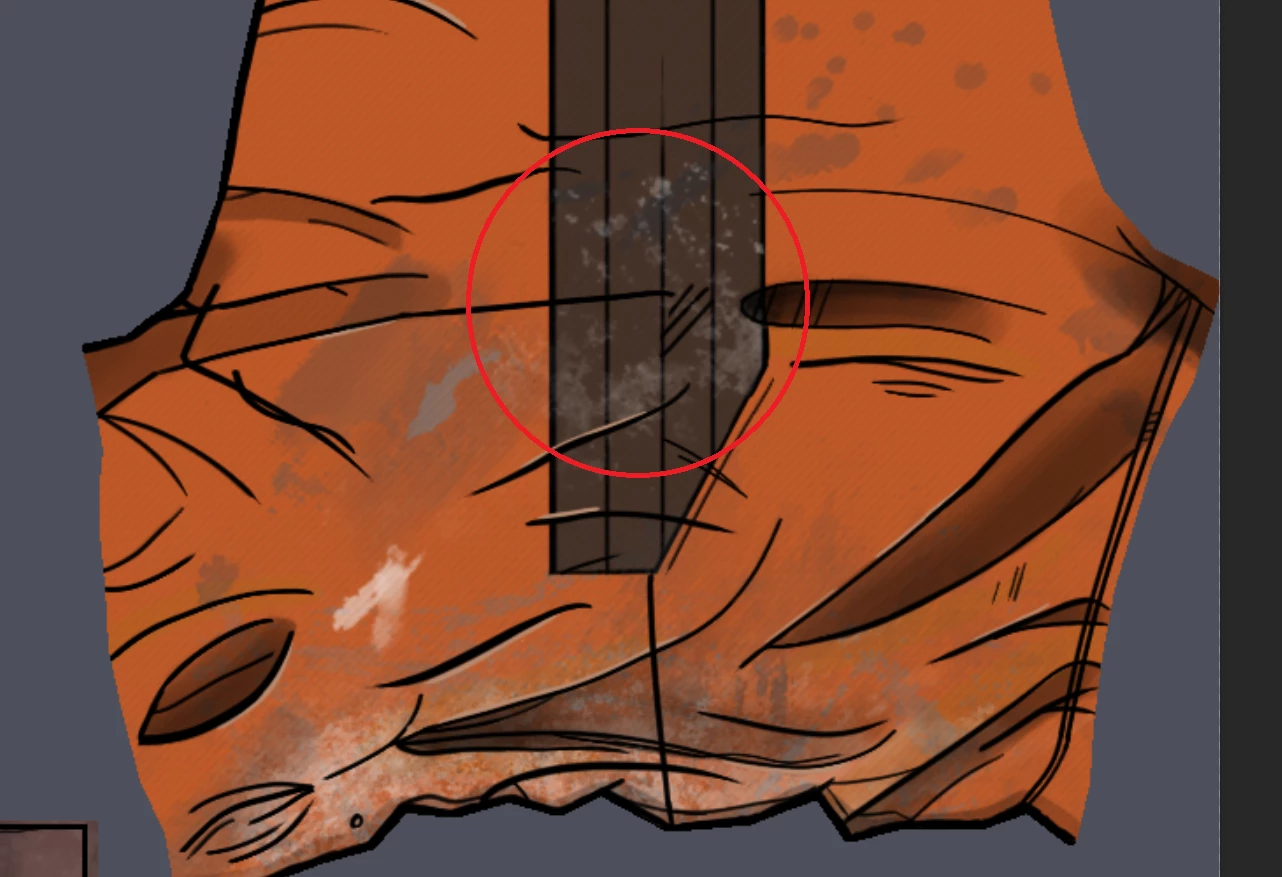
 

Apart from adding the splatter with a different coloured brush, is there any quick trick that will allow me to change the white?


Thanks
Dieses Thema wurde für Antworten geschlossen.
Beste Antwort von c.pfaffenbichler

If the splatter is a Layer of its own the Layer Style »Color Overlay« might suffice. 


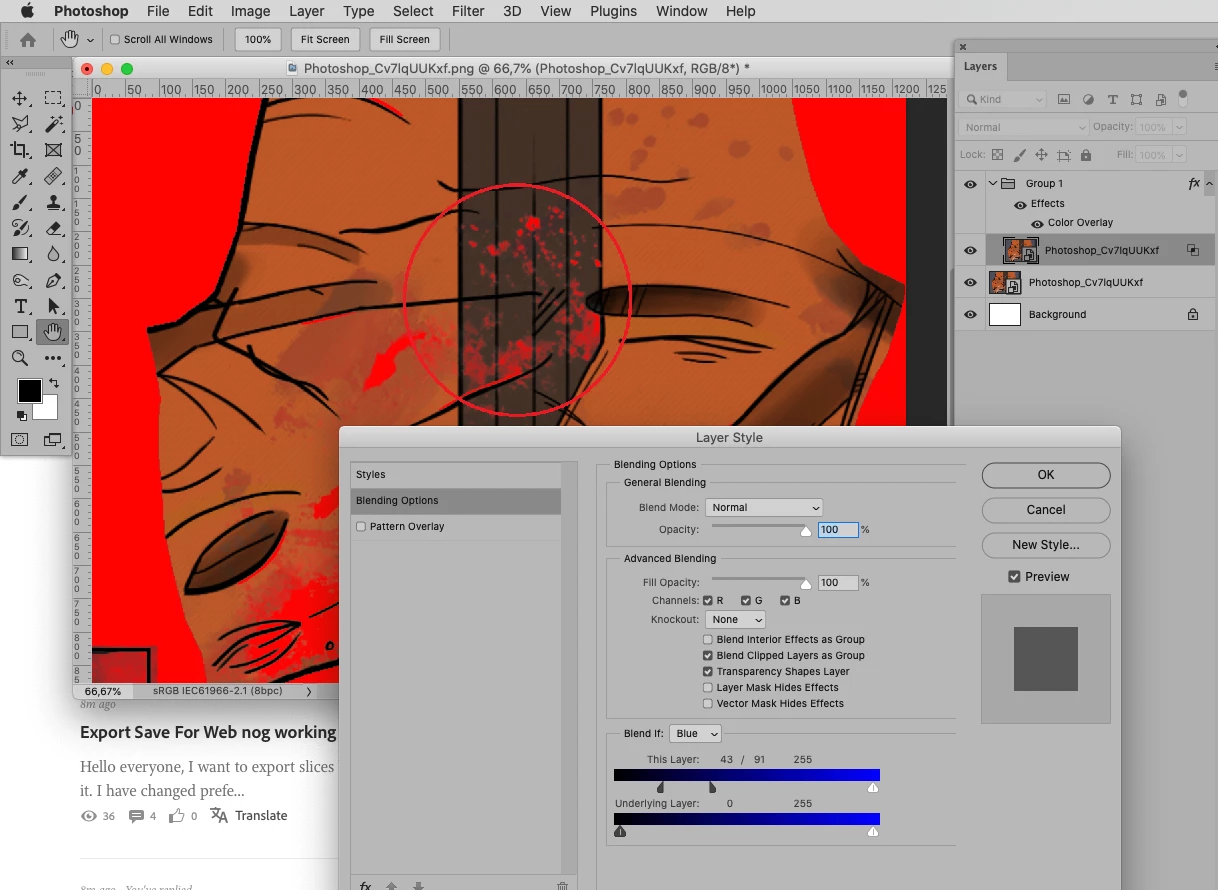
If the splatter has been merged with the background I would recommend determining the channel with the best separation, then using Blend if-settings and a Color Overlay Layer Style on a Group. (And a Layer Mask.) 

2 Antworten

c.pfaffenbichler
Community Expert
Community Expert
August 31, 2021

If the splatter is a Layer of its own the Layer Style »Color Overlay« might suffice. 


If the splatter has been merged with the background I would recommend determining the channel with the best separation, then using Blend if-settings and a Color Overlay Layer Style on a Group. (And a Layer Mask.) 

Inspiring
August 31, 2021

Perfect. The Layer Style/Colour Overlay works perfectly. Thank you. 😄

c.pfaffenbichler
Community Expert
Community Expert
August 31, 2021

Is the brush application on a Layer of its own? 

Could you please post screenshots with the pertinent Panels (Toolbar, Layers, Options Bar, …) visible? 


Edit: »Similarly, I can't select the content of the layer to make a mask from it as it says there aren't enough pixels.«

What exactly is the warning and what is its relevance? 

Inspiring
August 31, 2021

Yeah, the brush strokes were done on a separate layer. Unfortunately, I don't remember the exact brush I used as I have a LOT of them. ^^;


And the warning comes up if I hold Ctrl and try to click on the layer to make a selection of it for a mask.


c.pfaffenbichler
Community Expert
Community Expert
September 1, 2021

That warning is not really relevant, it just means that the Selection would not produce »marching ants«, it could still be used as a Layer Mask for example. 

If an object is on a Layer of its own it is more efficient to Clipping Mask Adjustment Layers to that Layer instead of giving the Adjustment Layers Masks to affect those objects. 


Edit: