
Answered
How do create a mockup ---> insert an image into another image
I'm using the following version of PS - Adobe Photoshop Version: 19.1.8 20190226.r.442 2019/02/26: 1205701 x64
I'm unable to use the newest version of PS
I just watched this video - How to Insert Your Images on a MockUp (Easy Tutorial) - YouTube
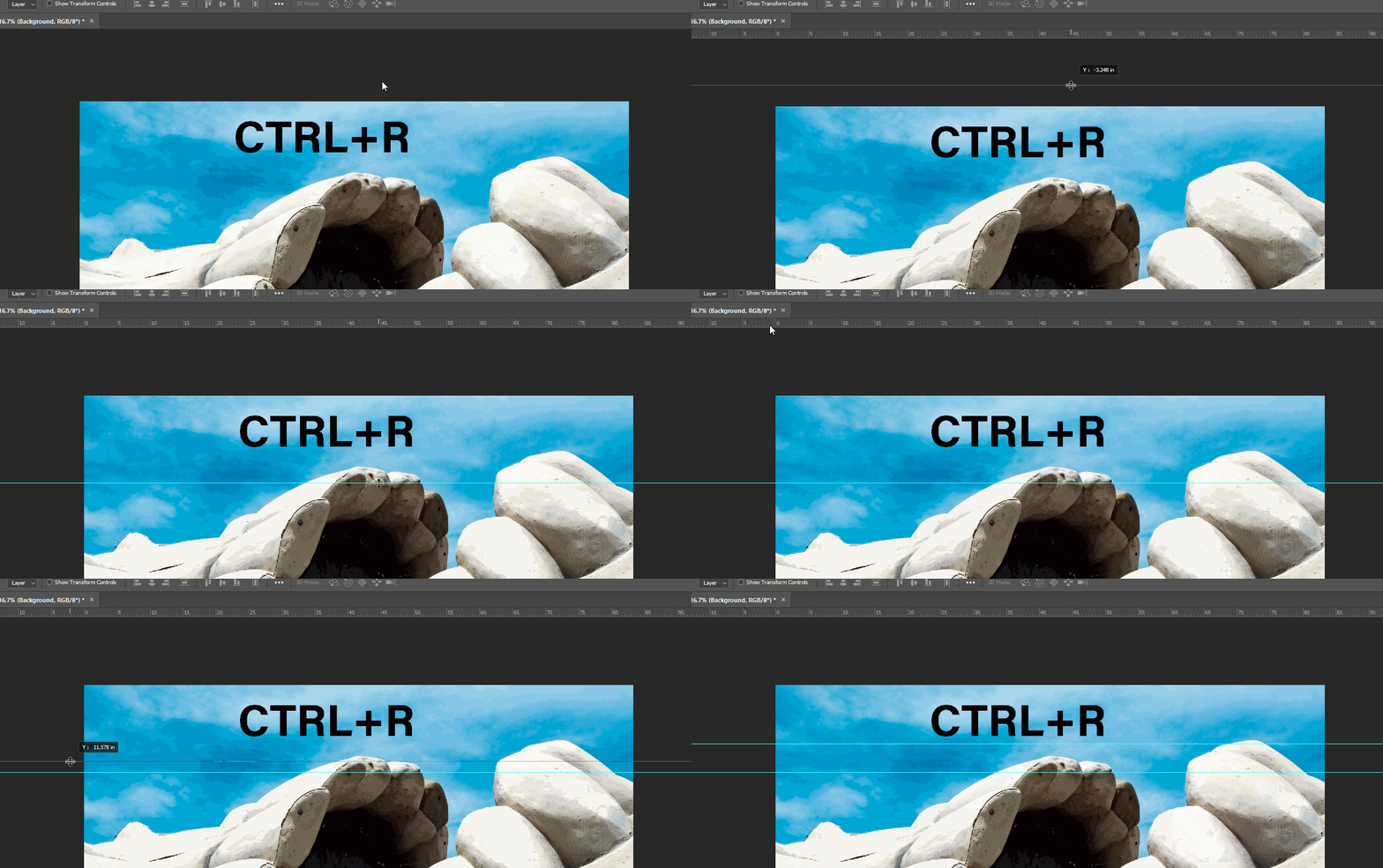
I'm a brand new user to PS and I don't know how to get the gridlines like the video shows
I'm on a pc
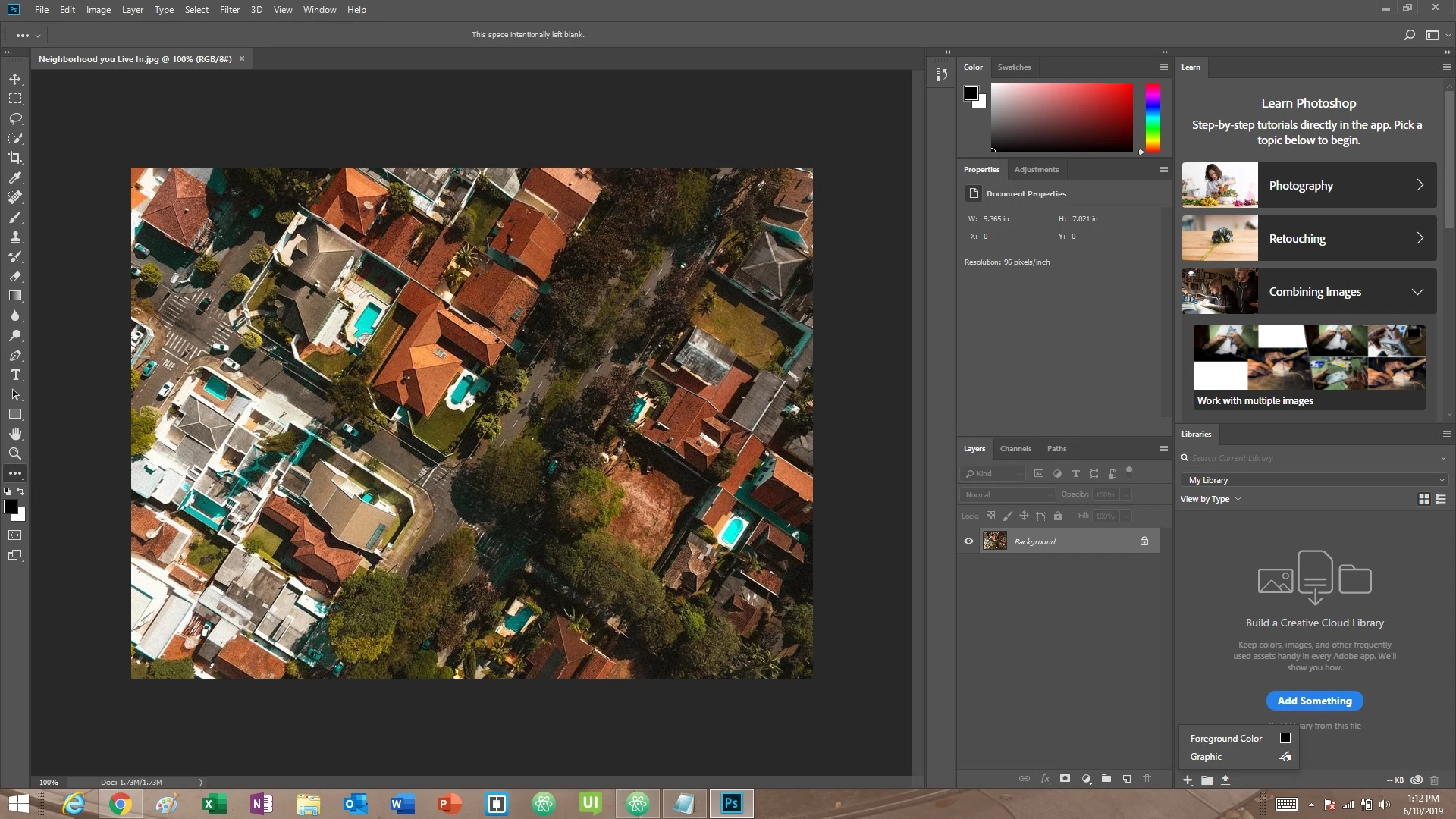
I just opened an image and the below image is of my photoshop screen. I can't find how to add gridlines
can someone help me?
 AdChoices