Answered
How do I align/distribute text for grid collage?
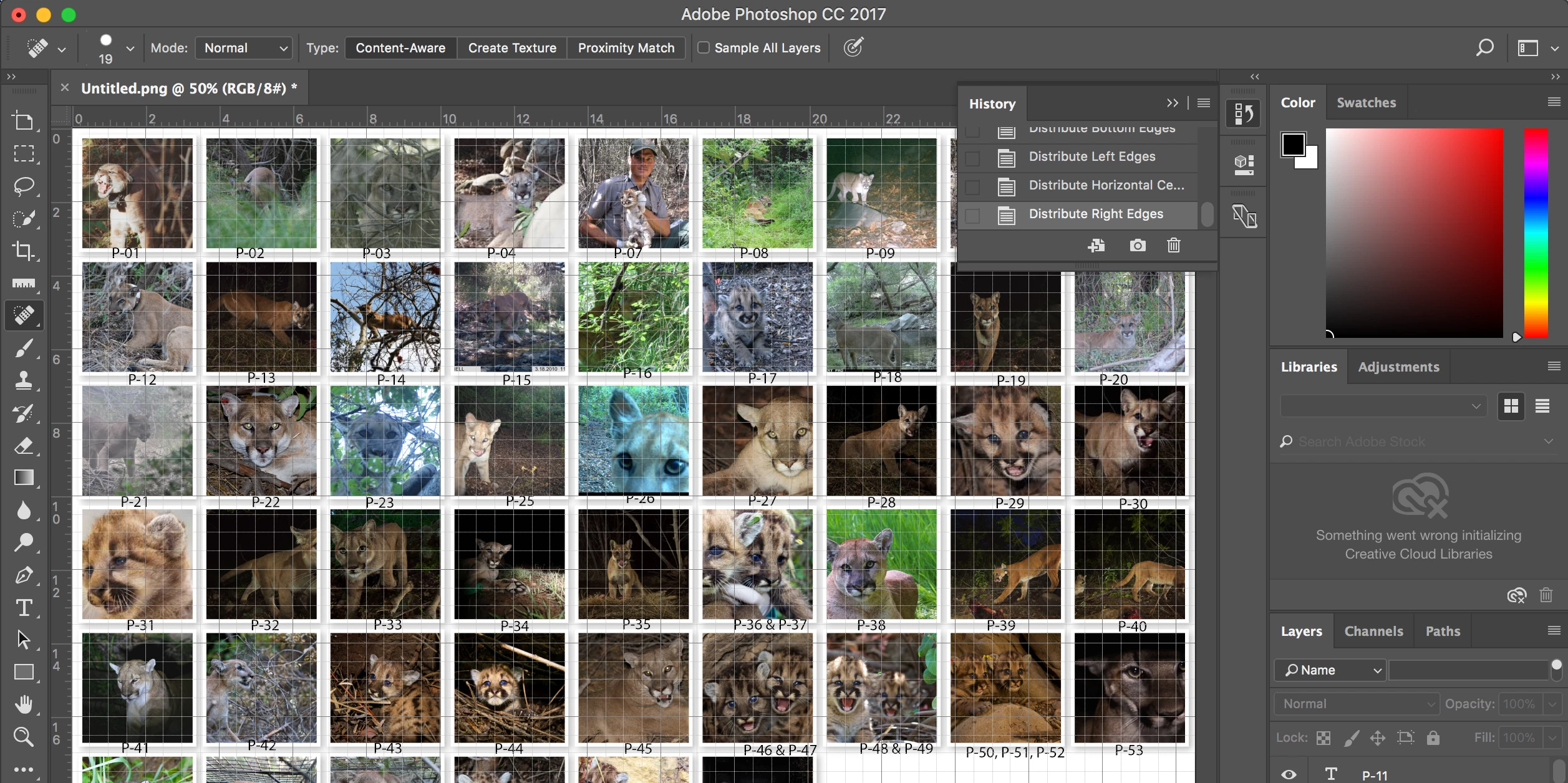
For the picture above, how would I align all the P-01 and such text so that it's in the middle underneath each picture?

For the picture above, how would I align all the P-01 and such text so that it's in the middle underneath each picture?
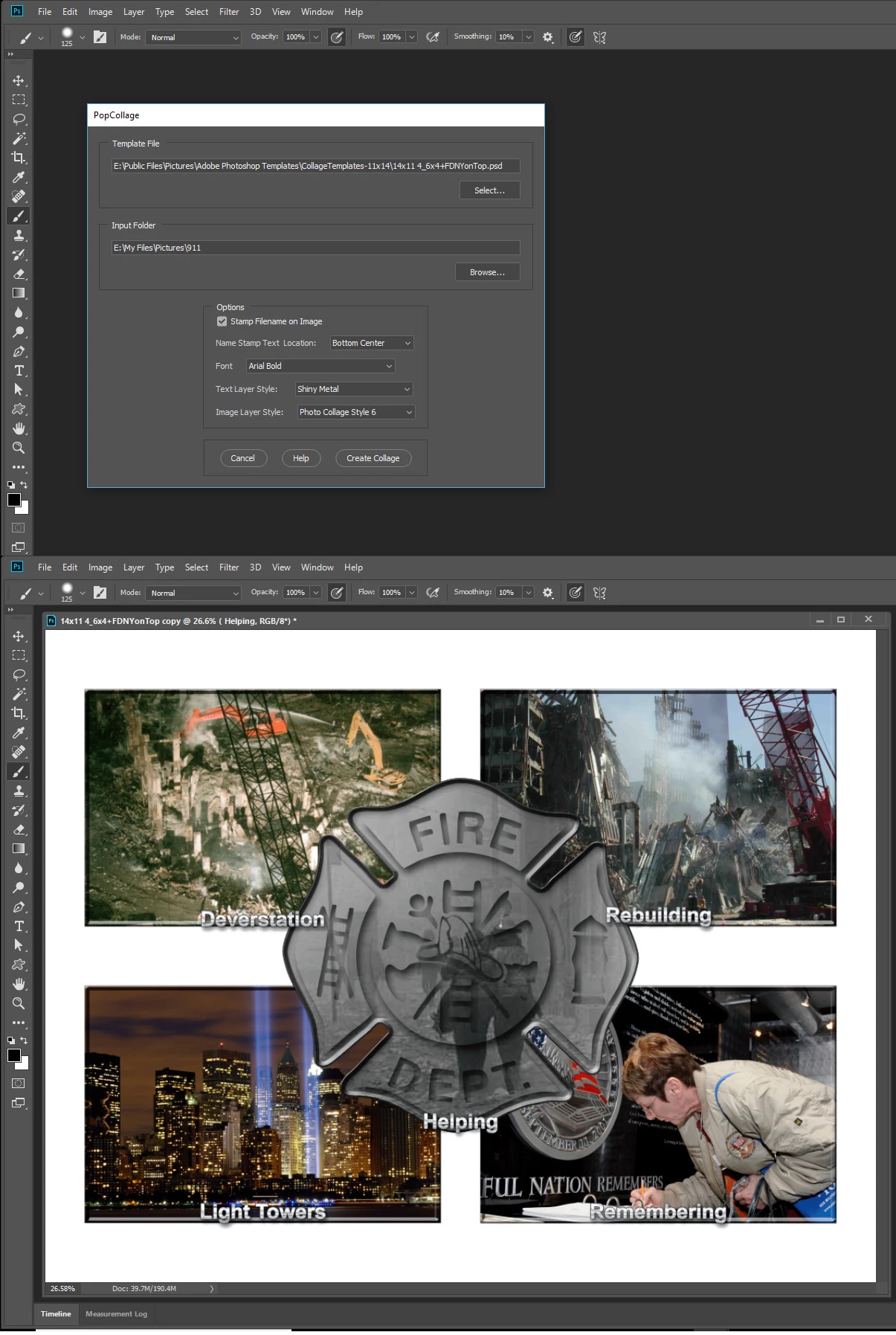
Select the image then align the text layer to the selection's bottom center. Menu Layer>Align Layers to Selection>Bottom Edge, Menu Layer>Align Layers to Selection>Horizontal center. Can be scripted. Here is a video of a script populating a Collage template without stamping text on the images. Also a screen capture showing the same script run with its text feature used.
However text is hard to to do well for text needs to fit within the areas and be readable and be a conistent size it not as simple as you may think at first.
Already have an account? Login
Enter your E-mail address. We'll send you an e-mail with instructions to reset your password.
 AdChoices