
michaelc16930356
Participant
January 7, 2020
Pregunta

How do I batch process DSC numbers on actual photos

  • January 7, 2020
  • 4 respuestas
  • 935 visualizaciones

I am trying to batch process the picture file number on mutiple photos so that I can print them of cheaply (6x4). Many of my friends I know do not use online selection.

Please see sample attached. I have started doing the process myself but I was wondering if there was a quicker way in PS.

I tried doing it in LR but it seem that the numbers are never evident when exported in JPEG.#
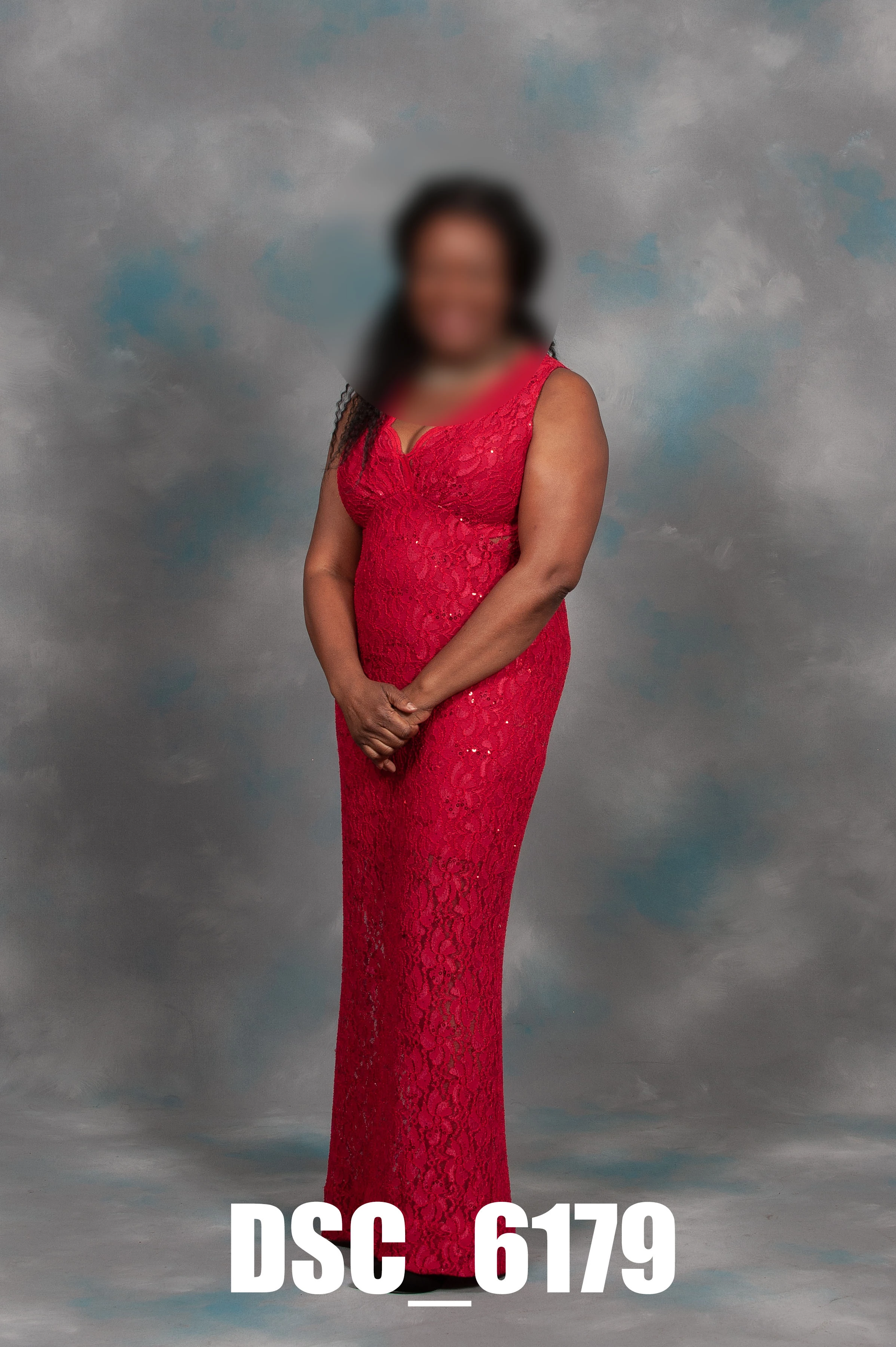
Any advise welcome from both programs.

Kind Regards

Michael Campbell

Este tema ha sido cerrado para respuestas.

4 respuestas

Legend
January 8, 2020

This script will place the filename on the photos as well and its easier to understand and more flexible than Action Manager code.

#target photoshop

testText();

function testText(){
if(documents.length > 0){
var originalDialogMode = app.displayDialogs;
app.displayDialogs = DialogModes.ERROR;
var originalRulerUnits = preferences.rulerUnits;
preferences.rulerUnits = Units.PIXELS;
try{
var docRef = activeDocument;
var LayerRef = docRef.artLayers.add();
LayerRef.kind = LayerKind.TEXT;
var TextRef = LayerRef.textItem;
var fileNameNoExtension = docRef.name;

//this section removes the file extension
fileNameNoExtension = fileNameNoExtension.split('.');
if(fileNameNoExtension.length > 1){
fileNameNoExtension.length--;
}
fileNameNoExtension = fileNameNoExtension.join('.');
//

TextRef.contents = fileNameNoExtension;

//this section positions the text and sets text parameters
TextRef.position = new Array(0, 0);
preferences.rulerUnits = Units.POINTS;
TextRef.size = 96;
TextRef.useAutoLeading = false;
TextRef.leading = 42;
TextRef.font = 'Calibri-Bold';
TextRef.justification = Justification.CENTER;
TextRef.autoKerning = AutoKernType.METRICS;
//

}
catch(e){
preferences.rulerUnits = originalRulerUnits;
app.displayDialogs = originalDialogMode;
return;
}
preferences.rulerUnits = originalRulerUnits;
app.displayDialogs = originalDialogMode;
}
else{
alert('You must have a document open to run this script.');
return;
}
}

Stephen Marsh
Community Expert
Community Expert
January 8, 2020

Save and install the script found below using the instructions at this link:


https://prepression.blogspot.com/2017/11/downloading-and-installing-adobe-scripts.html


var myDoc = app.activeDocument;
var myRulers = app.preferences.rulerUnits;
app.preferences.rulerUnits = Units.PIXELS;
var myLayerName = myDoc.name.replace(/\.[^\.]+$/, '');
var myLayerText = myDoc.artLayers.add();
myLayerText.kind = LayerKind.TEXT;
var myText = myLayerText.textItem;
myColor = new SolidColor;
myColor.rgb.red = 255;
myColor.rgb.green = 255;
myColor.rgb.blue = 255;
myLayerText.textItem.color = myColor;
myText.position = [0,0];
myText.justification = Justification.CENTER;
myText.size = 210;
myText.font = 'Impact';
myText.contents = myLayerName;
myLayerText.name = myLayerName;

// Start Align Active Layer

/* 
macscripter.net/viewtopic.php?id=38890

AdLf = Align Left
AdRg = Align Right
AdCH = Align Centre Horizontal
AdTp = Align Top
AdBt = Align Bottom
AdCV = Align Centre Vertical
*/

//www.ps-scripts.com/viewtopic.php?f=66&t=7036&p=35273&hilit=align+layer#p35273

align('AdBt'); // Align Bottom (change as required)
align('AdCH'); // Align Centre Horizontal (change as required)

// No need to change anything else!
function align(method) {
   app.activeDocument.selection.selectAll();
   var desc = new ActionDescriptor();
   var ref = new ActionReference();
   ref.putEnumerated(charIDToTypeID("Lyr "), charIDToTypeID("Ordn"), charIDToTypeID("Trgt"));
   desc.putReference(charIDToTypeID("null"), ref);
   desc.putEnumerated(charIDToTypeID("Usng"), charIDToTypeID("ADSt"), charIDToTypeID(method));
   try {
      executeAction(charIDToTypeID("Algn"), desc, DialogModes.NO);
   } catch (e) {}
   app.activeDocument.selection.deselect();
};
// Finish Align Active Layer

app.activeDocument.activeLayer.translate(0, -70);

// app.activeDocument.flatten();

app.preferences.rulerUnits = myRulers;


Then record the script into an action and run via Batch, Image Processor or Image Processor Pro scripts.


Enjoy!


P.S. Here is the result of my script in magenta, it almost perfectly matches your example forum upload.


michaelc16930356
Participant
January 8, 2020

I am a bit slow on the up take for this method any simplify tutorial available?


Kind Regards

Michael Campbell

Stephen Marsh
Community Expert
Community Expert
January 8, 2020

Simply select and copy/paste the script code into a plain text document, saving the file with a .jsx filename extension. Ensure that a double extension is not incorrectly added, such as .jsx.txt


Only paste the source code into plain text editors such as Notepad (WordPad or MS Word are not plain text editors).


Scripts are installed in the /Presets/Scripts folder


Mac OS Example:


/Applications/Adobe Photoshop CC 2018/Presets/Scripts


Win OS Example:


C:\Program Files\Adobe\Adobe Photoshop CC 2018\Presets\Scripts


Alternatively, select File > Scripts > Browse, and navigate to the script file.


Further information at the Adobe site:

https://helpx.adobe.com/photoshop/using/scripting.html


NOTE: If running, Adobe Photoshop must be quit and restarted for newly added scripts to become accessible.

Stephen Marsh
Community Expert
Community Expert
January 7, 2020

This is easy enough to do with various scripts, it just depends on whether the source of the variable text is the filename or metadata etc.

Kevin Stohlmeyer
Community Expert
Community Expert
January 7, 2020

Have you tried running contact sheets from Adobe Bridge? You can have the file name printed below the image.

As for printing, Shutterfly prints the name of the file on the backs of the photo for reference.

michaelc16930356
Participant
January 8, 2020

Tried this yesterday and sent them off for print in Costco. I managed to 30 images on contact sheet size 12" x18"

There were 427 images so it took up 15 sheets at £2.29 each. Total £32.00 approx.

They were saved in PDF format only and I converted them in PS to Jpeg.

Thank you for the tip.