
Inspiring
July 24, 2022
Beantwortet

How do I change the files that Ps displays on the start up screen?

  • July 24, 2022
  • 3 Antworten
  • 427 Ansichten

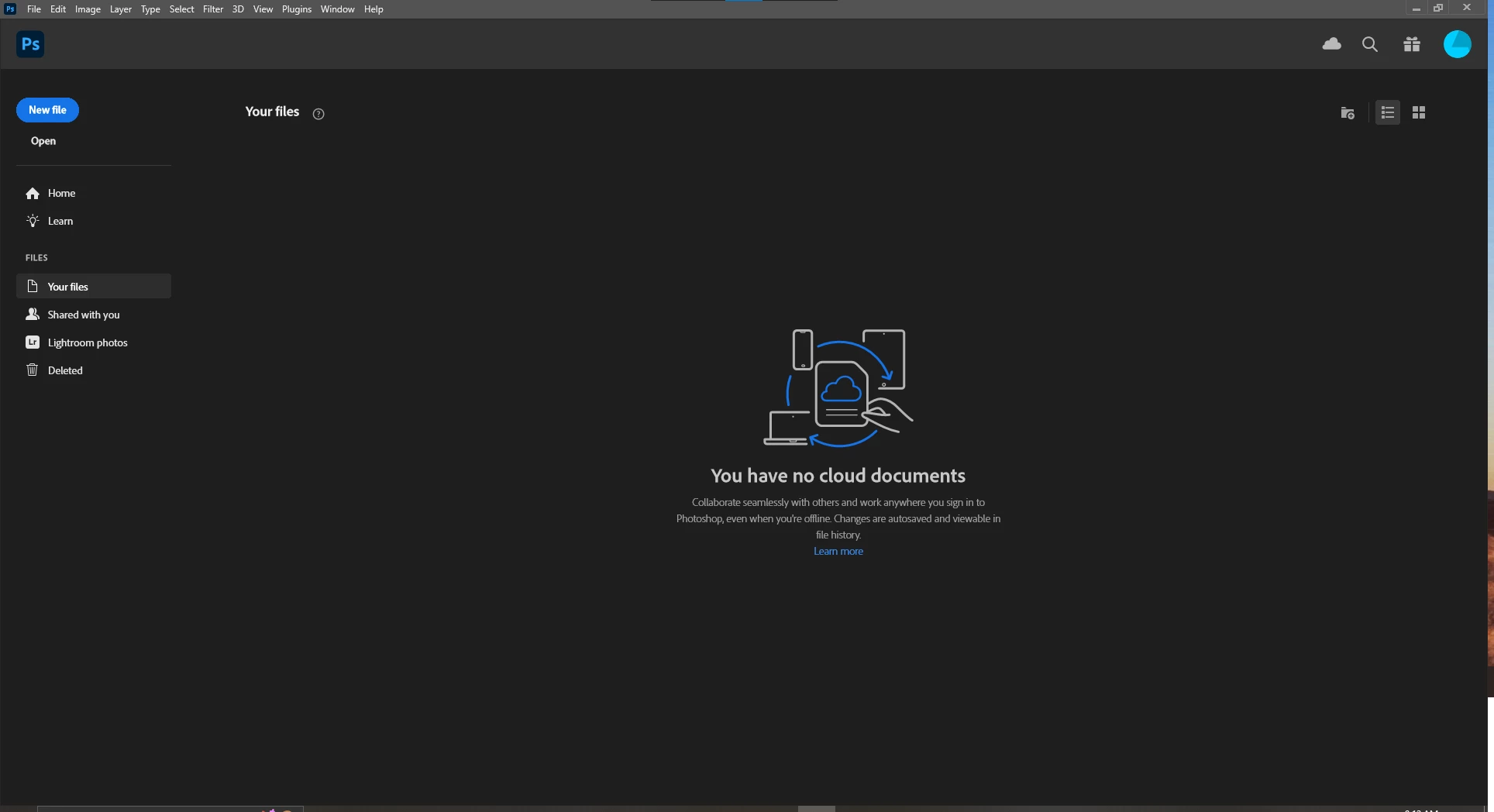
In previous versions of Ps, when you opened the program it would display your recent files, you could click on a file and it would open that way. Now the start up just wants to display your cloud saved files. I don't use the cloud. All my files are saved on my local PC. How do I change this to display my local files and not the cloud files that it currently wants to display? 
Beste Antwort von Marianne-Deiters

Just klick on Home to see yout recent files.

3 Antworten

Participating Frequently
April 10, 2025

This suggestion (below - click on home) did not work for me - and neither did any of the other suggestions such as reset preferences, restart PhotoShop, restart computer,  etc. - I am running PhotoShop 2024 on iMac OS-13. The "Recent Files" display window has just disappeared. When I open photoshop, I just get a blank screen.  I'm at a loss - can't figure this one out.    

Marianne-Deiters
Participating Frequently
July 24, 2022

Just klick on Home to see yout recent files.

Inspiring
July 24, 2022

Don't I feel like an idiot! Didn't even think of clicking on that. 

Thank you!!! 

AxelMatt
Community Expert
Community Expert
July 24, 2022

Normally the recent files were shown in the start screen.


Please try to reset the preferences of Photoshop using the steps described here:

Preferences in Photoshop (adobe.com)

Please backup your settings before resetting the preferences. You can check:

Preferences in Photoshop (adobe.com)


My System: Intel i7-8700K - 64GB RAM - NVidia Geforce RTX 3060 - Windows 11 Pro 25H2 -- LR-Classic 15 - Photoshop 27 - Nik Collection 8 - PureRAW 6 - Topaz Photo AI