Hi @Servs
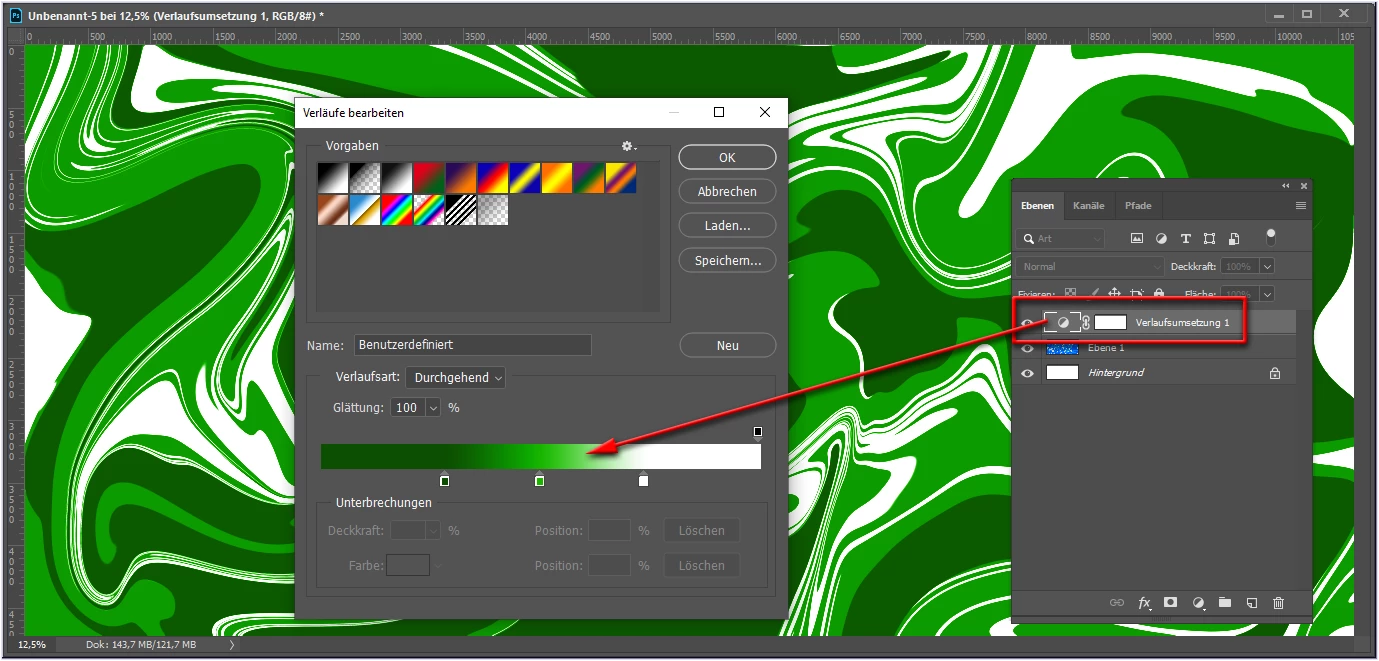
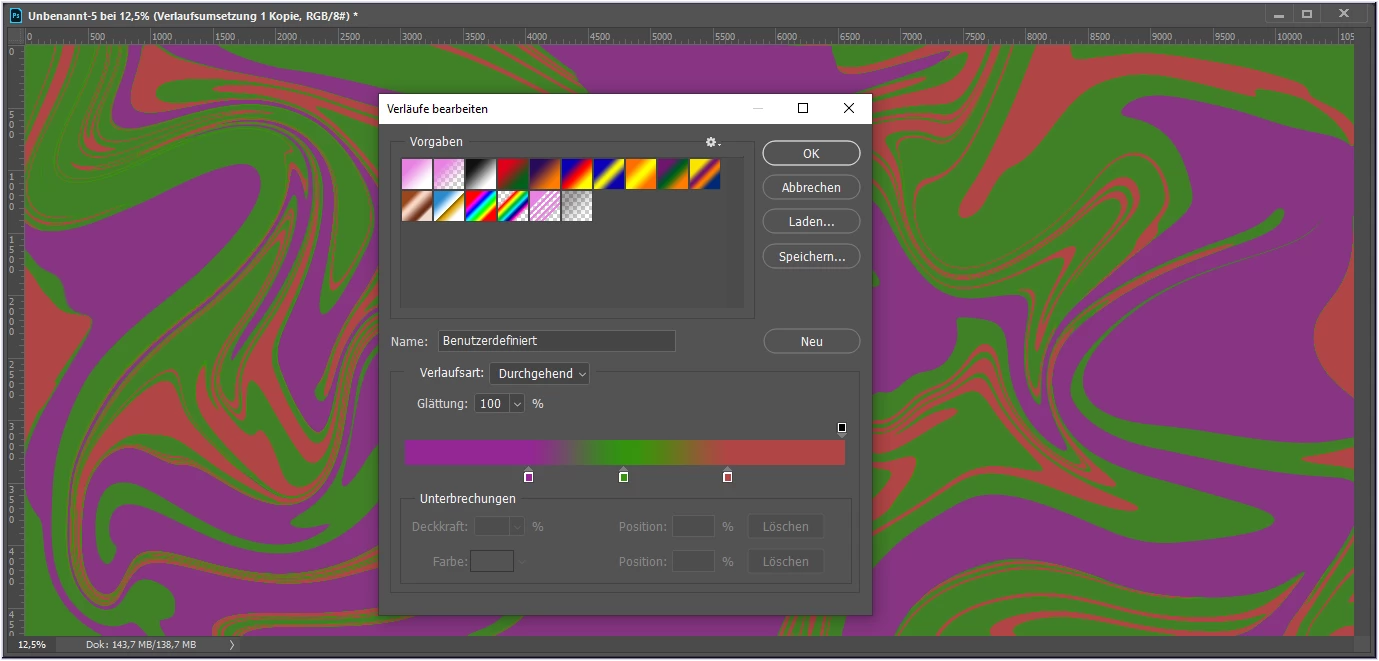
… For such graphic images, the best way to achieve the desired colour changes is to use a gradient map adjustment layer.
Here is a screenshot with a possible result (sorry for my German UI):
By @pixxxelschubser
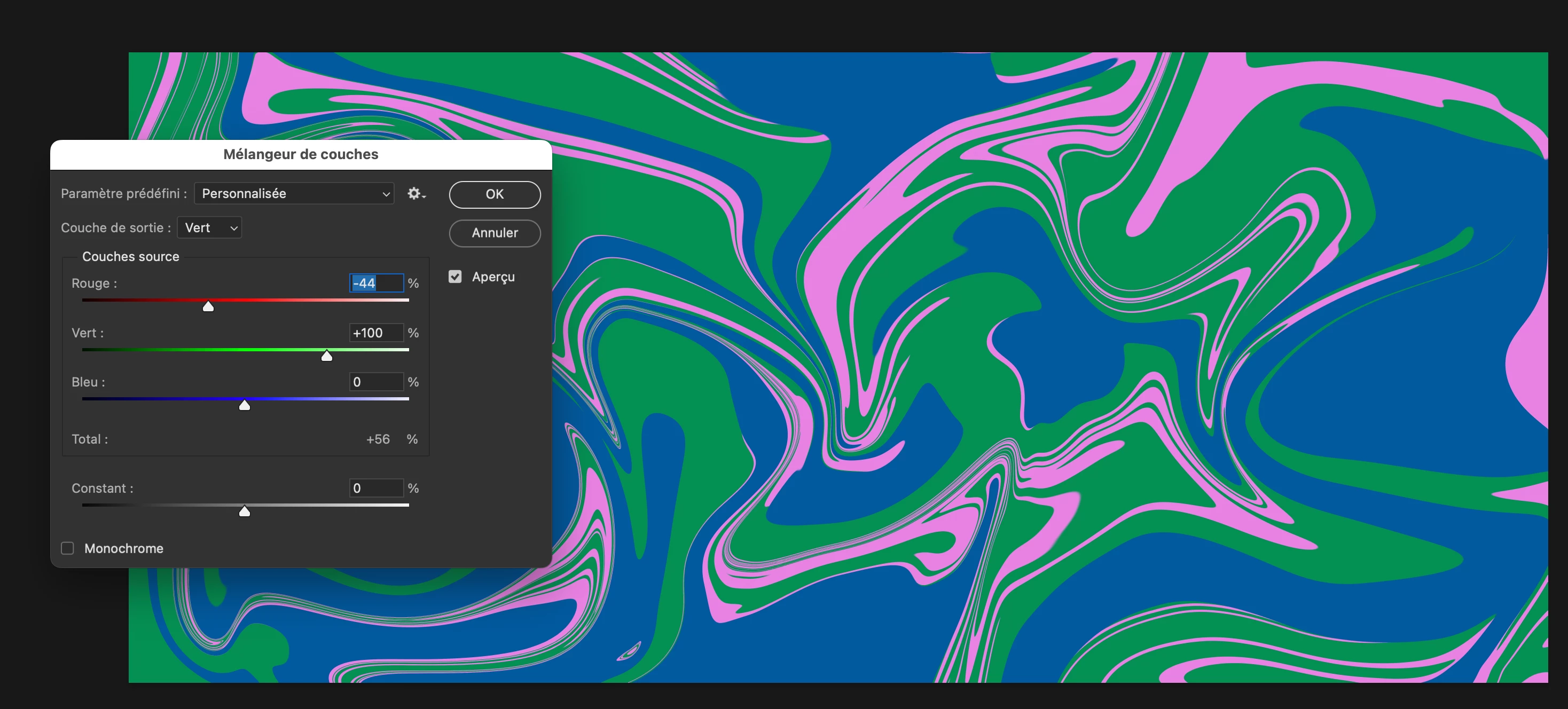
I would use chanel mixer.
You can set up differently the outputchannels to get several colors. Better with CMYK maybe…
By @didiermazier
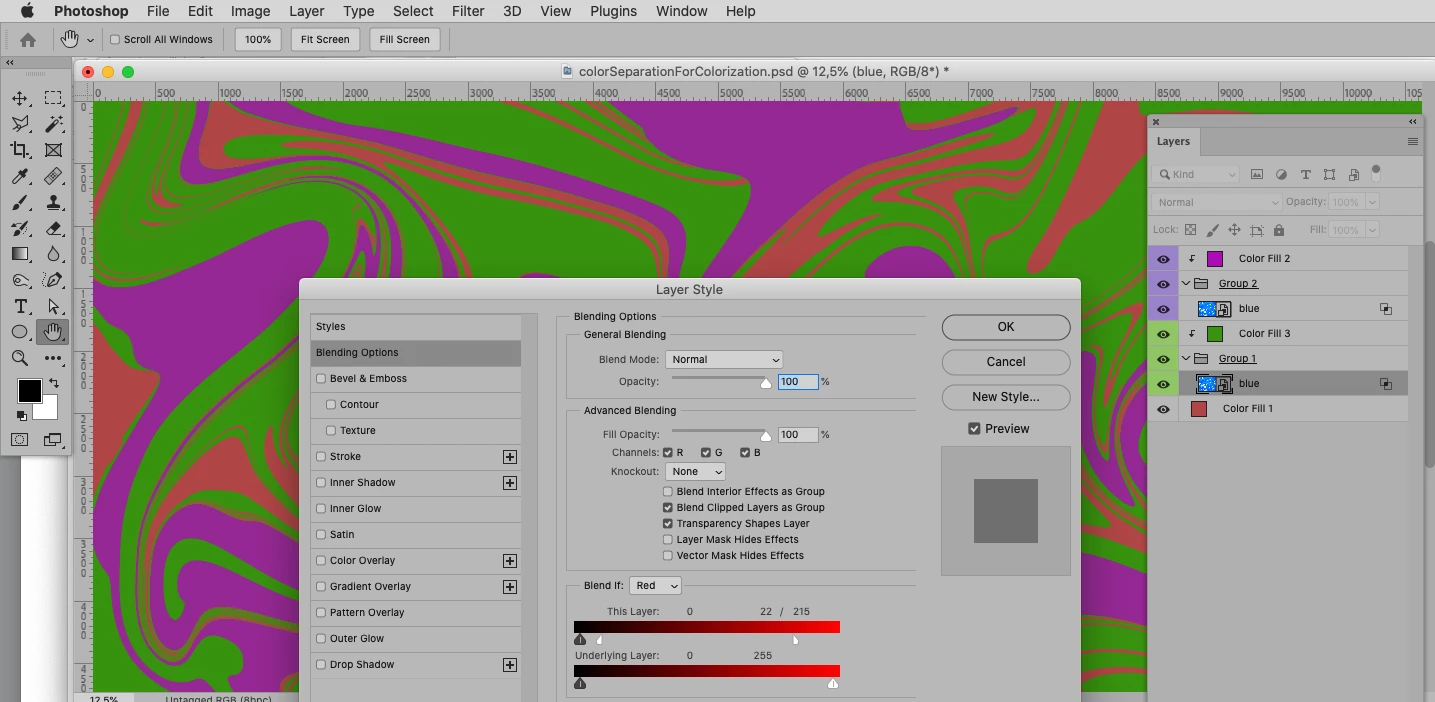
Yet another option would be creating Layer Masks or using Blend if-settings and Clipping Masks for Solid Color Layers.
By @c.pfaffenbichler
@Servs
You have already become acquainted with some of the variants. Among them are settings suitable for beginners - but also advanced techniques for experienced Photoshop users. Some variants allow more influence than others. Basically, you can achieve your goal with all variants. It only depends on your level of knowledge and what you want to change and how.
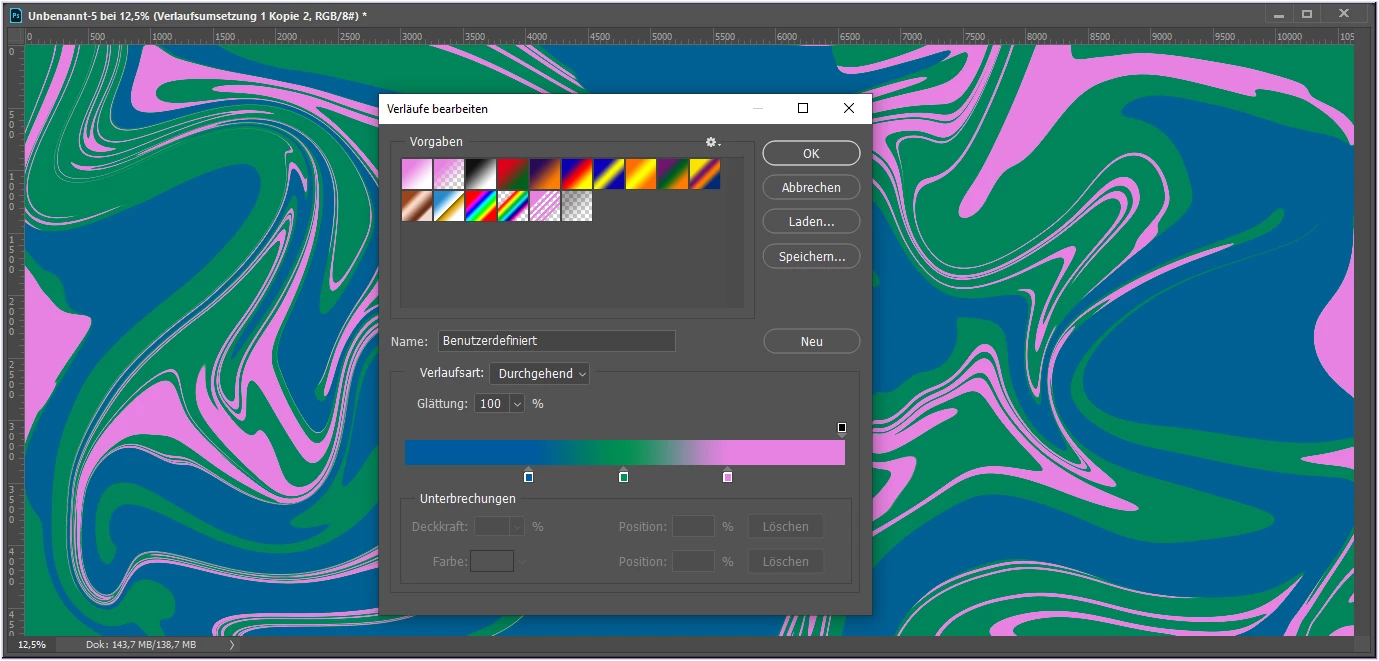
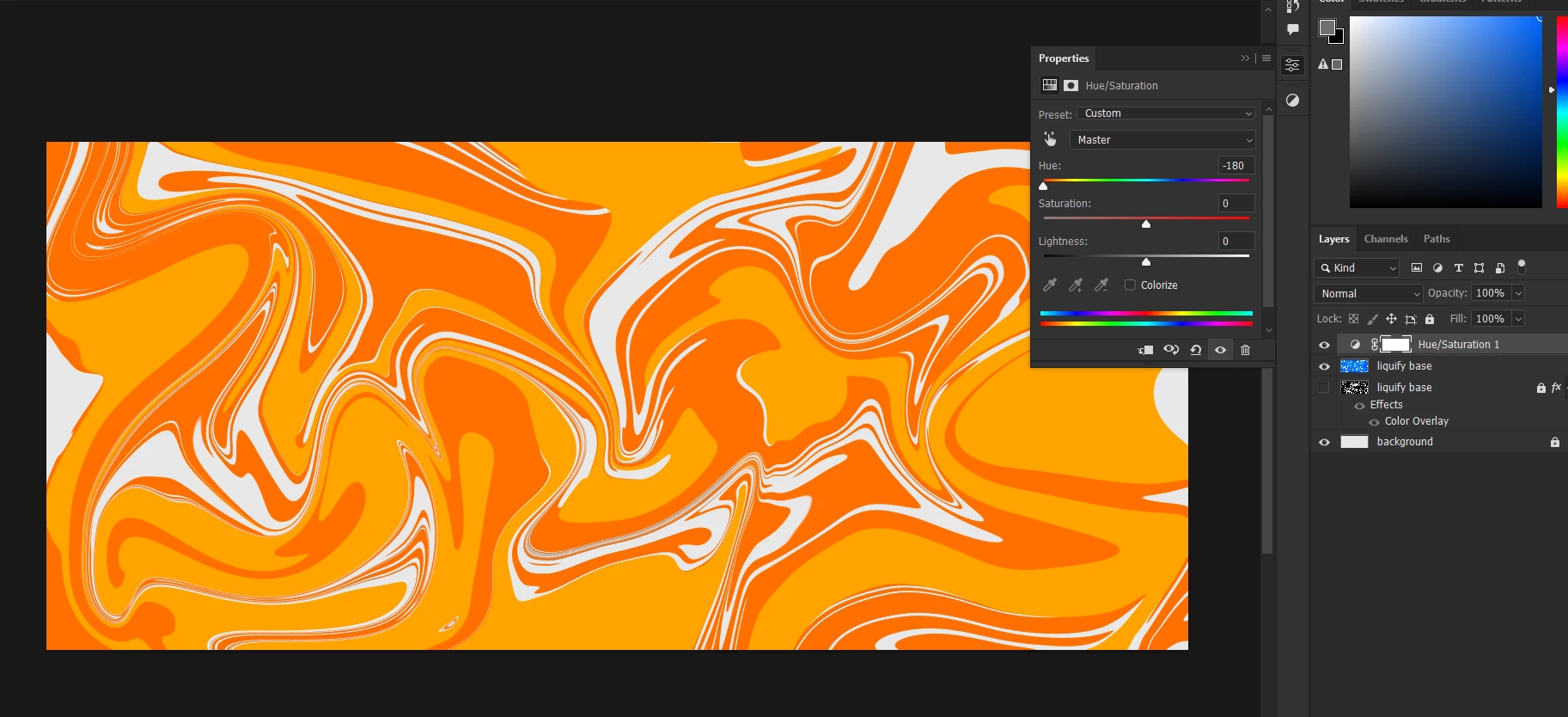
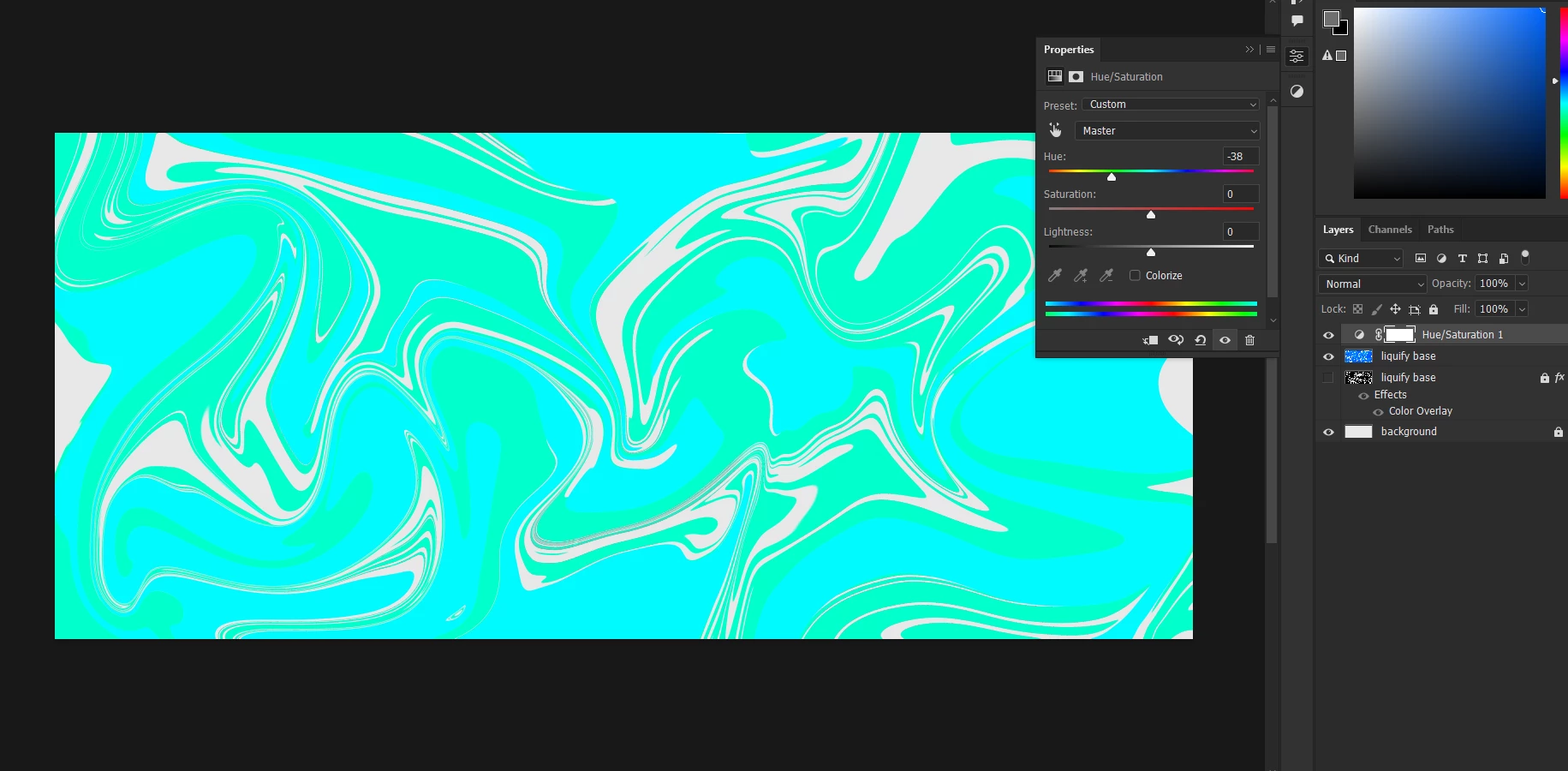
Here are the variants of @didiermazier and @c.pfaffenbichler, reconstructed with gradient map adjustment layer and the colours they used.
Have fun
😉




 AdChoices