Question
How do I choose gradient colors from swatches?
When I go to edit my gradient colors the only option I get is the color picker. How do I select swatch or library colors without having to first write down the codes?
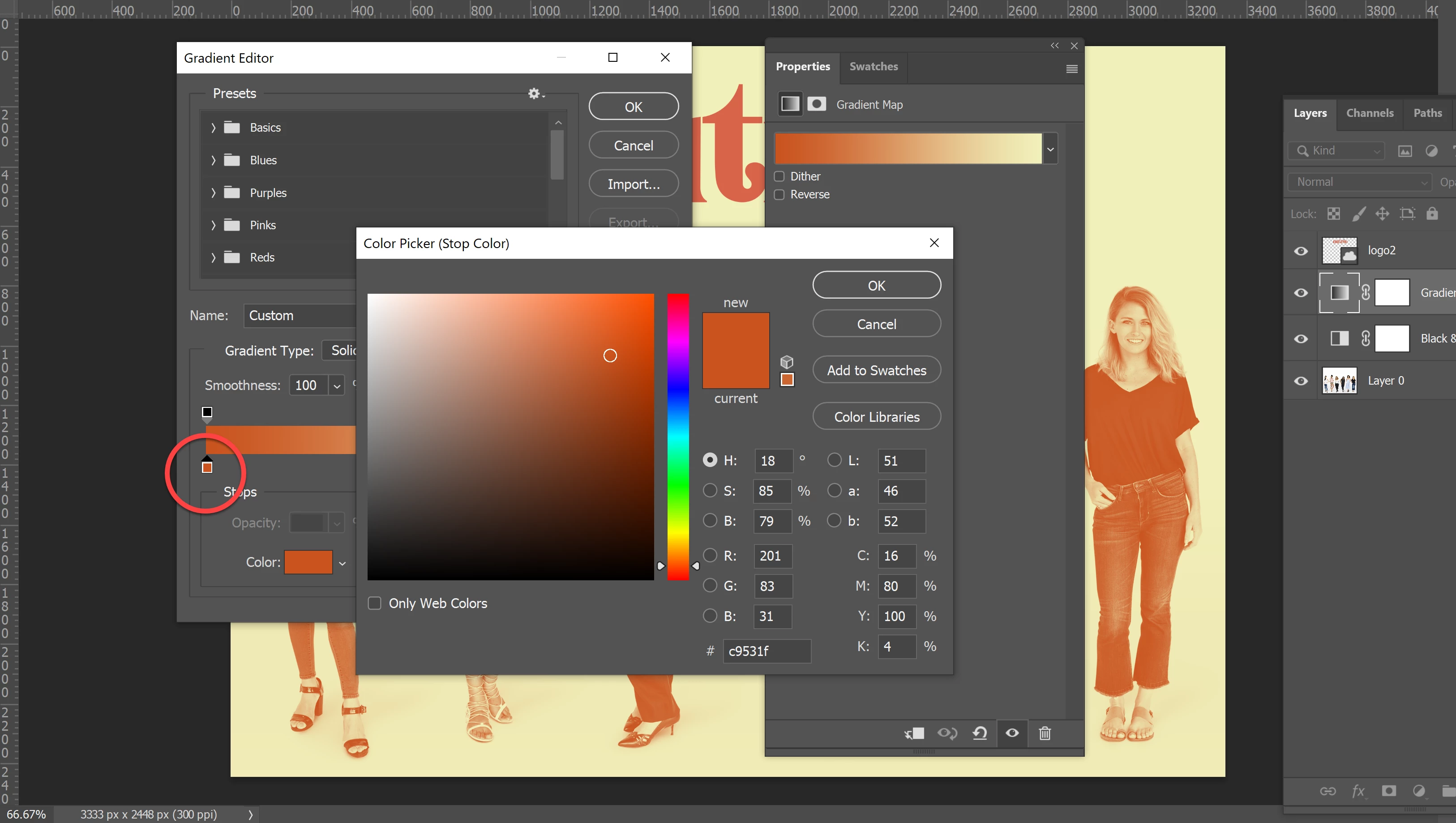

When I go to edit my gradient colors the only option I get is the color picker. How do I select swatch or library colors without having to first write down the codes?
Already have an account? Login
Enter your E-mail address. We'll send you an e-mail with instructions to reset your password.
 AdChoices