
Question
How do I combine images with the same composition into one?
These are example images, but how would I combine these two images into one image with the same composition? Is it possible to do this automatically without masking? 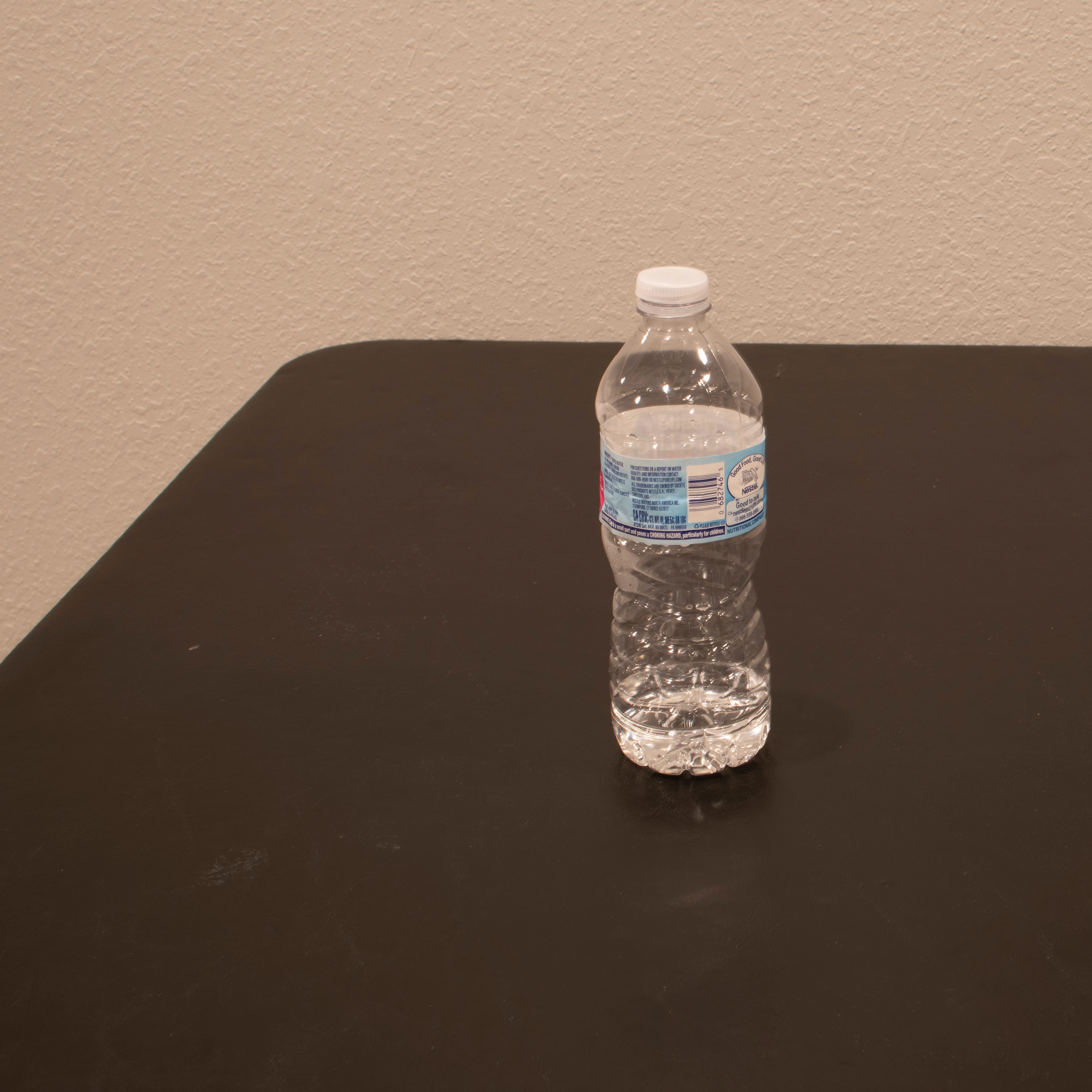
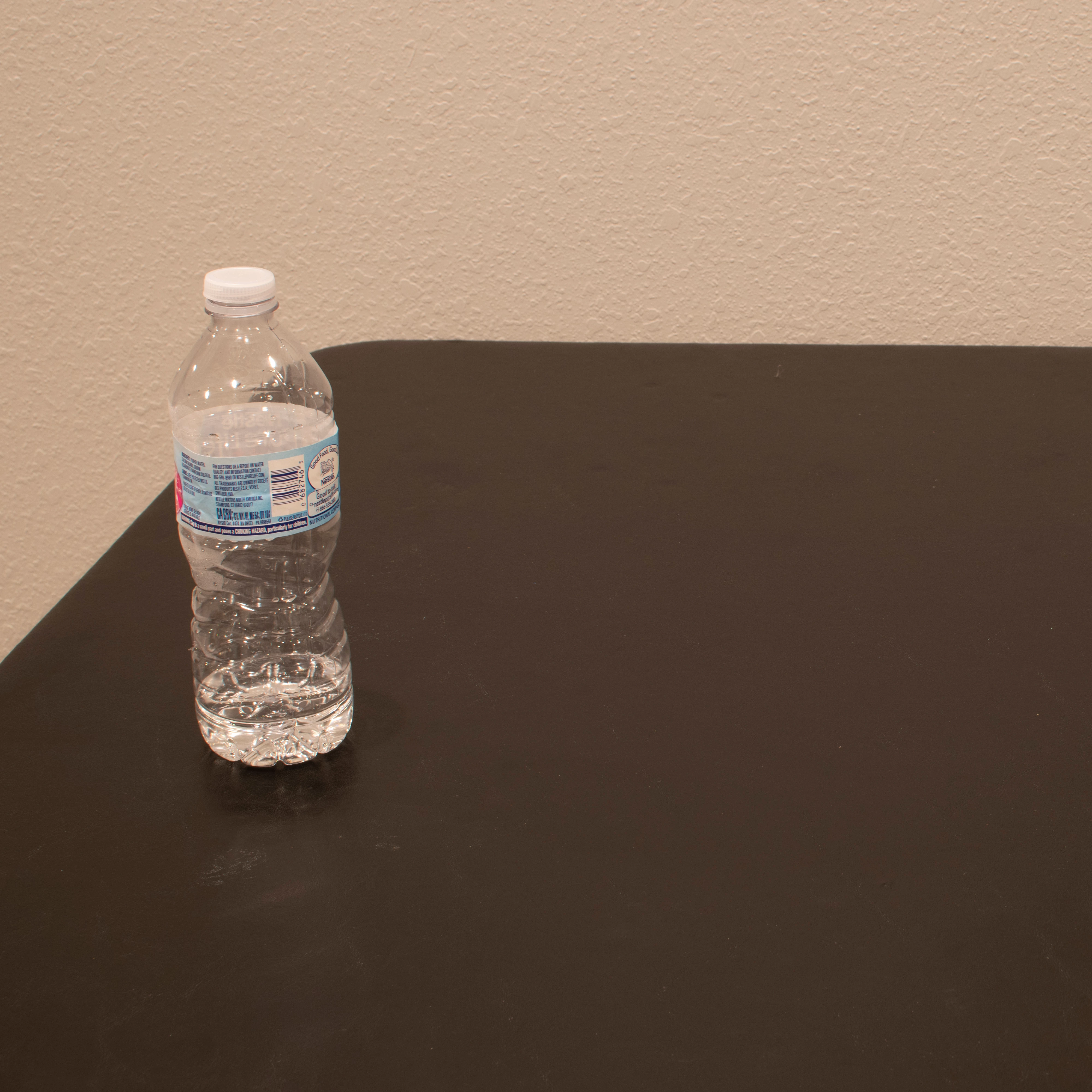

These are example images, but how would I combine these two images into one image with the same composition? Is it possible to do this automatically without masking?
Already have an account? Login
Enter your E-mail address. We'll send you an e-mail with instructions to reset your password.
 AdChoices