
Inspiring
August 11, 2018
Answered

How do I create a dialog box around a text?

  • August 11, 2018
  • 1 reply
  • 904 views

How do I create a dialog around the text I created with horizontal type tool? I need to create a dialog box to create instructions with this png file. I need to type instructions to tap on this checkbox to select the item and place a checkmark in the checkbox. I would like to make it look nice.
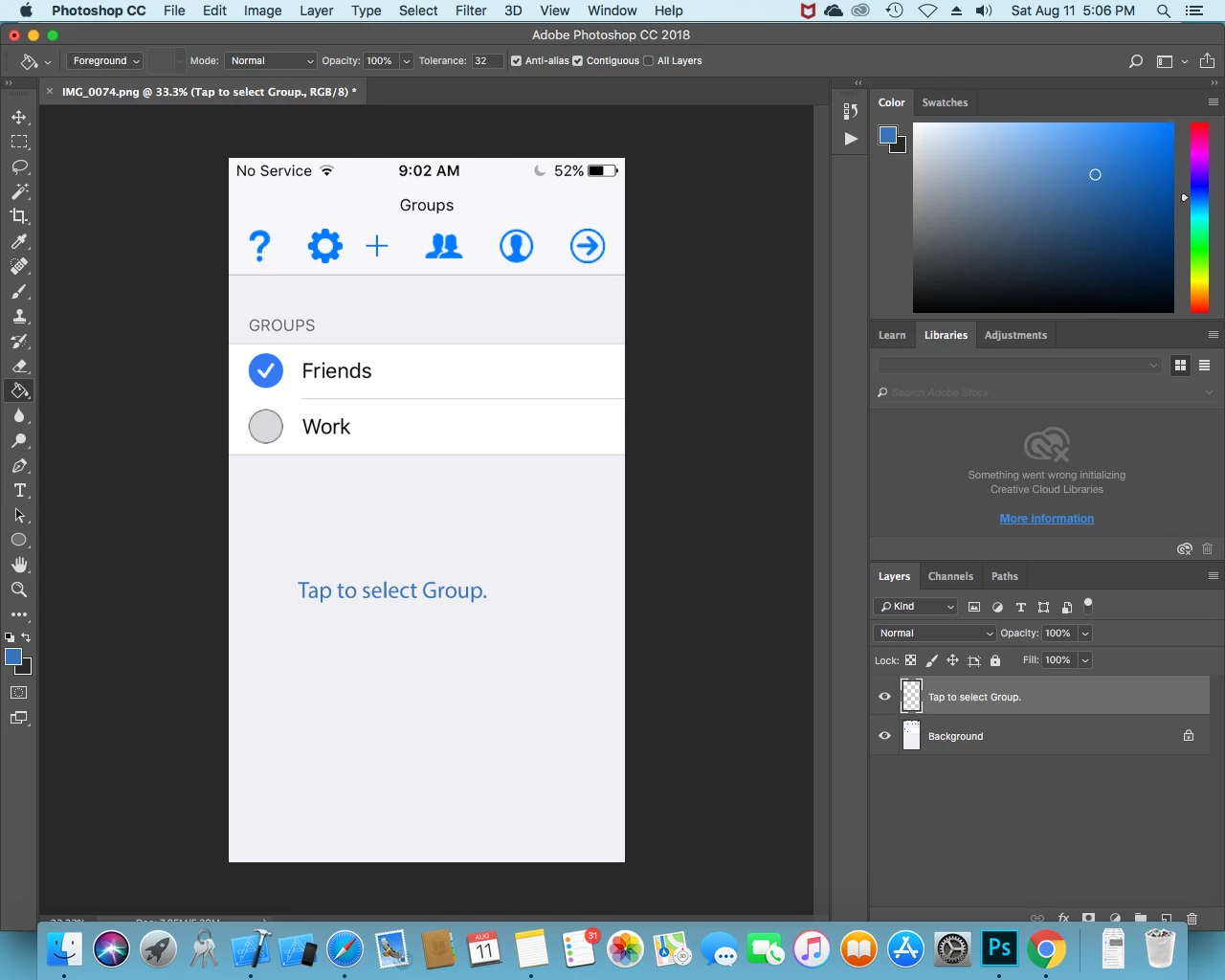
Message was edited by: Daniel Brower Added image of work area

This topic has been closed for replies.
Correct answer JJMack

Just creat two layers a box shape layer with a black stroke and a text layer on top of the box layer

1 reply

JJMack
Community Expert
August 11, 2018

Are you creating a Photoshop extension or a Photoshop script.  A script dialog is created using ScriptUI and an extension dialog I believe is created using HTML. Or are you creating a dialog for an App for a web device IOS or Android? Your png looks like it may be for an iPhone app.

JJMack
Inspiring
August 11, 2018

It's for an iPhone app, but I'm using straight Photoshop, no scripts or coding. I'm just a beginner at Photoshop trying to get by. I'm hoping there is a way to automatically encase the text I type with the horizontal type tool so I don't have to use the rectangle tool or add layers.

JJMack
JJMackCorrect answer
Community Expert
August 11, 2018

Just creat two layers a box shape layer with a black stroke and a text layer on top of the box layer

JJMack