January 15, 2024
Question

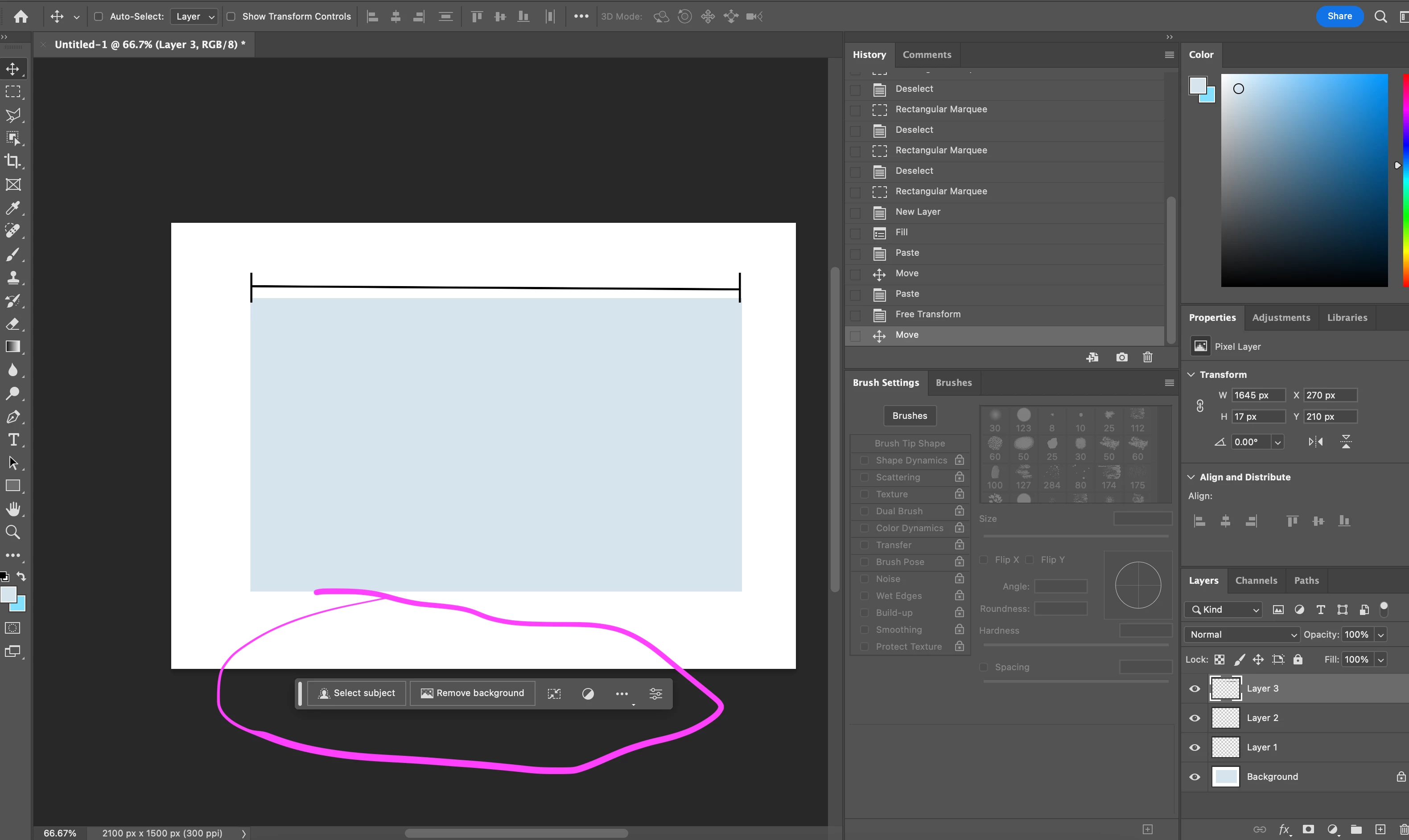
How do I disable the pop up menus? [Contextual Task Bar]
  • January 15, 2024
  • 3 replies
  • 1937 views


[ "Contextual Task Bar" added to subject for clarity ]



This topic has been closed for replies.

3 replies

Trevor.Dennis
Community Expert
Community Expert
January 15, 2024

Another option is to asign a shortcut for the CTB.  I use F3 to toggle the CTB on and off.


Myra's suggestion to Hide the CTB is a good one because you can park it out of the way.  You should have enough room on the Options Bar to the left of the hated Share button


Myra Ferguson
Community Expert
Community Expert
January 15, 2024

Oh, that's a good idea of where to place it if you don't actually want to hide it. I might keep it there. 🙂

jane-e
Community Expert
Community Expert
January 17, 2024

@jane-e there was an update, I think the one after the contextual task bar was introduced or maybe later that pinned the contextual task bar to the location for all sessions


Thanks Ged, 😊 that's good to know, but I still don't see much use for it.

Jane

Myra Ferguson
Community Expert
Community Expert
January 15, 2024

You can also click on the 3 dots on the right side of the Contextual Task Bar and select Hide Bar.

Jeff Arola
Community Expert
Community Expert
January 15, 2024

Go to Window and uncheck Contextual Task Bar