


Question
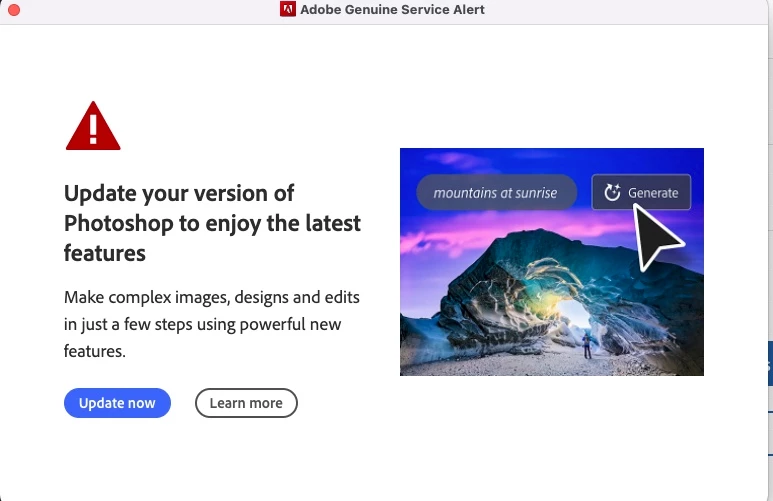
How do I get rid of this popup alert for Photoshop?
I have creative cloud on two machines, as per the license. One of those machines is old, but very functional, and is convenient to have, but I'm not updating it anytime soon. It is an older Mac Pro running Mac OS Monterey 12.6.9.
For a whilie now I can't upgrade PS. That's fine. But recently I've started getting this popup message at random times, and it's annoying. Its popped up three times today while I'm working.

My question is, how can I make this go away? I've searched all my communication settings and can't find a way to dismiss it.
 AdChoices