donaldb62894623
Participant
April 14, 2019
Question

How do I increase the size of brush preview thumbnails?

  • April 14, 2019
  • 3 replies
  • 8234 views

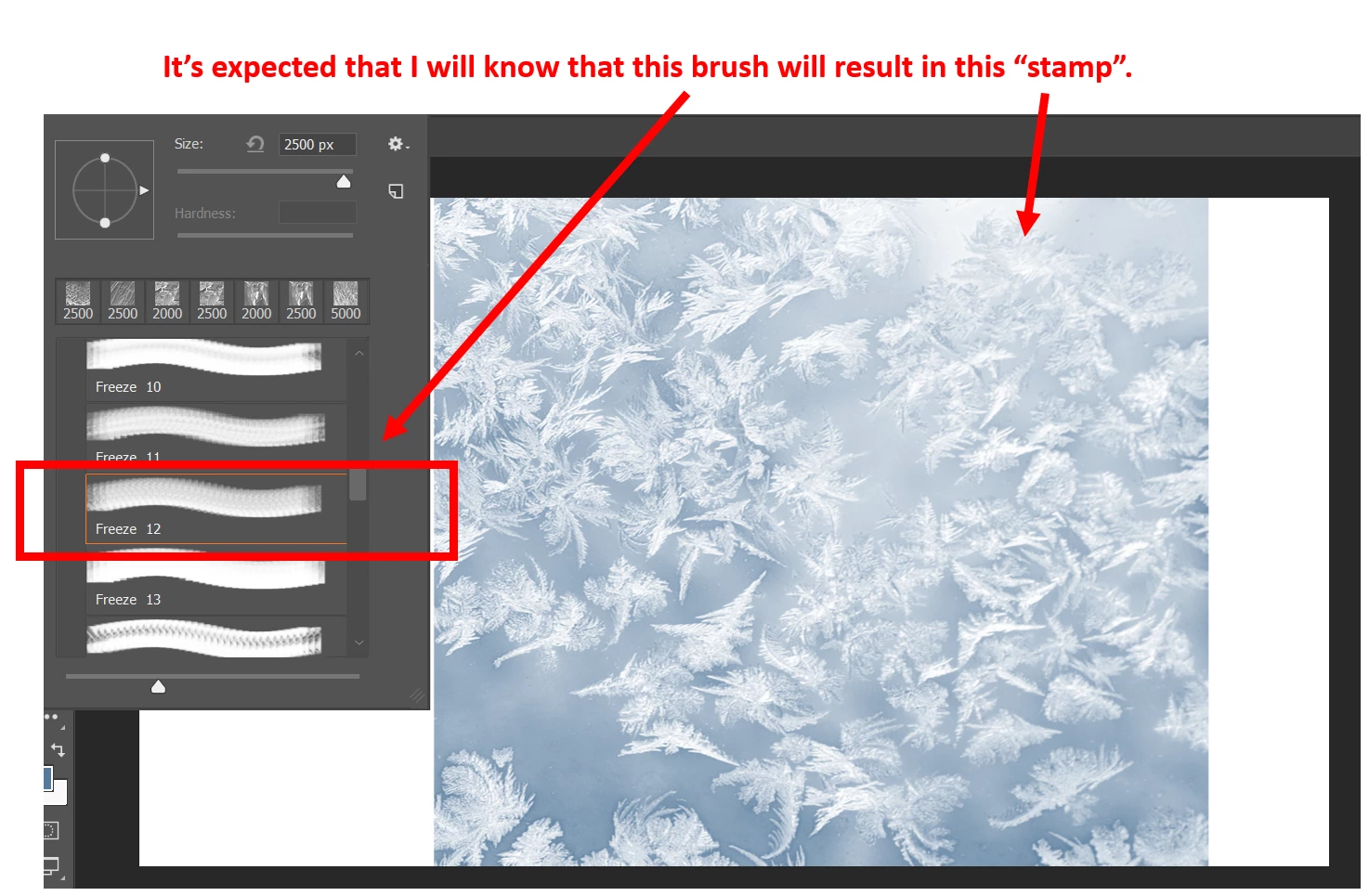
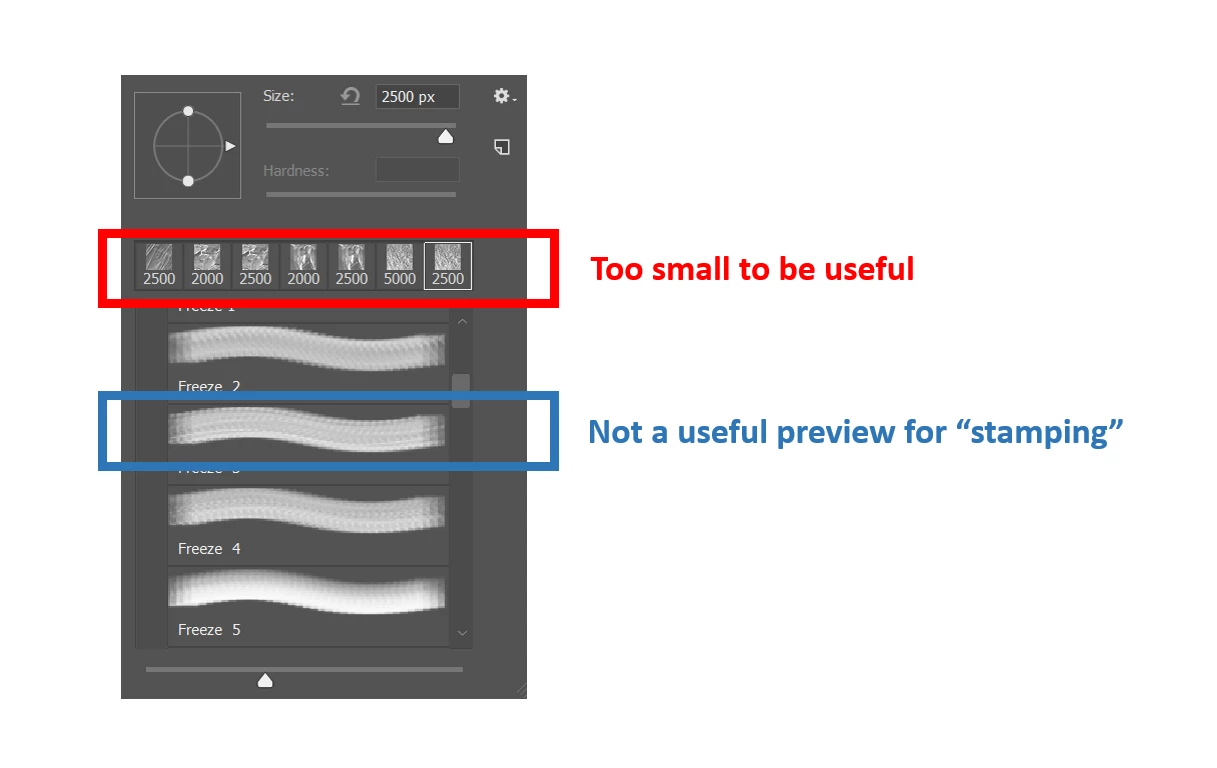
I'm new to Photoshop and need your help!  When opening up the brushes pane to select a new brush, it's easy to see there are a lot of options but it's not easy for me to quickly preview and find what I want.  In many cases, I use brushes as "stamps", so seeing what the stroke looks like is not much use (I don't intend to drag the brush on the canvas). Furthermore, seeing the vector outline over the canvas before applying the brush is useful but it doesn't really help me envision what the effect will do... perhaps I must be doing something wrong.  Finally, the thumbnail previews are too small — I can't see them.  A larger mason/grid preview would be much better for me, ideally with an option to view a larger version of a selected brush (see images below).

Are there any ways to overcome this problem?

Thanks in advance for your help!!!
This topic has been closed for replies.

3 replies

Leslie Moak Murray
Community Expert
Community Expert
April 14, 2019

I think you have "Stroke Thumbnail" selected. Try selecting "Large Thumbnail" instead (I'd be lost without this):

donaldb62894623
Participant
April 15, 2019

Thanks ponytail1414​!  Great advice!

donaldb62894623
Participant
April 14, 2019

Thanks Trevor.Dennis​!  That was incredibly helpful!!!

Trevor.Dennis
Community Expert
Community Expert
April 14, 2019

I'm guessing that you know how to adjust the size of the right click window

There is no way to adjust the Show Recent Brushes thumbs, but you can change the actual presets with the slider at the bottom of the right click window

This is maximum size (click to expand)

I definitely like to turn all the info options on.  At least with groups I don't know completely

There other options like Brush Box.  I have a licence for Brush Box, but don't install or use it nowadays, but perhaps I should.

BrushBox - A better brush manager for Adobe Photoshop

It has come on a bit since I last used it, and I don't think it cost me very much (less than $20 if memory serves) 

We like to give Jive (the forum software) a hard time, but I love that we can cut and paste working animated GIFFs directly into forum posts.

There is also Brusherator which I also have a license for, but I never did like it.

Brusherator for Photoshop CC and above! Brushes! On the Panel!

Regards spacing, that has to be a user choice, and Photoshop can't know how you intend using a particular preset.  I have a feeling that I have missed your point to some extent, but I'll try again if you can give me more info on what you'd like to achieve?

Billsgs
Participant
July 18, 2020

WOW! INCREDIBLY HELPFUL for me as well... enabling "brush tip" and utilizing the slider bar (i have missed forever) just made my brushy day!
thanks!