Answered
How do I make brush icons bigger?
I made a new brush tonight but I couldn't find it right off, because the icons are so small, and the icons don't match the brush, except in name only. this is a bit ridiculous,
for older users.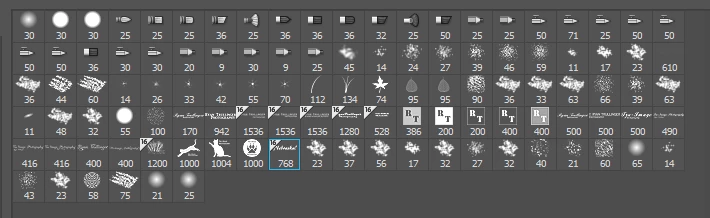

I made a new brush tonight but I couldn't find it right off, because the icons are so small, and the icons don't match the brush, except in name only. this is a bit ridiculous,
for older users.
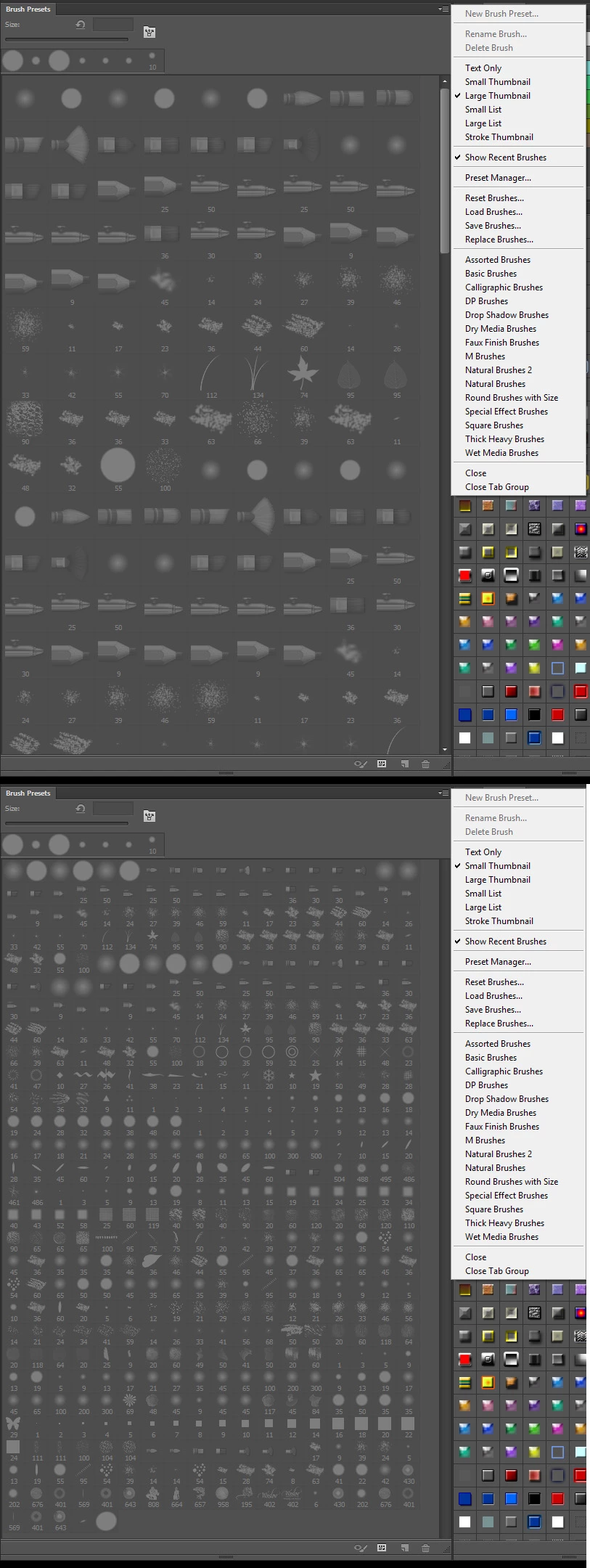
You using the wrong panel. In older version of PPhotoshop you want to look in the Brush Preset panel it only offered two sizes. In CC 2018 Adobe renamed the Brush Preset panel to Brushes and added a slider, In CC 2018 Adobe rename the Brush panel to Brush Settings Panel. That the panels you looking are the icons sizes can not be change is Photoshop. Its the CC 2018 Brushes Panel and prior Photoshop Brush Presets pane where sizes can be changed.
Already have an account? Login
Enter your E-mail address. We'll send you an e-mail with instructions to reset your password.
 AdChoices