Inspiring
November 8, 2017
Answered

How do I make brush icons bigger?

  • November 8, 2017
  • 3 replies
  • 4724 views

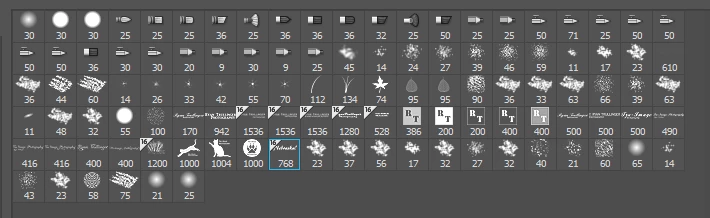
I made a new brush tonight but I couldn't find it right off, because the icons are so small, and the icons don't match the brush, except in name only. this is a bit ridiculous,

for older users.

    This topic has been closed for replies.
    Correct answer JJMack

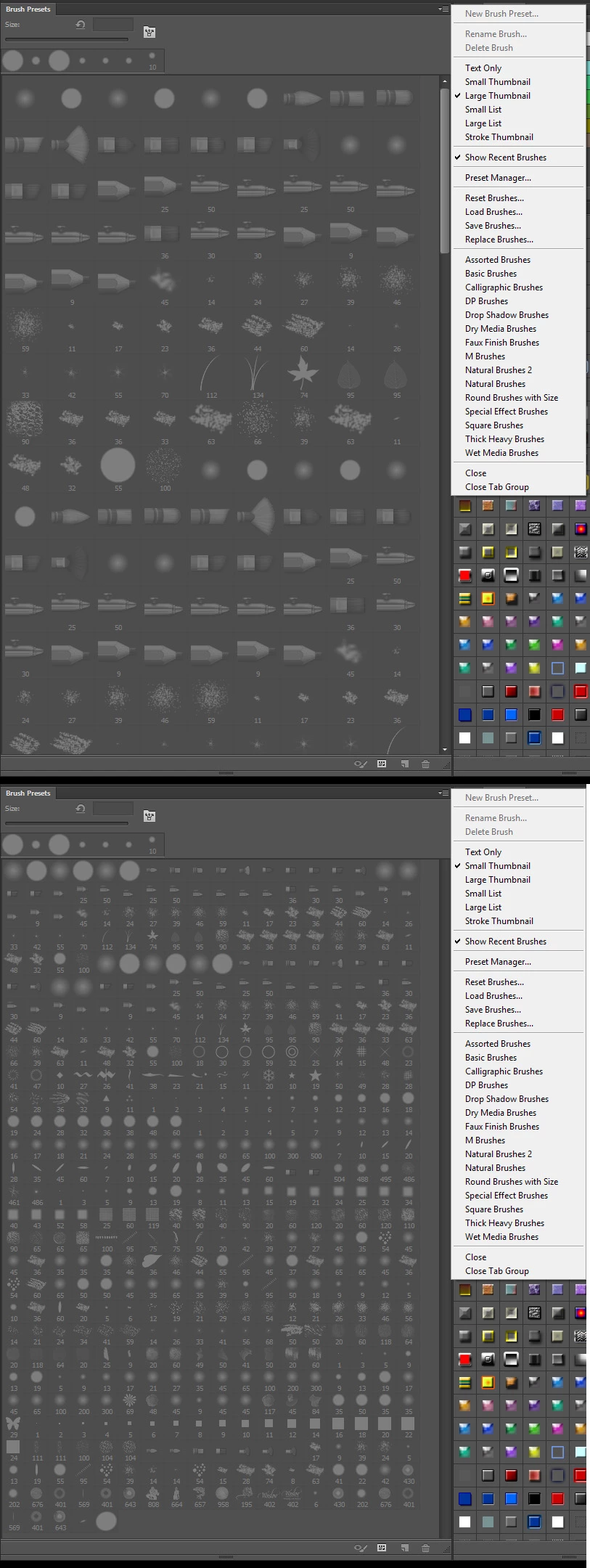
    You using the wrong panel. In older version of PPhotoshop you want to look in the Brush Preset panel it only offered two sizes.  In CC 2018 Adobe renamed the Brush Preset panel to Brushes and added a slider,  In CC 2018 Adobe rename the Brush panel to Brush Settings Panel.  That the panels you looking are the icons sizes can not be change is Photoshop.   Its the CC 2018 Brushes Panel and prior Photoshop Brush Presets pane where sizes can be changed.
    3 replies

    canyonviewchurch
    Participating Frequently
    April 25, 2018

    After searching a little more I finally found someone who knew the answer.

    Go to your Brushes palette, in the drop down menu, unselect Brush Name & Brush Stroke (or whatever you want) and leave Brush Tip selected. Then you can use the slider to enlarge the thumbnails of the brush tips!

    JJMack
    Community Expert
    Community Expert
    November 8, 2017

    Check the panel menu options in CC 2018 Adobe added a UI slider to the panel. In older versions  there were onle two sizes offered.

    JJMack
    Inspiring
    November 8, 2017

    No slider here, I am probably just spinning my wheels

    JJMack
    Community Expert
    JJMackCommunity ExpertCorrect answer
    Community Expert
    November 8, 2017

    You using the wrong panel. In older version of PPhotoshop you want to look in the Brush Preset panel it only offered two sizes.  In CC 2018 Adobe renamed the Brush Preset panel to Brushes and added a slider,  In CC 2018 Adobe rename the Brush panel to Brush Settings Panel.  That the panels you looking are the icons sizes can not be change is Photoshop.   Its the CC 2018 Brushes Panel and prior Photoshop Brush Presets pane where sizes can be changed.

    JJMack
    Jeff Arola
    Community Expert
    Community Expert
    November 8, 2017

    What version of photoshop are you using?

    Inspiring
    November 8, 2017

    CC2018