
lesley_hilton
Known Participant
June 26, 2019
Answered

How do I make the hand tool shortcut work again?

  • June 26, 2019
  • 3 replies
  • 1025 views

Windows user Photoshop 19.1.5

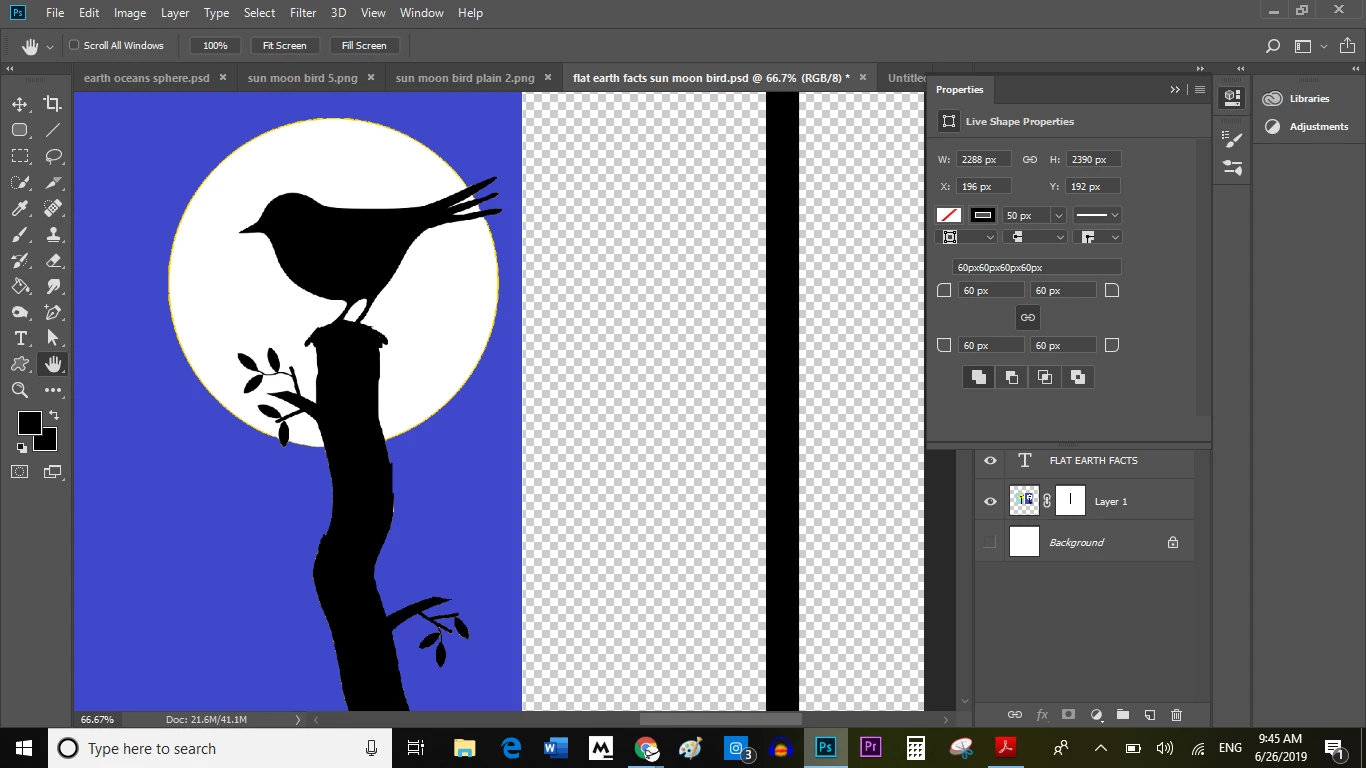
I took a class, and one important takeaway was Shift + click makes the cursor a hand tool, so you can drag your artwork around, no matter what tool you're using.

Somehow that got disabled and I can't make it come back again.
This topic has been closed for replies.
Correct answer Norman Sanders

Are you thinking about the Space bar (no Shift necessary)?

3 replies

Sebastian Bleak
Community Expert
Community Expert
June 26, 2019

Hi!

The hand tool will pan the view of your document. You can trigger this tool by holding down the Spacebar then clicking and dragging while you are pressing the spacebar.

If you'd like to move/reposition elements within the layers, use the Move Tool at the top of the tools panel or hit the V key to activate it.

Hope you find this helpful

Norman Sanders
Norman SandersCorrect answer
Legend
June 26, 2019

Are you thinking about the Space bar (no Shift necessary)?

lesley_hilton
Known Participant
June 26, 2019

Yes, that's what I was thinking of

June 26, 2019

Hi

I assume you mean the move tool, just hold the V key and click to drag the items around

Spacebar click will let you move the canvas around

lesley_hilton
Known Participant
June 26, 2019

Thanks for teaching me a new move! (Ctrl + V)

Lesley