

Question
How do I remove CS6 from updating in ACC?
Hi, I previously had CS6 Photoshop installed before upgrading to the creative cloud version. Now every time an update is tried, I get errors about a problem updating CS6.

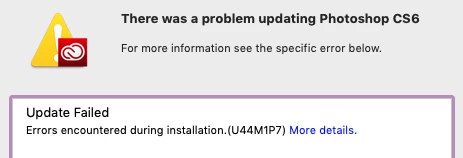
I have no desire to update or use CS6 within CC, and I'm just not interesting in doing all the steps of uninstalling CS6 and reinstalling it to fix this bug, I just want CC to stop trying to update CS6. Surely there must be a way to do this, but so far I've been unable to find an answer for this.
Can someone please tell me how to turn off updating for just CS6 and remove it from CC?
 AdChoices