Answered
How do I remove Slice Box in the top left corner?
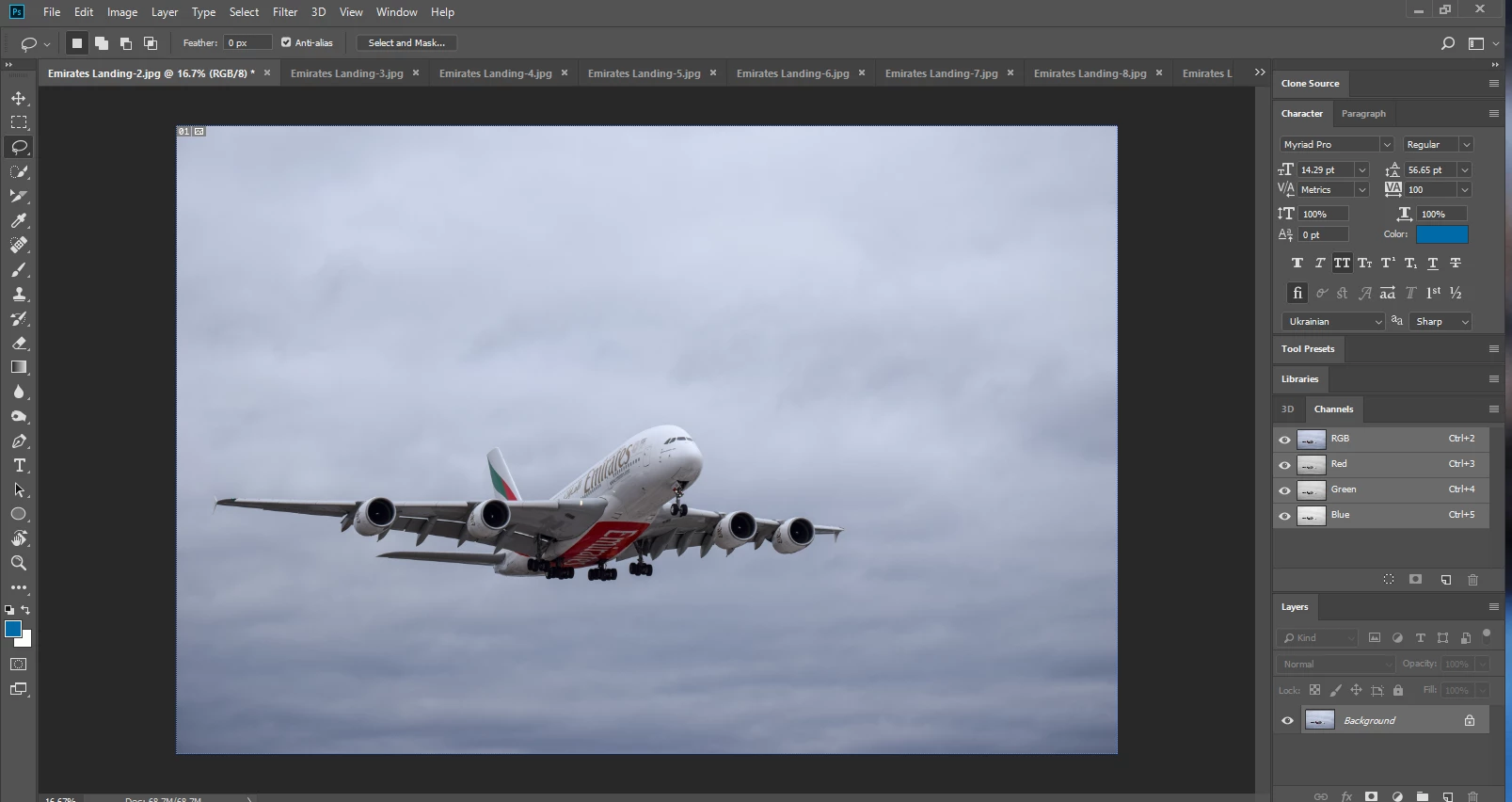
it's on the top left corner of the image, anyone know how to remove it?
Thanks!

it's on the top left corner of the image, anyone know how to remove it?
Thanks!
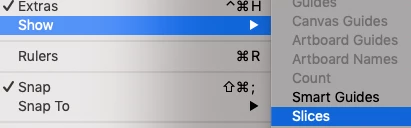
View menu > Show > Slices Unchecking Slices (mouse click) will hide that Slice box.
Already have an account? Login
Enter your E-mail address. We'll send you an e-mail with instructions to reset your password.
 AdChoices