
Answered
How do I remove the shadow from the background?
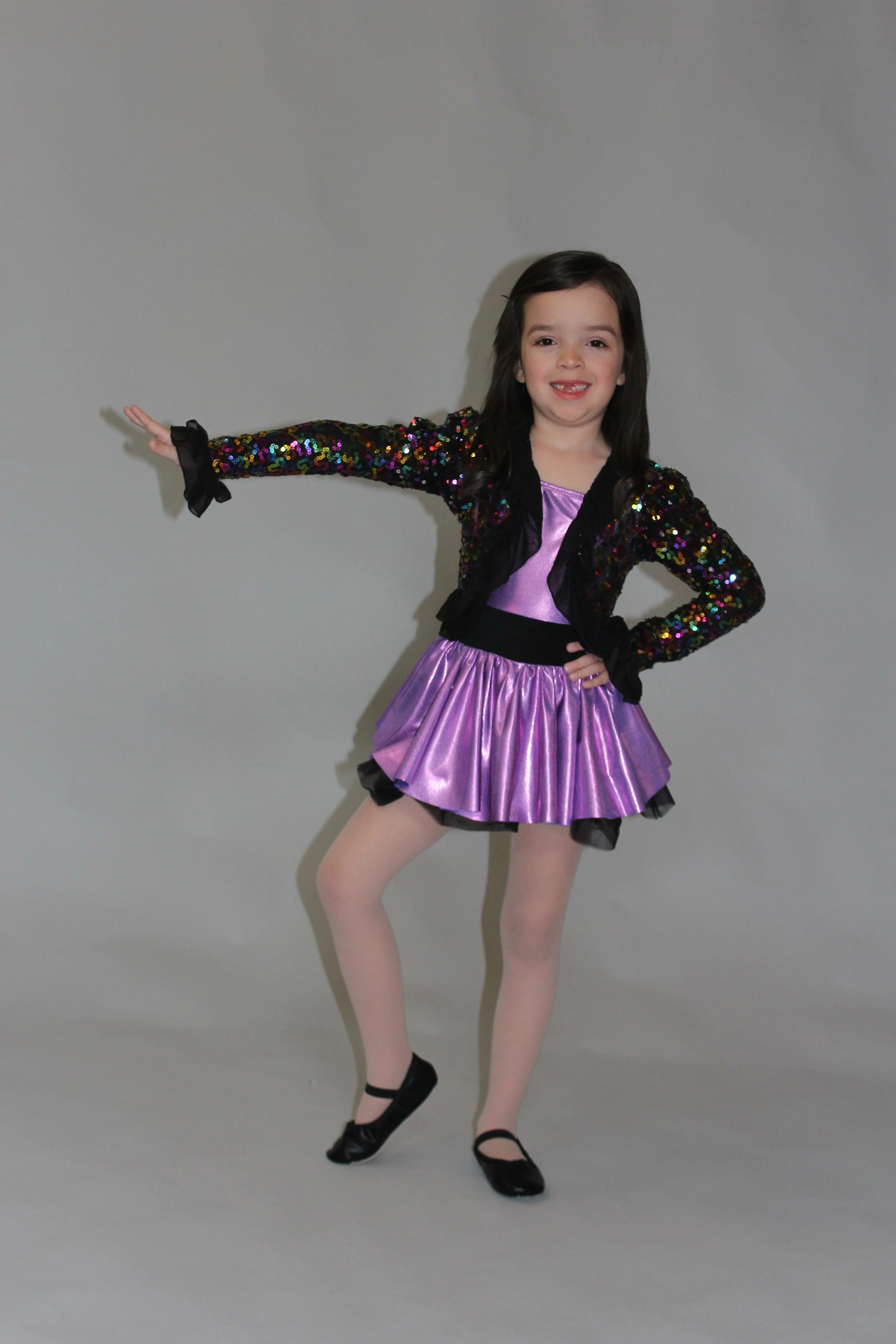

Select > Subject may not work but you can try with Quick Selection Tool to select girl. You must drag over girl to select it and to tweak selection using same or some other selection tool while zooming in. Once you have selection as you need it there are a couple of things you can do including:
Already have an account? Login
Enter your E-mail address. We'll send you an e-mail with instructions to reset your password.
 AdChoices