Participant
November 30, 2019
Answered

How do I restore a cropped image to the original size and keep my layers intact?

  • November 30, 2019
  • 2 replies
  • 10863 views

Hey. So i made a couple of sketches on a file and colored them seperately. I intended to crop the image and export anindividual sketch as a jpg, undo the crop, and export the next sketh.


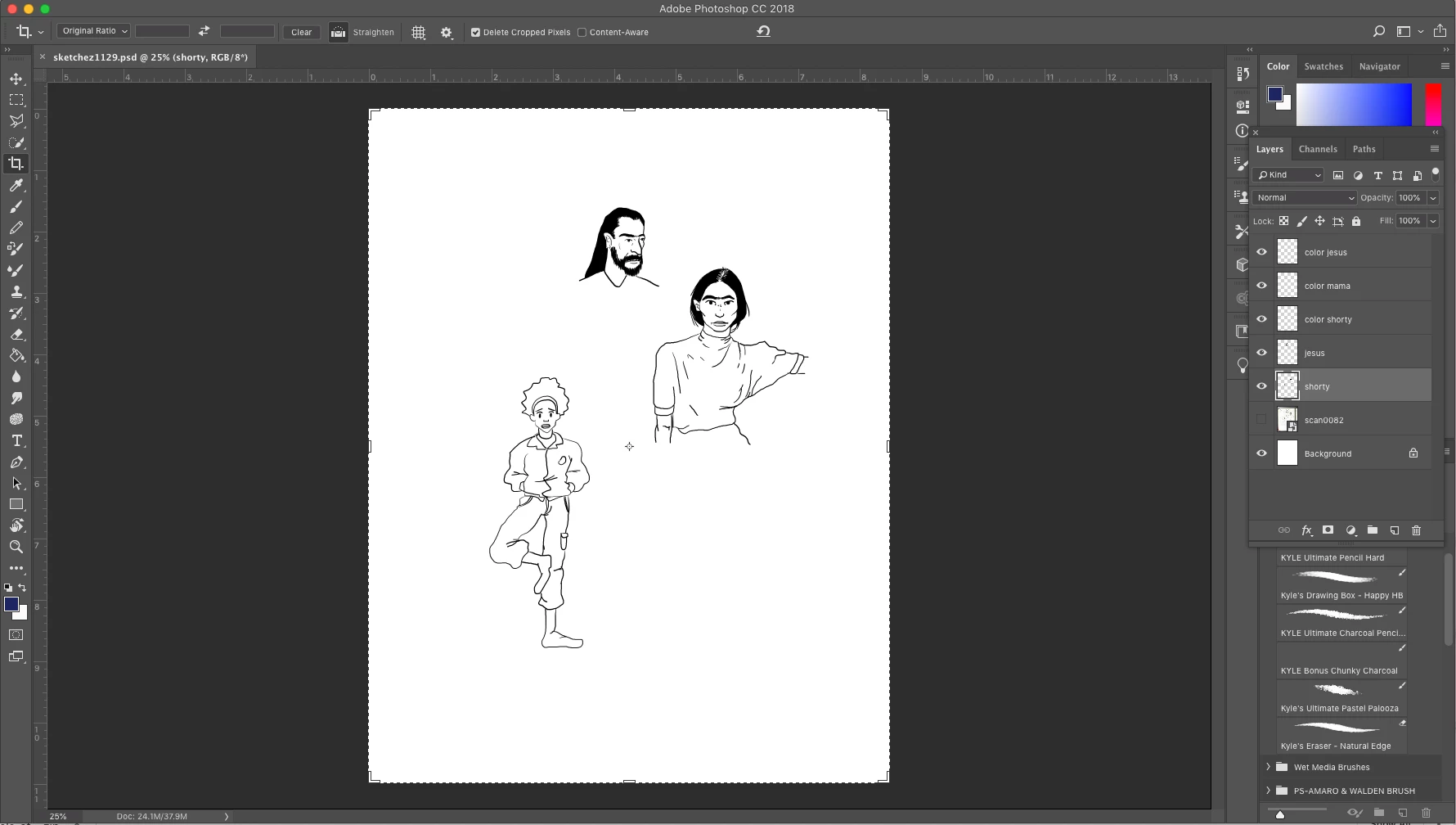
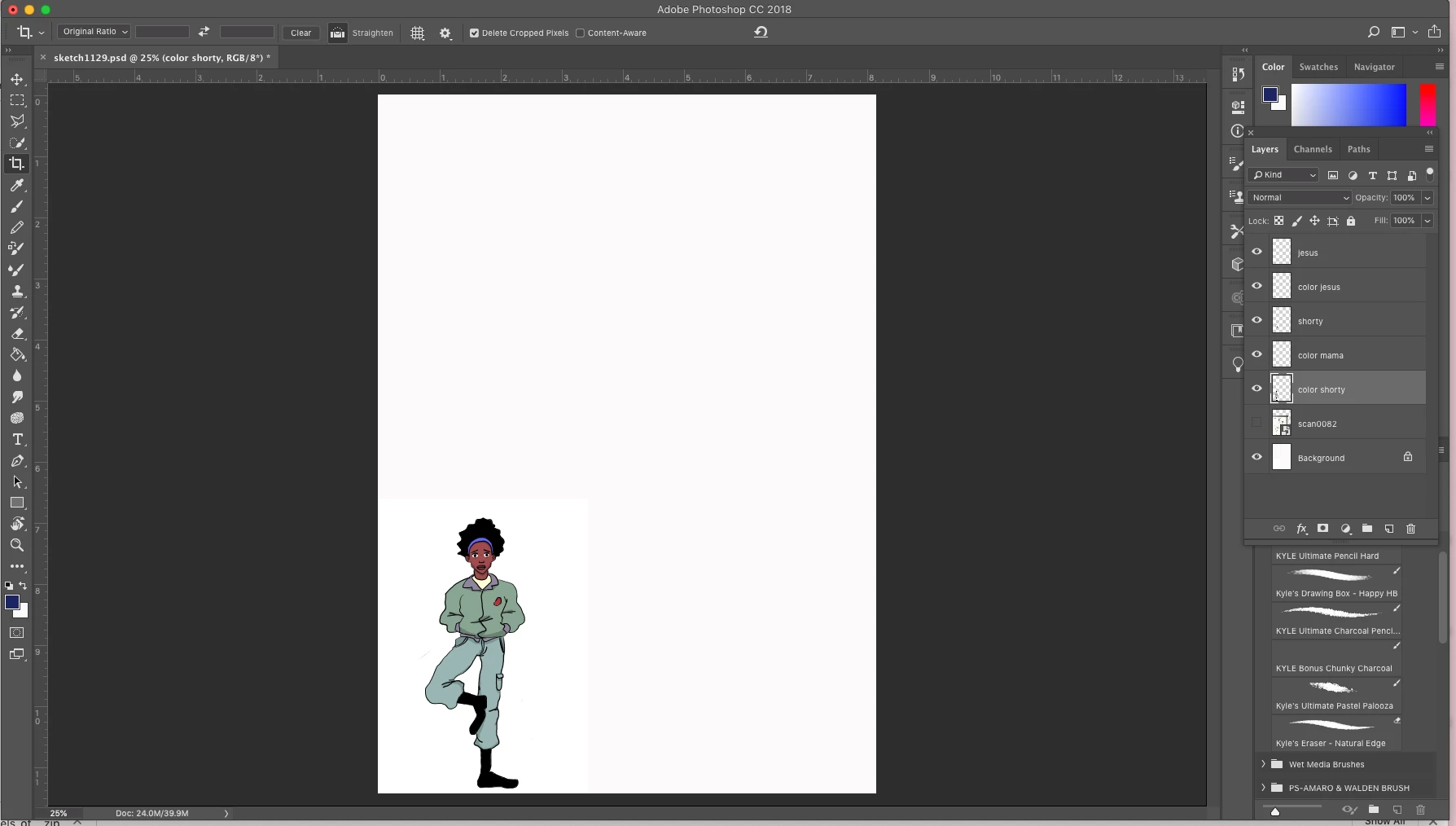
However, after I cropped the first sketch and tried to revert the image to its original size, the other layers disappeared. They're in my layer box but they're not showing up  on the board. What do I do? I can't undo the crop anymore.


The first image is where I'm at currently, with the layers still there but invisible. The second image is what should be there after undoing the crop, minus the color. 
 

This topic has been closed for replies.
Correct answer paulzurbrugg

Thank you for pointing this out. I have had many instances over the years where I crop an image, and decide I want it framed differently down the line - and end up having to go back and redoing a lot bc layers were cut off from cropping. I never noticed this option in the toolbar. They REALLY should not have this option checked by default..

2 replies

Bojan Živković11378569
Community Expert
Community Expert
November 30, 2019

Which method or command you are using to "revert"? You should not try to revert from File menu but rather use Undo command after cropping the image.

Chuck Uebele
Community Expert
Community Expert
November 30, 2019

When you crop, and want to revert, you need to make sure you DO NOT have delete cropped pixels checked. If you do, that part of the image is gone. You can go back in history, if you have not saved and closed the file.

paulzurbruggCorrect answer
Participant
April 2, 2024

Thank you for pointing this out. I have had many instances over the years where I crop an image, and decide I want it framed differently down the line - and end up having to go back and redoing a lot bc layers were cut off from cropping. I never noticed this option in the toolbar. They REALLY should not have this option checked by default..

Legend
April 2, 2024

This can lead to other problems such as larger file sizes. Cropping, logically to me, is deleting part of the image. If you aren't sure about your crops, try using guides instead.