Another approach. I LOVE the Alien Skin Eye Candy plugin. No Photoshop illustrator should be without it because it has a zillion easy to use effects. It also produces the effect on a copy of the layer, so you can build it up. So starting with one of the Custom Shape jigsaw pieces.
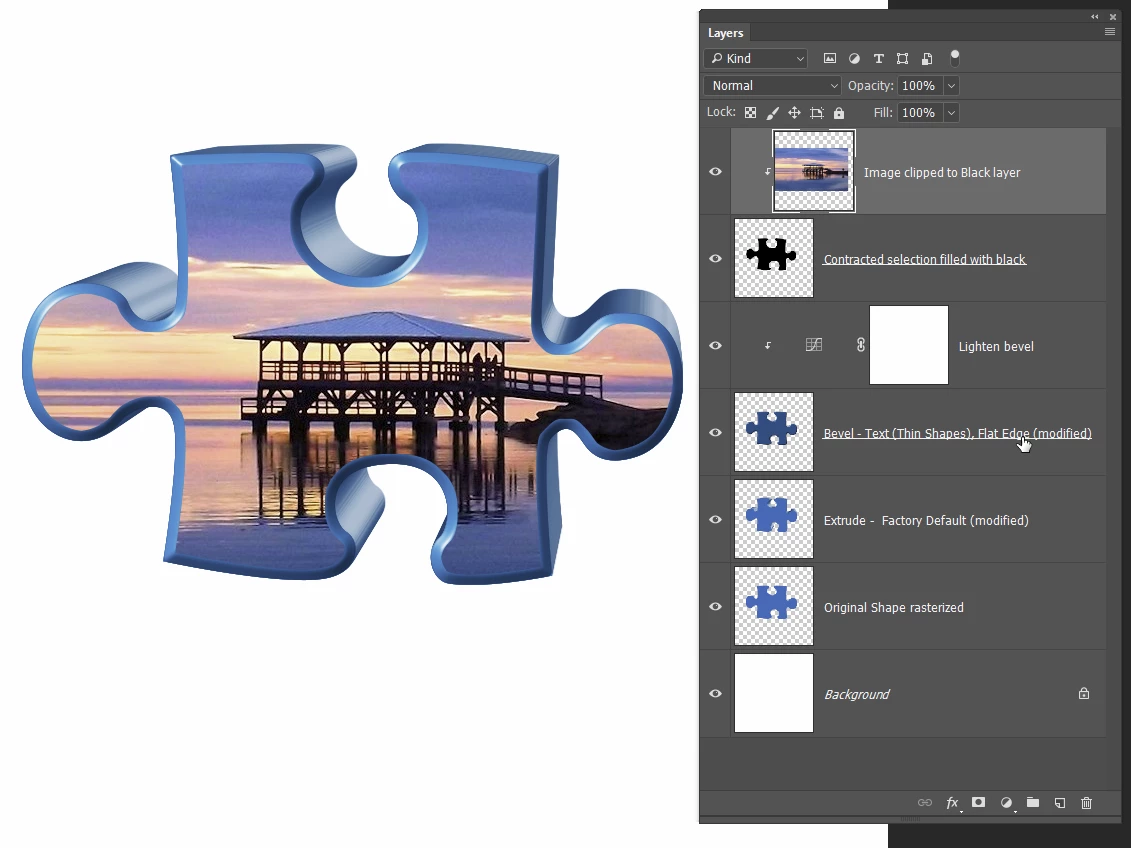
Add an extrusion. It is quick and easy to control, and a lot easier than using Photoshop 3D
Note as stated above, the effect will make a new layer, so go back to the original and add a bevel. Here again the control is awsome. Better than using Photoshop 3D I suspect.
Move this layer above the extruded layer.
Ctrl click the original layer to load it as a selection and Contract the selection so that it is just inside the bevel.
Make a new layer and fill with black.
It would be advisable to link all those layers so that they move together.
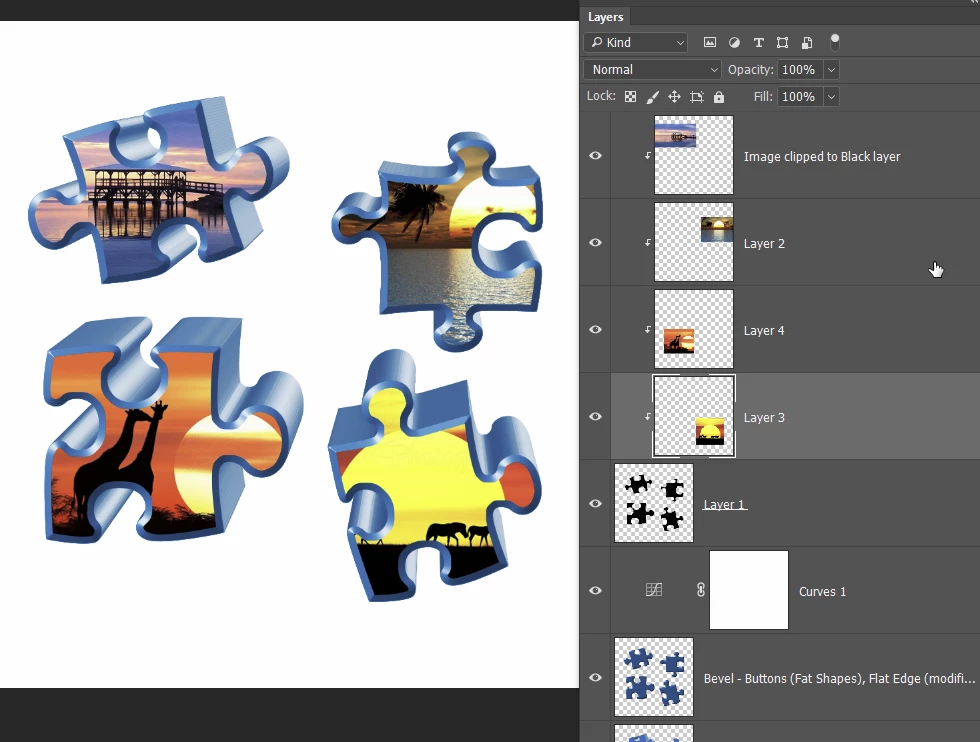
You can now clip your changing images to the black layer.
You can see that I used a curves layer to brighten the bevel here, because it was easier than going back into Alien Skin.
[EDIT] You could use the above steps on a single layer containing all four jigsaw shapes to save time. I'll have to try it to see how that effects the perspective of the extrusion though.
Yep. Works fine. In fact it is the way to go because the perspective is right for all four pieces.
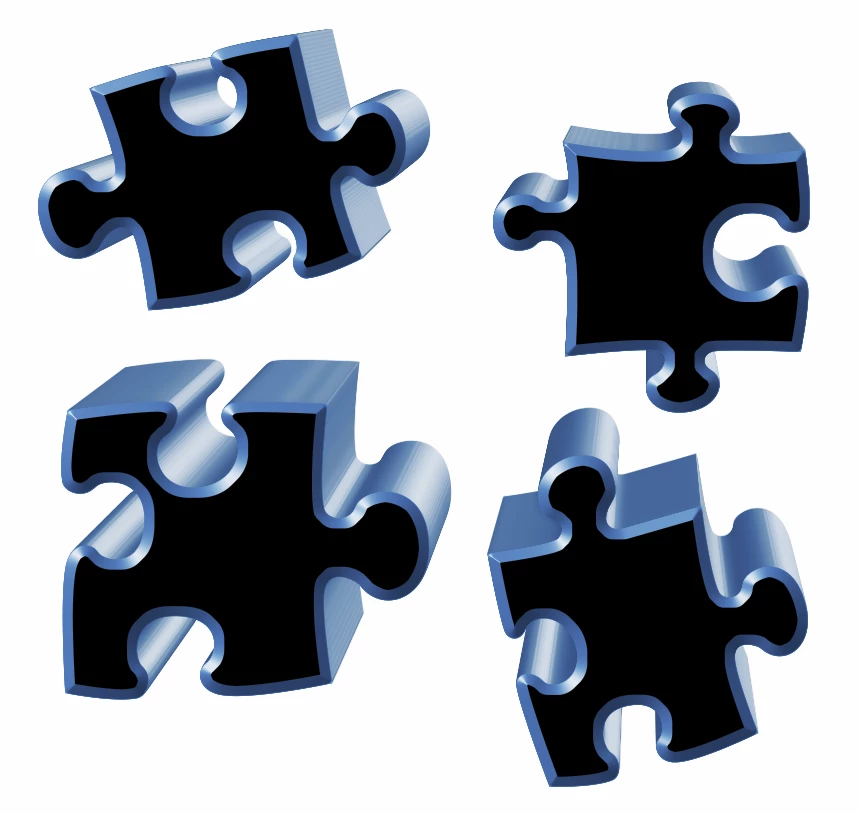
A minor complication is that the black layer has all pieces on the same layer, but you could either select and copy to separate layers, or leave as it is and clip all the images to the same layer, and control with Free Transform.


 AdChoices