Answered
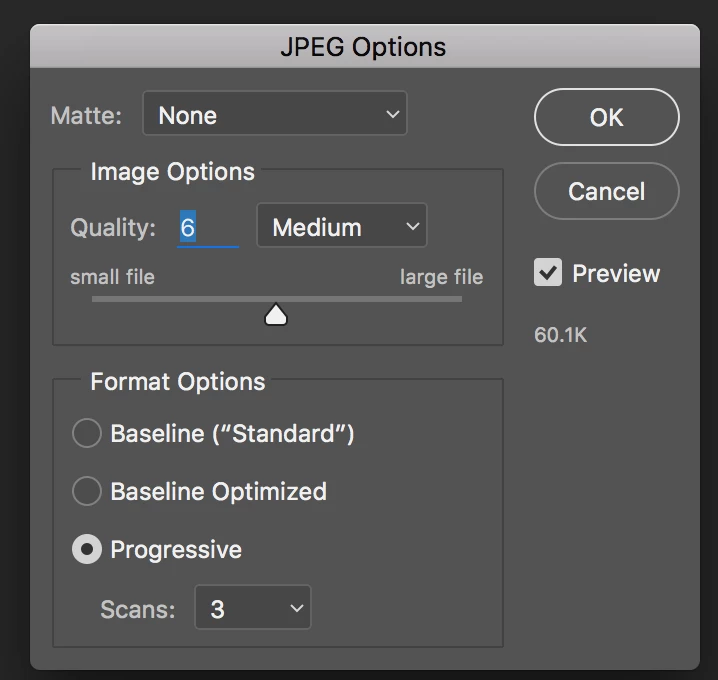
How do you export an image in progressive jpeg format?
Using the Export As dialogue in Photoshop CC 2017 how do you export an image as a progressive JPEG file format?

Using the Export As dialogue in Photoshop CC 2017 how do you export an image as a progressive JPEG file format?
(Not Export), File > Save As, select JPG from the Format drop-down menu, tick Progressive in the subsequent dialogue box.
Already have an account? Login
Enter your E-mail address. We'll send you an e-mail with instructions to reset your password.
 AdChoices