
Question
How do you remove the hard edge from a gradient layer mask?
I have a rectangular JPG graphic placed on top of a solid color background. I want to the graphic to fade to transparent on the right edge, blending into the background.
I cannot figure out for the life of me how to make it fully fade—there is always a harsh edge. Is there a way to achieve a gradient that fades softly all the way to transparent? I took a screenshot of just the problem area to demonstrate the issue I'm facing.
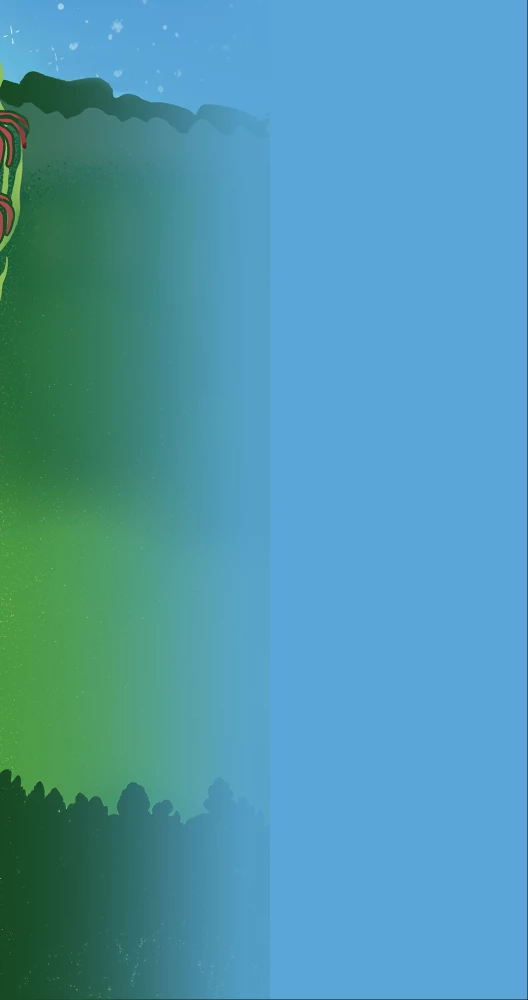
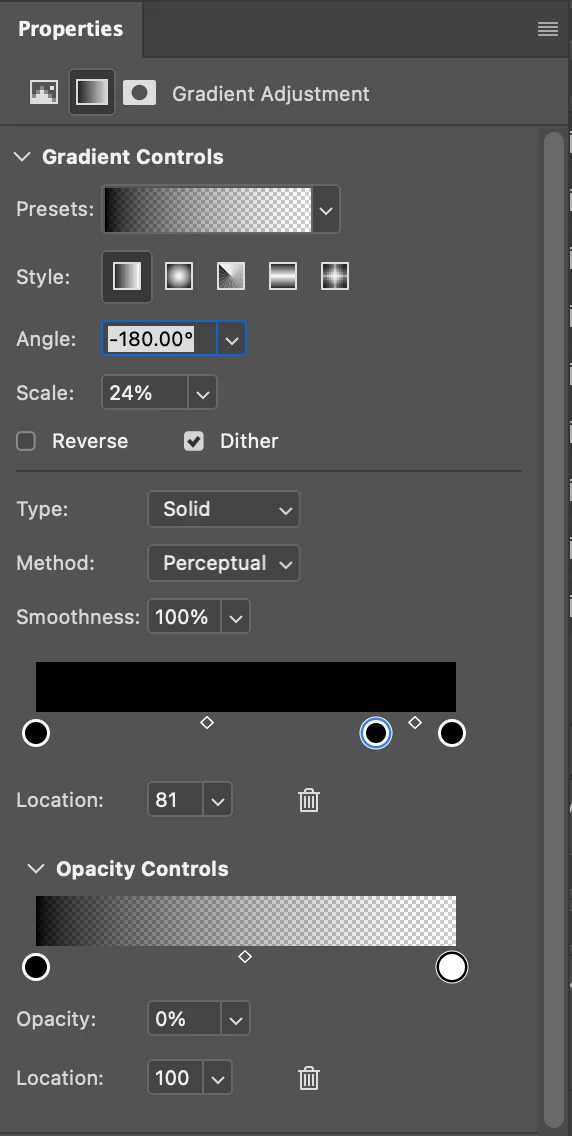

I am a generalist at a nonprofit trying to make it all work, so my apologies if this question reveals general ignorance of Photoshop's functionality. I feel like there should be a simple solution, and I'm losing my marbles after scouring the internet for answers for hours and trying everything I can think of.
 AdChoices