Known Participant
July 17, 2023
Answered

How I can make a color tone effect like this photos

  • July 17, 2023
  • 2 replies
  • 890 views

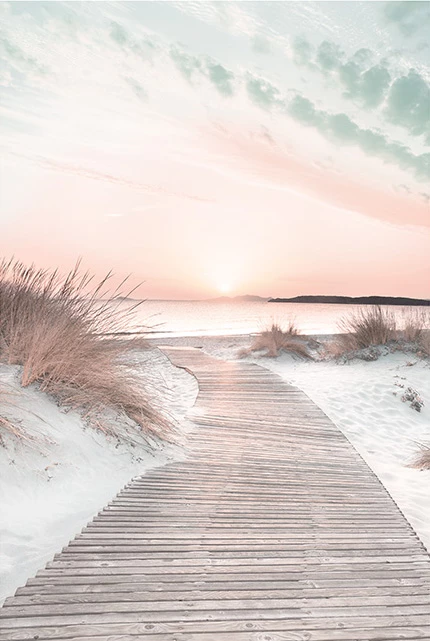
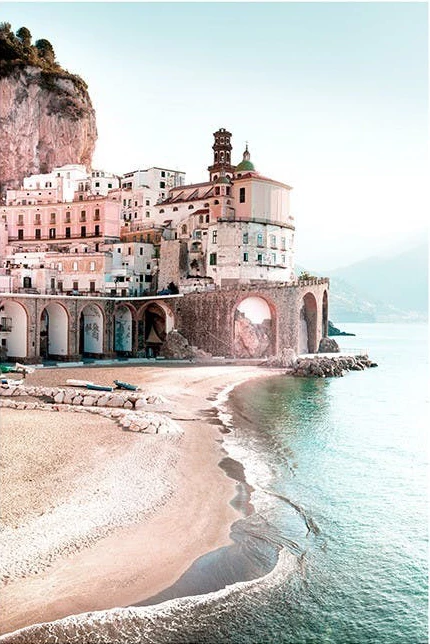
I found some photos and like their color tone, soft, simple and relax as fllowing images


How I can make a color tone like these photos ? I don't want use match color function to copy, just want make my own color tone with petty bourgeoisie feel.


Thanks
 

This topic has been closed for replies.
Correct answer Trevor.Dennis

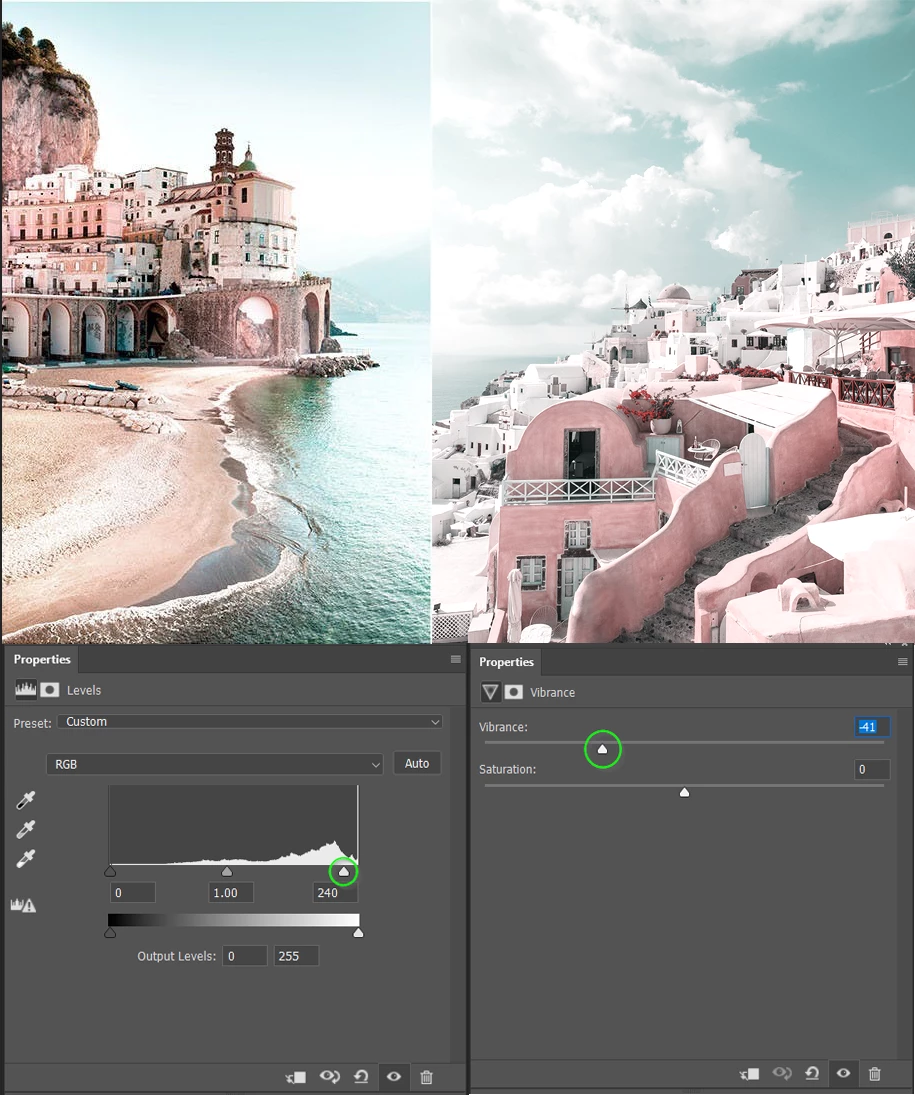
I actually prefer your version, but you could get closer to your example images by crushing the highlights with levels or curves, and reducing saturation with Hue/Sat or Vibrance.

2 replies

George_F
Community Expert
Community Expert
July 17, 2023

There are probably many ways to achieve something close to this.  This reminds me of some portrait presets I've used in Lightroom/ACR.  I have a hunch that much of the change is in the blue and yellow Hue/Saturation/Luminance.

Here's my take:
You could either use the HSL panel in Lightroom/ACR, or a Hue/Saturation adjustment layer in Photoshop.  The blue would get the hue shifted to more of an aqua/teal, and the yellow to orange.  Other colors may also need adjusting, like orange and yellow often go hand in hand.  Blue and aqua tend to go together, etc.  Just keep finessing those settings until you get the results you are hoping for.

If you haven't done this already, from there the image would just need further processing to your taste of exposure adjustments.  Light & airy, dark & moody, etc.  Once you figure out the adjustments you prefer, you can either make a preset in Lightroom/ACR or an action in Photoshop.

Cheers!

George F, Photographer & Forum Volunteer
Known Participant
July 17, 2023

Thanks, will test them in differnt photos

Jeff Arola
Community Expert
Community Expert
July 17, 2023

Try a Color Lookup Adjustment Layer, specifically the 2Strip.look in the 3DLUT File list.

Layer>New Adjustment Layer>Color Lookup

Known Participant
July 17, 2023

Thank you, tried, as folllowing - still missing something, right ?

Trevor.Dennis
Community Expert
Trevor.DennisCommunity ExpertCorrect answer
Community Expert
July 17, 2023

I actually prefer your version, but you could get closer to your example images by crushing the highlights with levels or curves, and reducing saturation with Hue/Sat or Vibrance.