Participant
December 20, 2024
Question

How To Achieve This Effect?

  • December 20, 2024
  • 3 replies
  • 369 views

Hi everyone!!  


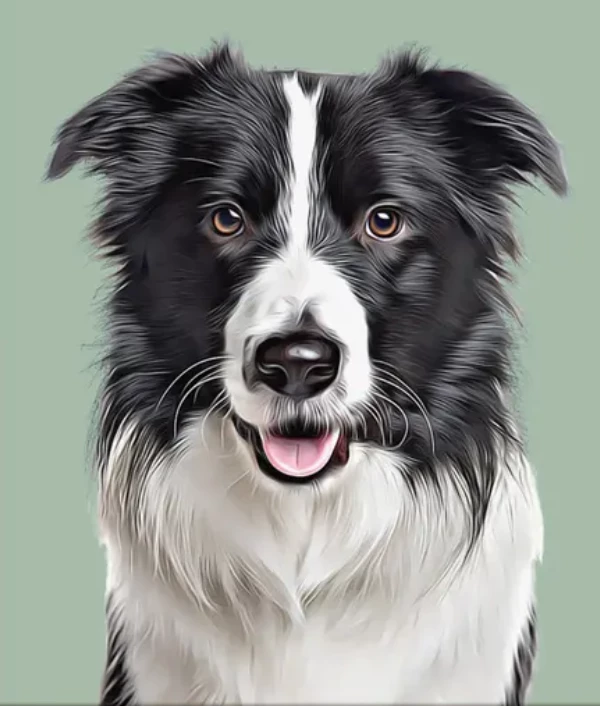
How can I turn a regular photo of my dog into this style of artwork in photoshop?   


I tried to do the generative Ai stuff and I am not staisifed with it.  I also tried the filters and it didnt come out the same.   I would like this exact style because I really like it. 


Thank you!! 

This topic has been closed for replies.

3 replies

Stephen Marsh
Community Expert
Community Expert
December 21, 2024

@tylerl71410988 


Try the suggestion from @Myra Ferguson - but instead of oil paint, try the Stylize > Diffuse filter set to Anisotropic mode. The results of this filter are really dependent on resolution and content, so you may need to downsize the image before filtering, and then upsize it back to the original dimensions afterwards. I would recommend a "pyramid” approach where you stack multiple layers with the filtering performed at different resolutions, with graduated layer masks combining them, with possibly lesser filtering applied to the face.


Trevor.Dennis
Community Expert
Community Expert
December 21, 2024

There are some plugins that will get you something like that.  The most obvious is Redfield Fractalius which is a zilian years old and has a very cluncky UI.  Topaz Labs has a couple of plugins that will do this. Clean and Glow. Unfortunately, IO just tried Glow and it was not working.  You could try Oil Paint, but I don't think it will give you that effect.

Trevor.Dennis
Community Expert
Community Expert
December 21, 2024

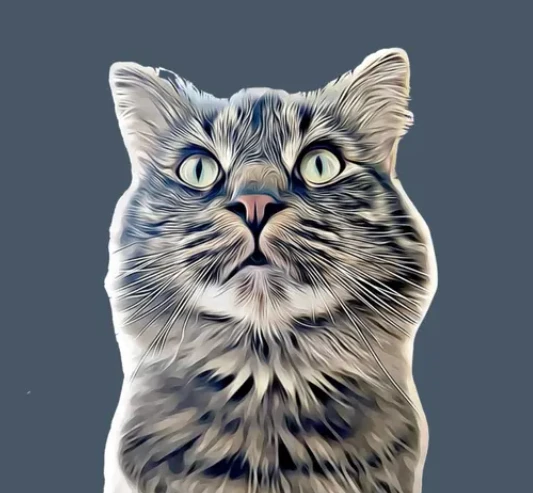
This is the famous Fractalias tiger with the settings turned up to eleven!

Myra Ferguson
Community Expert
Community Expert
December 20, 2024

Try masking out the background of a picture of your dog and adding a solid background on a separate layer below that. Then convert your dog layer to a Smart Object and apply the Oil Paint filter (Filter > Stylize > Oil Paint...). 


If you're not getting good results with it, make sure the resolution of the image isn't too high. You might not see the effect as well.