Participant
October 26, 2018
Question

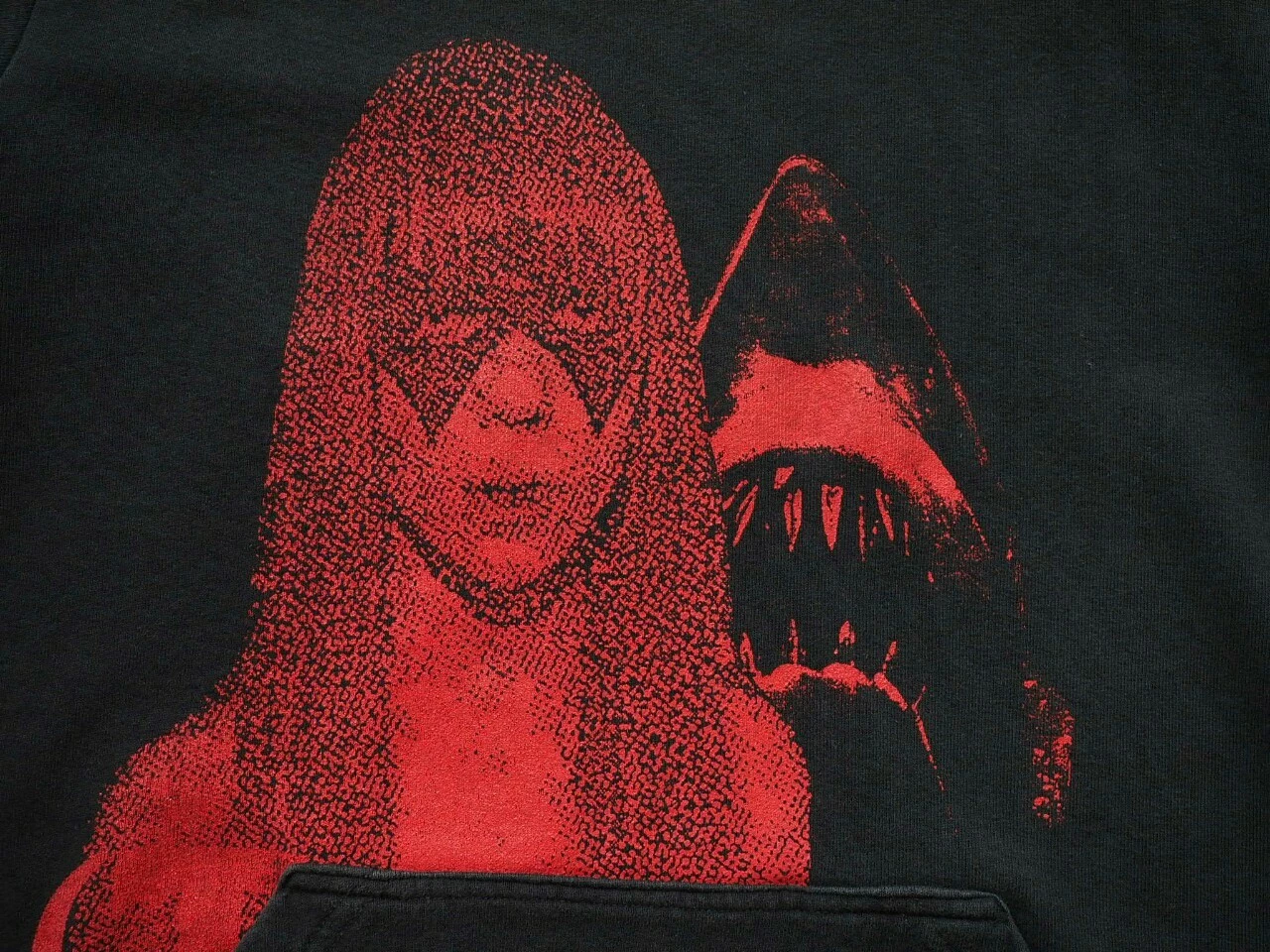
How to achieve this half tone effect?

  • October 26, 2018
  • 6 replies
  • 630 views

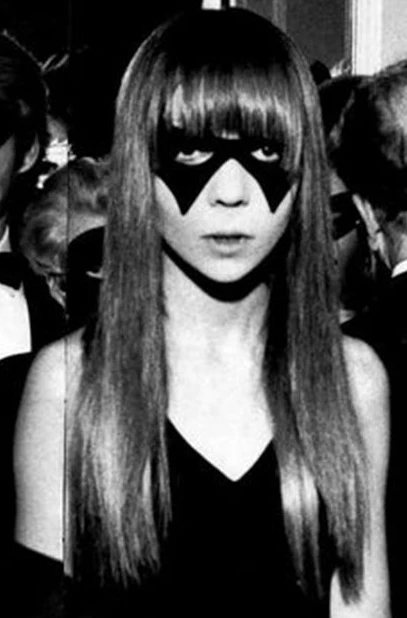
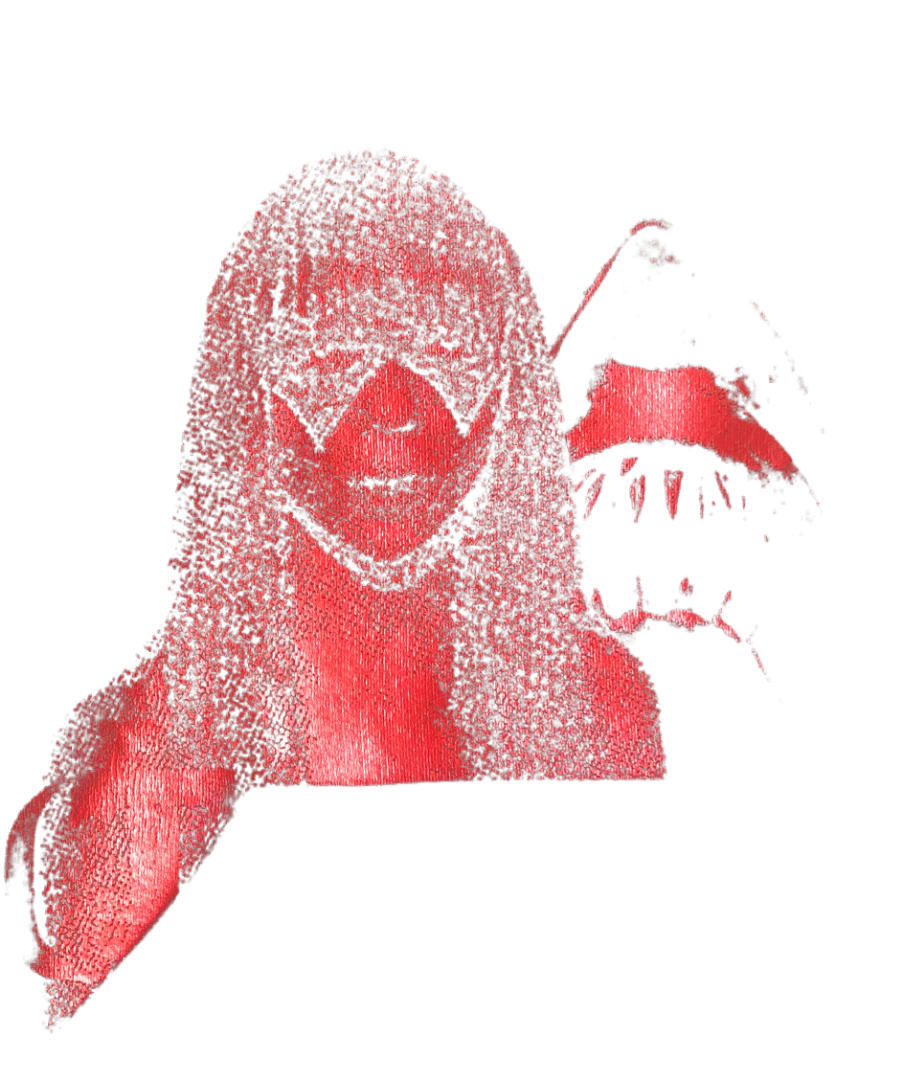
How do I achieve the dotted half tone effect below? I've posted the original picture that was used, but I've no idea how to replicate that effect.
This topic has been closed for replies.

6 replies

c.pfaffenbichler
Community Expert
Community Expert
October 28, 2018

Photoshop offers

Filter > Pixelate > Color Halftone

Filter > Filter Gallery > Sketch > Halftone Pattern

but I prefer using Pattern Layers  set to the Blend Mode Hard Mix.

If one has created a useful Pattern it can be easily scaled in the Pattern Layer dialog and contrast edits can be done with Adjustment Layers between the image Layer/s and the Pattern Layer.

Chuck Uebele
Community Expert
Community Expert
October 27, 2018

Yea, not quite it.

Chuck Uebele
Community Expert
Community Expert
October 27, 2018

Maybe not quite the same:

Participant
October 27, 2018

Don't think that's it, but thanks for trying.

Chuck Uebele
Community Expert
Community Expert
October 27, 2018

Well I found what I thought might be it, but I'm not sure how it would apply to your image. Here's the link:

Tutorial: Reaction-Diffusion in Photoshop on Vimeo

See this link also: Please someone tell me how to get this texture!

Chuck Uebele
Community Expert
Community Expert
October 27, 2018

c.pfaffenbichler​ was it you who knew how to create this pattern?

Chuck Uebele
Community Expert
Community Expert
October 26, 2018

I've seen that effect before and how to do it, but I can't remember. Will have to see. I do recall it was a process that took several steps to achieve that pattern.

Participant
October 26, 2018

Please do, I've been trying to find a way to replicate this for weeks, and I've been asking other people more knowledgeable than me but they didn't know how to do it either.