drloksoft
Known Participant
January 16, 2023
Answered

how to add more shades to my black and white image / too many hard custs in the shades

  • January 16, 2023
  • 3 replies
  • 358 views

Hi,

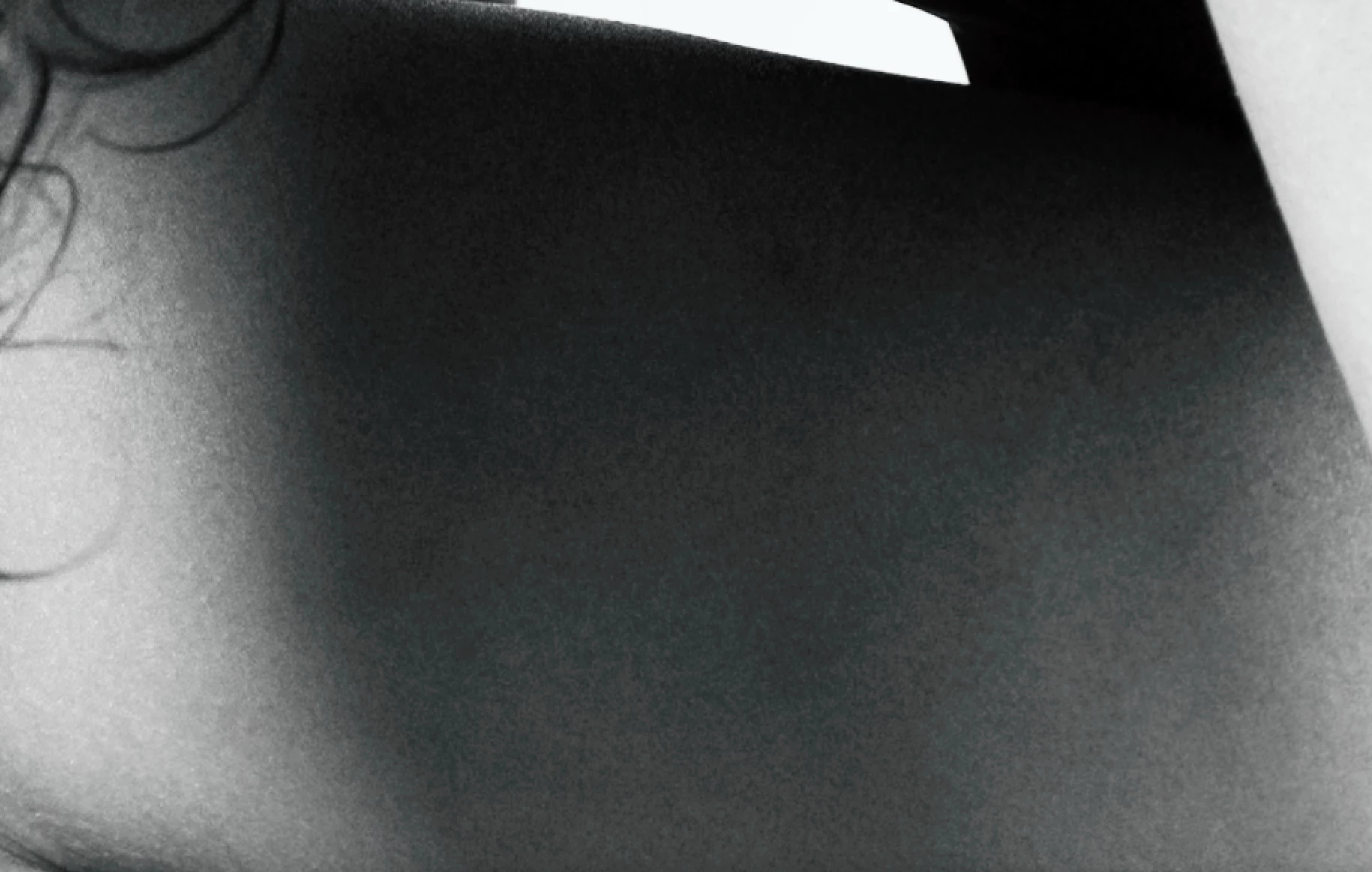
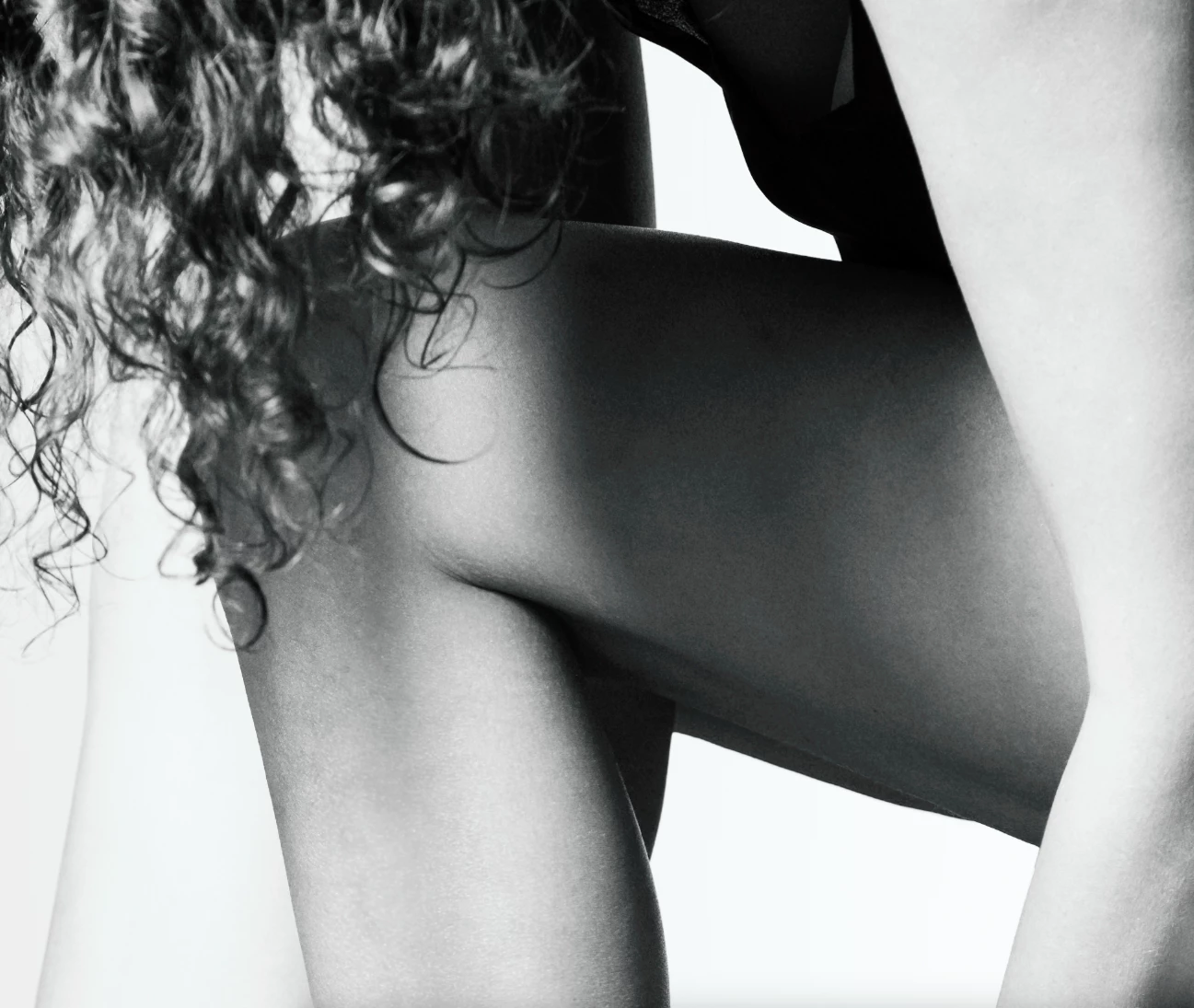
I did a model shot last week and turned the image into black & white. While editing with Photoshop to remove blemishes, I realized the shades on the leg are totally pixelated. Do you have suggestions how to smooth this out? Using a guassian blur filter or a urface blur does not really do the trick ... 


This topic has been closed for replies.
Correct answer Kevin Stohlmeyer

You can try using Frequency Separation to blur the texture without affecting the tonal ranges.

Lisa has a great step-by-step and free PS action to help:

https://www.lisacarney.com/basic-frequency-sep


3 replies

Conrad_C
Community Expert
Community Expert
January 16, 2023

If the photo was taken on a recent camera in raw format at a high ISO speed, the best way to fix it would be to go back to the raw image and apply more noise reduction (but not too much).


If the photo was taken at a low ISO speed so that the roughness is not noise, it’s possible that it’s actually a harsh tonal transition that might have been applied at 8 bits per channel. If that’s the case, go back to the original file and try backing off a little on the contrast, especially in the skin tones. For example, are the lightest skin tones (in the arm) really supposed to be that close to solid white?

drloksoft
drloksoftAuthor
Known Participant
January 17, 2023

Thank you all for the quick replies!

Frequency separation did the trick perfectly!

Amazing community. Thank you!!

Kevin Stohlmeyer
Community Expert
Kevin StohlmeyerCommunity ExpertCorrect answer
Community Expert
January 16, 2023

You can try using Frequency Separation to blur the texture without affecting the tonal ranges.

Lisa has a great step-by-step and free PS action to help:

https://www.lisacarney.com/basic-frequency-sep


c.pfaffenbichler
Community Expert
Community Expert
January 16, 2023

Do you mean you applied an Adjustment Layer to neutralize the image or did you destructively converted it to Grayscale? 

In case 1 you can try switching to 16bit. 


Could you please post screenshots with the pertinent Panels (Toolbar, Layers, Options Bar, Channels, …) visible?