
How to add multiple layers to 1 frame in Photoshop?
I am a little confused on how Photoshop's timeline feature works. Here's the problem
In photoshop, it's possible to have multiple layers to make up 1 image.
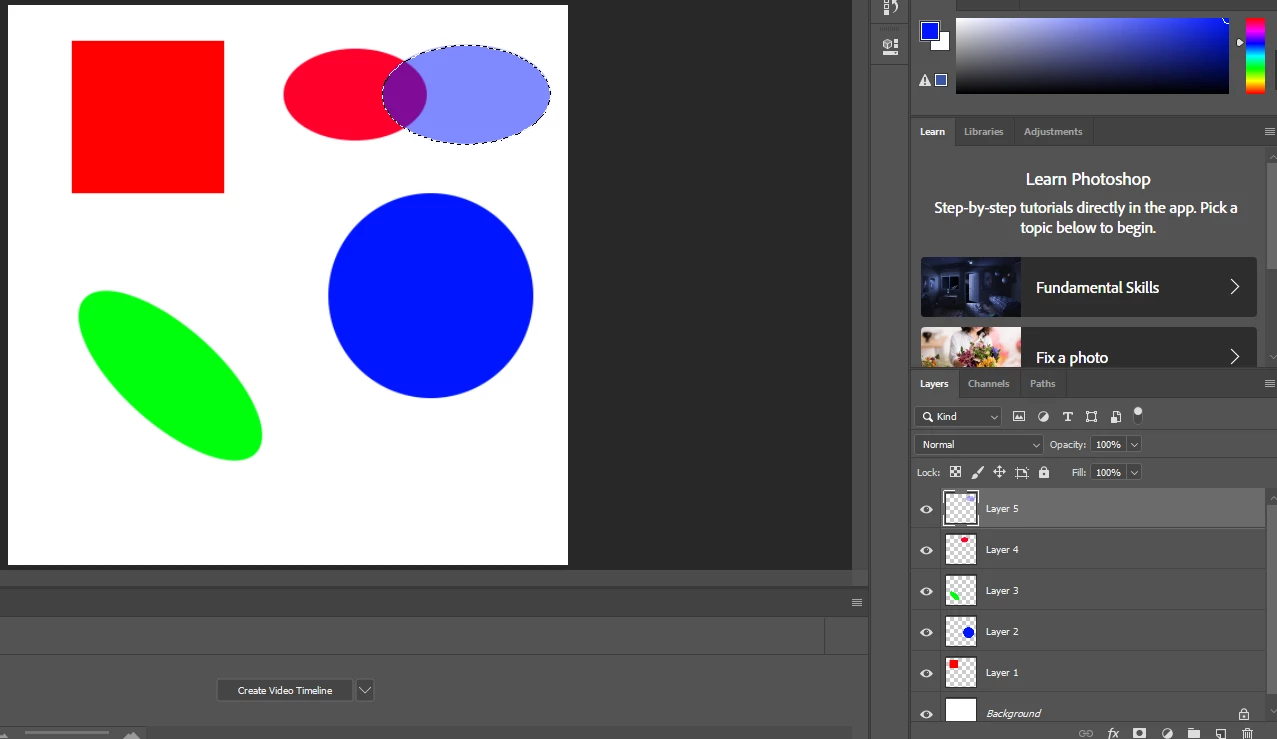
What I would like to do is have multiple layers make up 1 frame in the timeline. But photoshop uses the layers as frames.
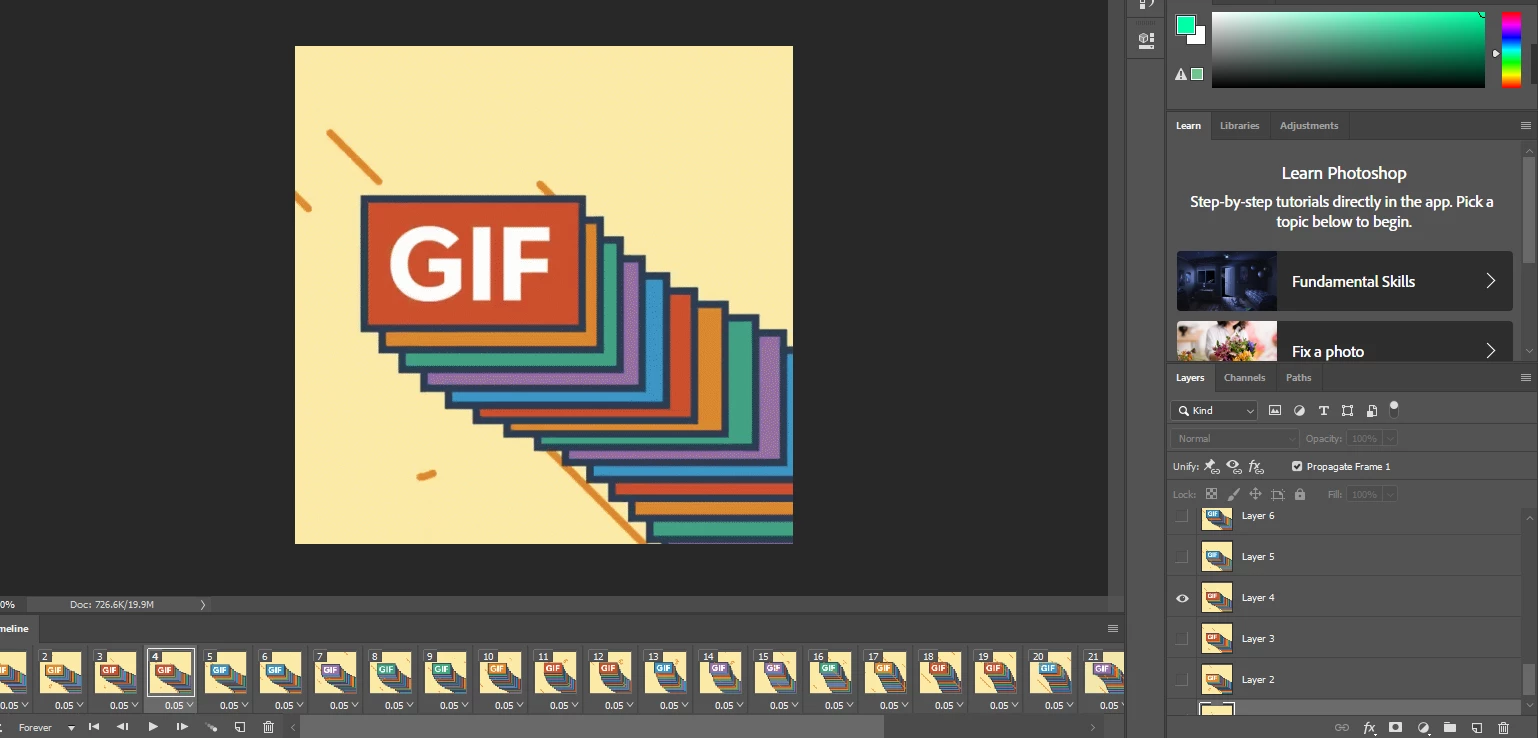

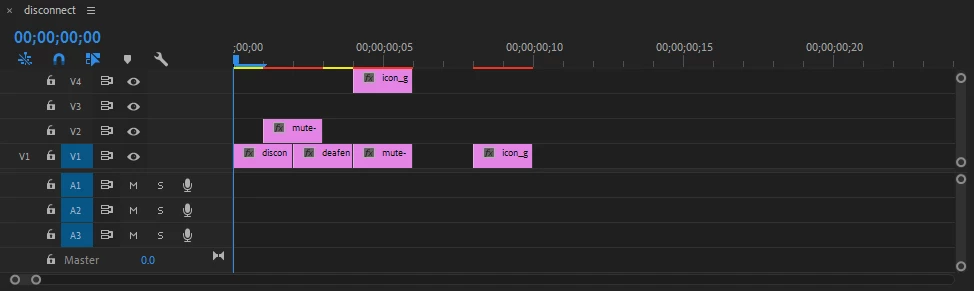
I use Premiere Pro more than any other adobe product and Premiere Pro's way of makeing moving pictures is by having the video's timeline in a 2d plane and not 1d. And by that, I mean, you can add things Forward in time and Upward in layers. Photoshop's timeline seems to be 1d, where the layers only go forward in time and you cant add multiple layers to 1 frame.
So is there any way for me to add multiple layers to 1 frame? Is there a pluggin or an alternative program I can use?
 AdChoices