
How to avoid brush overlap/build up
This has probably been asked many times before, but even after trying to find the answer via Google, I can't seem to find what I'm looking for.
Playing with Opacity and Flow of the brush doesn't achieve this.
I created a layer with noise, made a selection and converted it to a brush.
Just as an example, let's assume I used Brush Dynamics, clicked and dragged the brush, and ended up with 2 "strokes" like this. As you can see, it's overlapping:
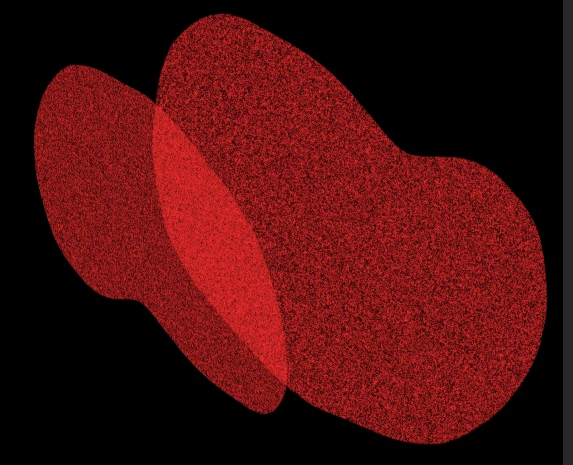
But my goal would be for Photoshop to know the area of the first stroke, even if there's no "paint" in it (in this case, it's the area I selected when I created the brush, which included white areas and black areas, creating the noise), then when 2 or more strokes overlap, Photoshop would know that certain areas were already covered, even if there's no red in them, and would create a uniform stroke like this:
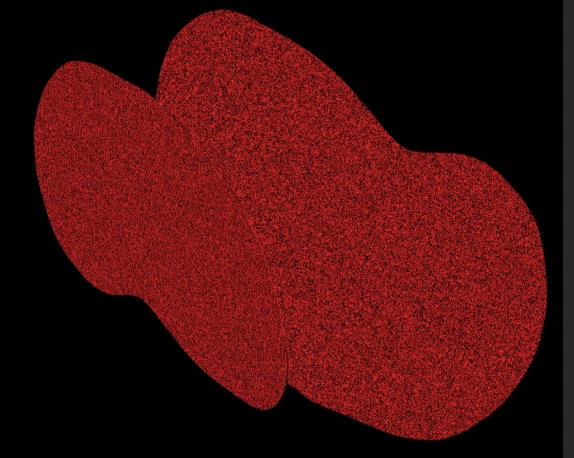
(I did this manually with 2 layers and removed from the top layer, the section from the layer below, just to illustrate what I'm trying to achieve).
Is this possible at all?
Basically I would like to create a texture brush, but I don't want it to keep adding "ink" to areas that are supposed to be empty.
Hope I'm making sense...
Let's say this selection was going to be my brush:
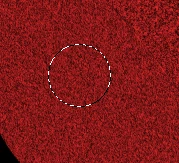
So now when I use the Brush Dynamics, Photoshop would know that there's an area of the brush, even if there are areas without "paint" in them, and overlapping another dynamic stroke, wouldn't paint those empty areas from previous strokes.

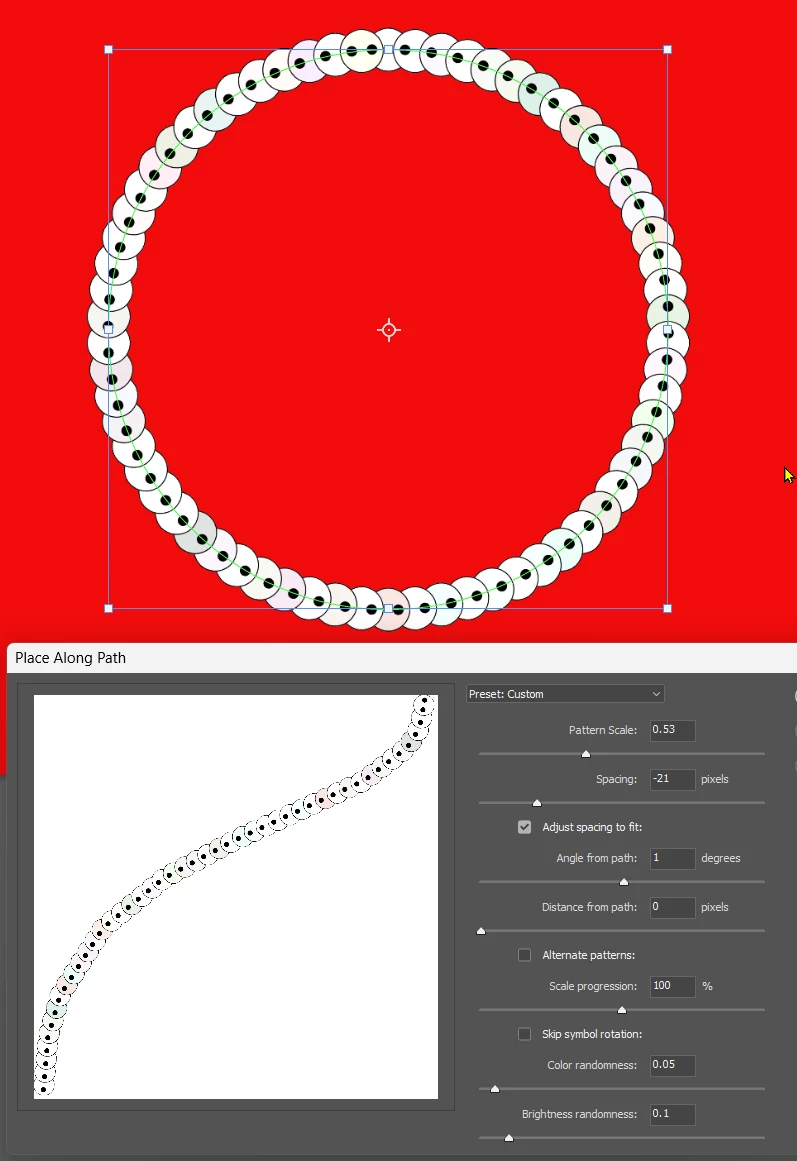
 AdChoices