
Question
How to avoid color spill on border selection
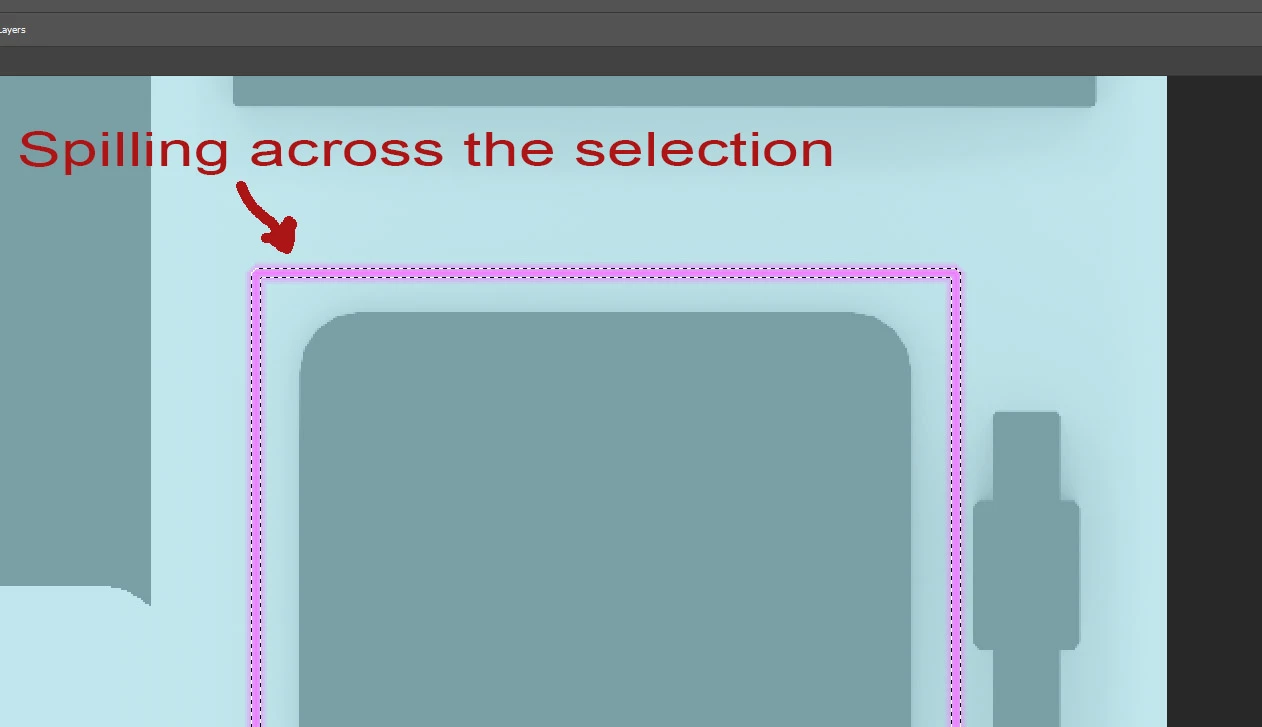 When I do a selection, then modify/border and using a bucket fill into that resulting selection I always get the color spilling across the limit of the selection. I have Anti Alias in the bucket tool off and feather is set to the minmal value. Is there a solution to this? I need a fill that is 100% constant in color and precise within the selection.
 AdChoices