
DerMalt
Participant
April 29, 2020
Answered

How to best create this texture?

  • April 29, 2020
  • 2 replies
  • 733 views

Hey Guys,
I'm a 3D artist, and don't use Photoshop that often. Mainly just for creating textures from images etc.
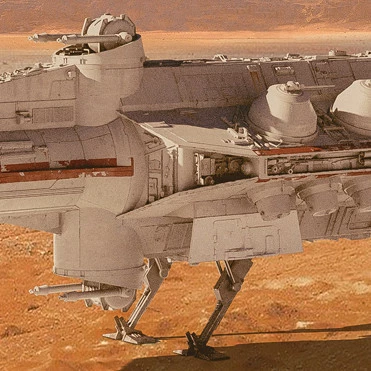
I came across a nice texture I got from an paid online course, and I want to recreate this texture in Photoshop myself, to do some changes, and to have my own made texture I can use for commercial projects.

I put some text on top of the texture, because I don’t want to publish a texture, you normally pay for.
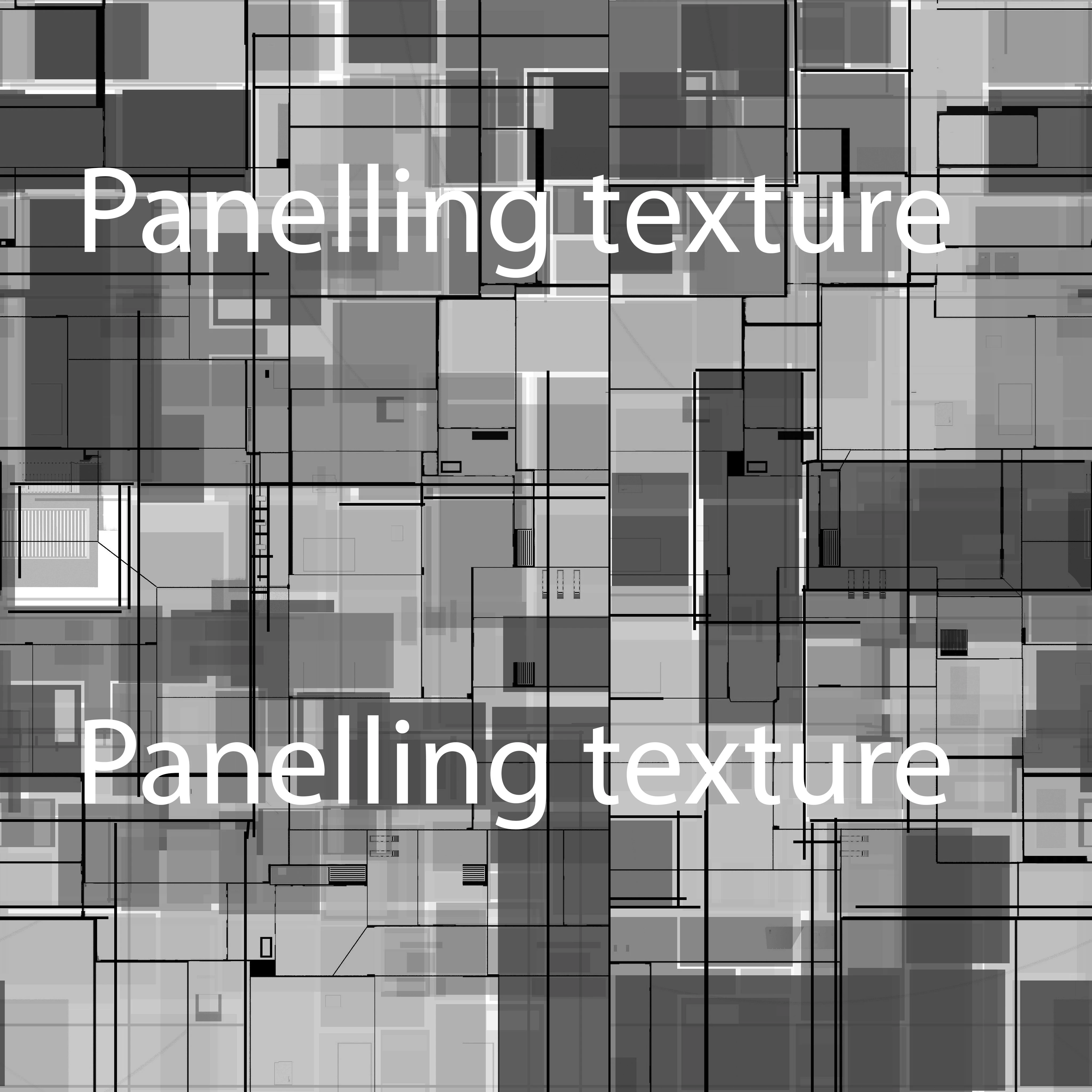
The black lines I would just create manually, but I was hoping there is a better, more procedural way for creating the grey squares in the background.

Any ideas?
 

This topic has been closed for replies.
Correct answer c.pfaffenbichler

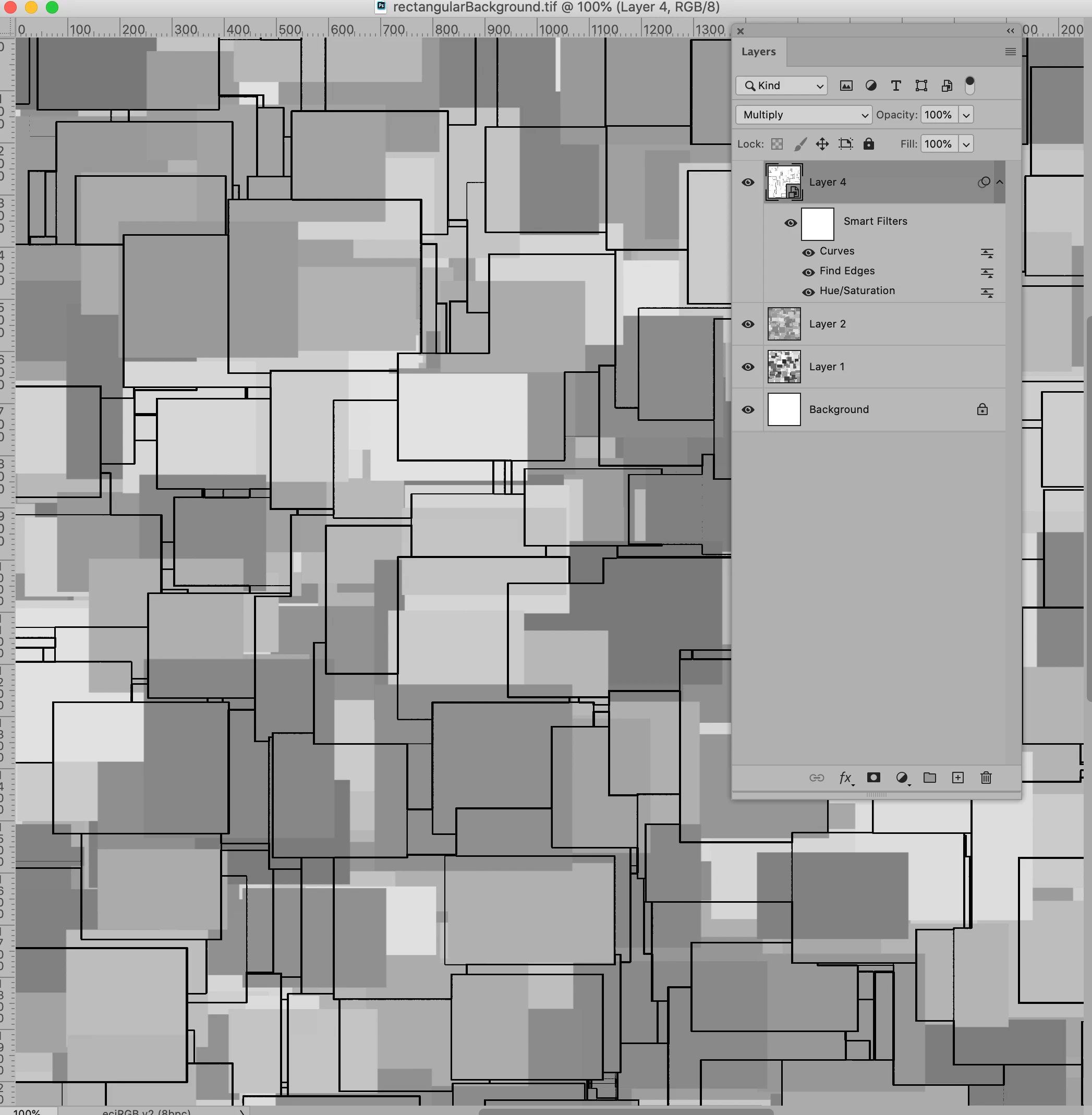
Some lines could also be created using such a Brush and some Filters. 

Making the Pattern seamless would of course make things a little more difficult. 

2 replies

c.pfaffenbichler
Community Expert
c.pfaffenbichlerCommunity ExpertCorrect answer
Community Expert
April 29, 2020

Some lines could also be created using such a Brush and some Filters. 

Making the Pattern seamless would of course make things a little more difficult. 

DerMalt
DerMaltAuthor
Participant
April 29, 2020

Oh wow. I'm gonna try this later. Thank you very much!

c.pfaffenbichler
Community Expert
Community Expert
April 29, 2020

I forgot to mention that you need a square (or rectangular) Brush tip; but that’s easy to make – create a (large) black square on white, Edit > Define Brush Preset. 

c.pfaffenbichler
Community Expert
Community Expert
April 29, 2020

A Brush with Roundness Jitter, Scattering etc. might be an option.