Question
How to bring this to alpha channel?
I am trying to create a color map for use with a rendering software. My understanding is I need to add the cutout geometry to an Alpha Channel per the instructions here.
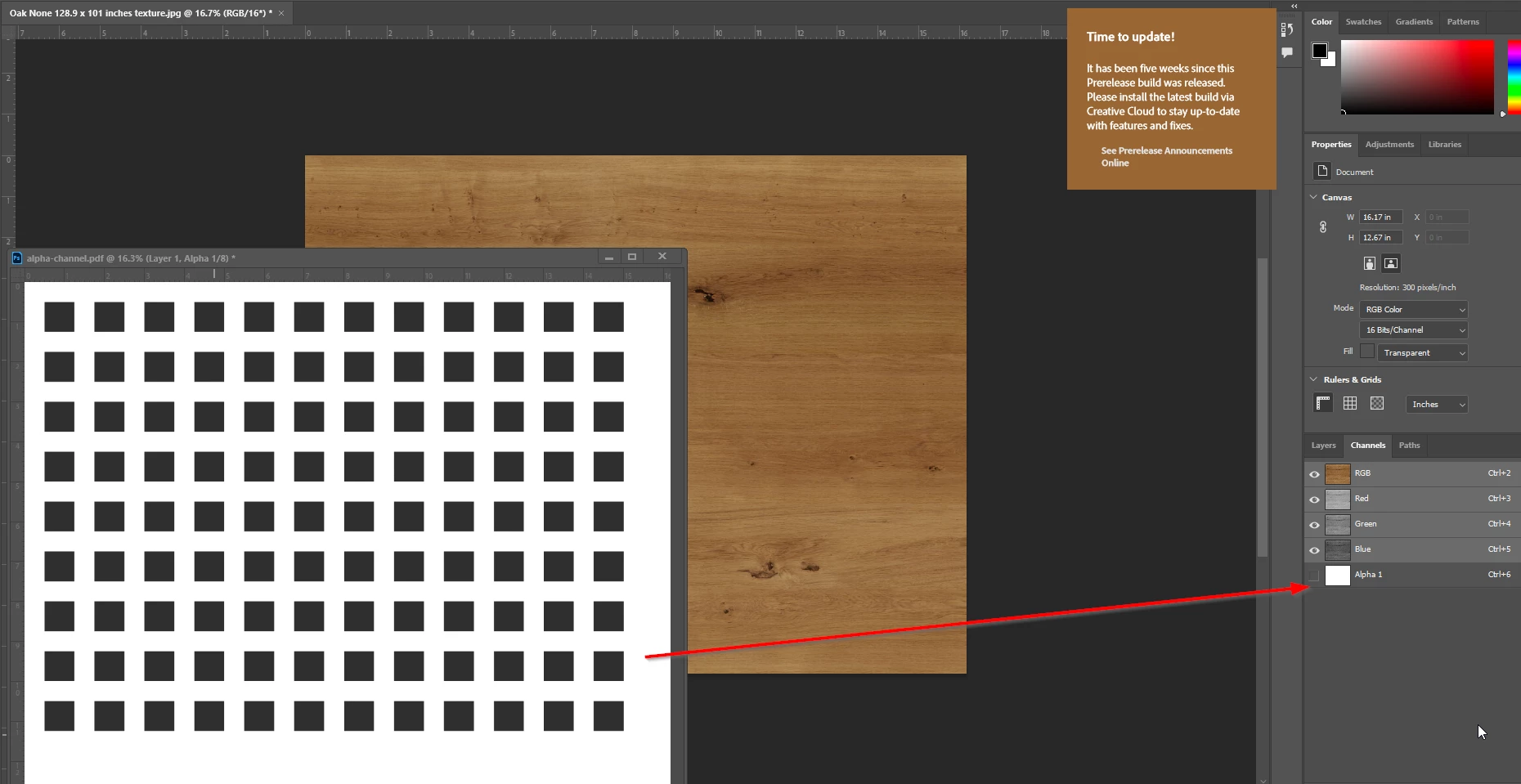

I am trying to create a color map for use with a rendering software. My understanding is I need to add the cutout geometry to an Alpha Channel per the instructions here.
Already have an account? Login
Enter your E-mail address. We'll send you an e-mail with instructions to reset your password.
 AdChoices