JeffreyW
Known Participant
April 12, 2020
Question

How to change color of picture/text?

  • April 12, 2020
  • 2 replies
  • 417 views

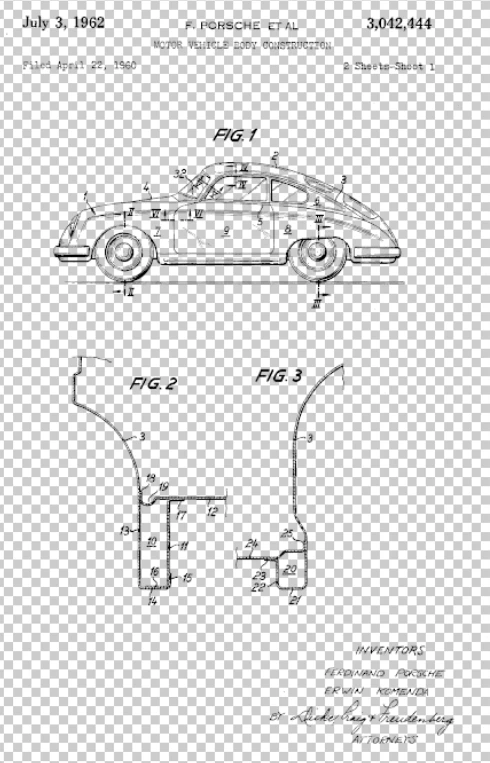
I downloaded the Porsche patent and removed the white background so all I'm left with are gaphics and text. Is it possible to change the color of the graphic and text from black to another color?
 

Thx

This topic has been closed for replies.

2 replies

c.pfaffenbichler
Community Expert
Community Expert
April 12, 2020

Could you please post a screenshot with the pertinent Panels (Layers, Options Bar, …) visible? Or even the image itself? 


If you did the clipping properly a Clipping Masked Solid Color Layer with a Layer Mask may suffice. 

JJMack
Community Expert
Community Expert
April 12, 2020

Maybe...  If the original document was high resolution and had no aliasing and you perfectly removed the white background

You should be able to select the layers pixels Ctrl+Left Click one the layer content in the layer palette, Then Fill the selection with the color of your choice. Dupe the layer and in the dupe delete the graphics design elements leave the text. You should be able to perfectly select text and fill with the color of your choice.

JJMack
JeffreyW
JeffreyWAuthor
Known Participant
April 19, 2020

Thx for the reply.


Figured this out by changing the mode to RGB then converting to smart object and then adding the FX color overlay.