
Participant
December 11, 2021
Question

How to Change or remove hex decimal color in photo?

  • December 11, 2021
  • 1 reply
  • 991 views

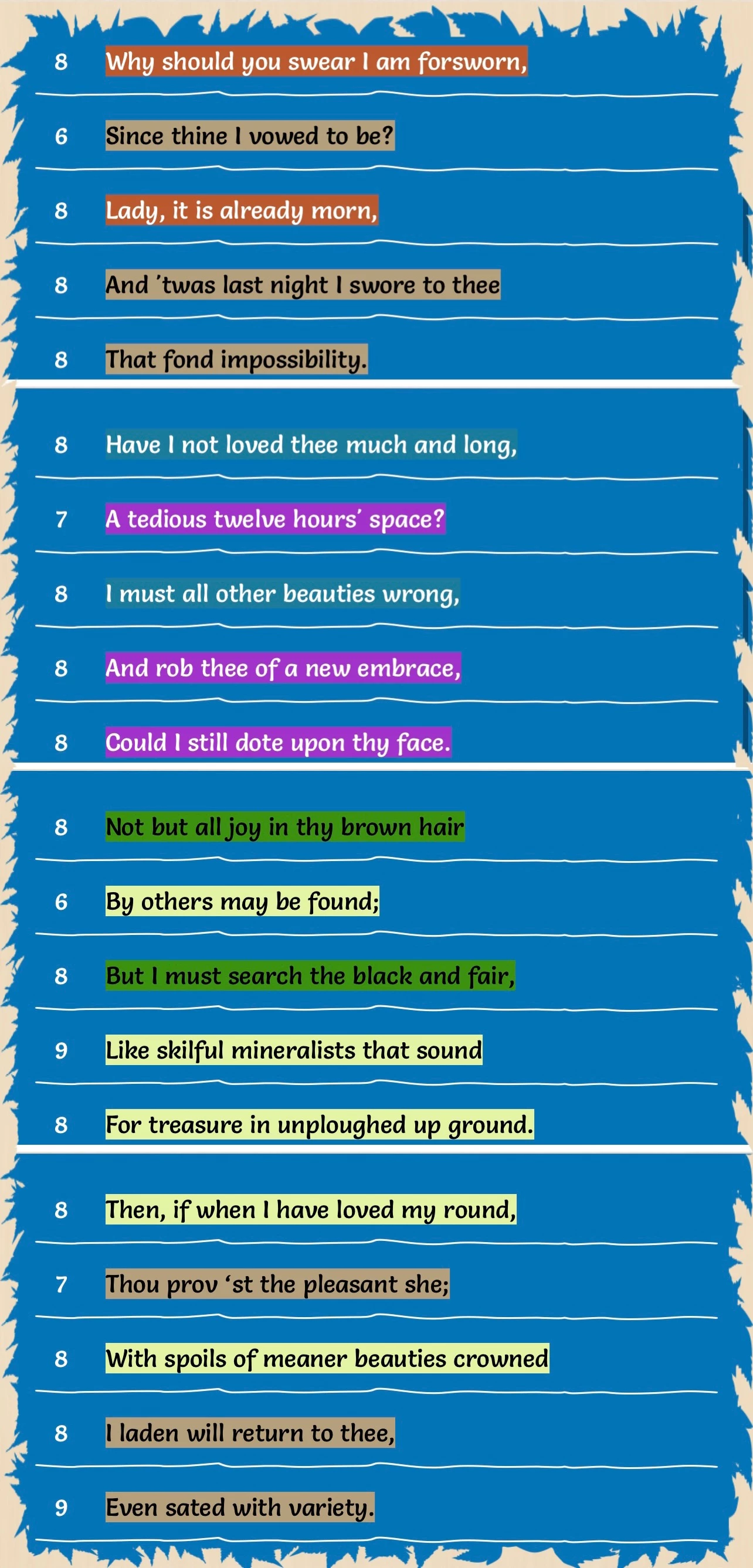
How can I change a color to be a different color or just remove the color to see another photo under the image only where the hexadecimal color is? For instance in this photo that has blue leaves around the poetry in different colors how can I change the blue to be different colored leaves or just remove the color all together so do can see a different image underneath? Do I need the hexadecimal color - 0174B8?
This topic has been closed for replies.

1 reply

didiermazier
Community Expert
Community Expert
December 11, 2021

You can select by color range (sorry for the french UI)…

Participant
December 11, 2021

Okay my screen looks like yours, so what do I do next to change or remove color?

jane-e
Community Expert
Community Expert
December 11, 2021


@Adam21774722uucy wrote:

"so do can see a different image underneath"


Can you show your Layers panel? Is each blue leaf on its own layer? If you only have one layer, there is nothing underneath right now.


Jane