Participant
December 29, 2022
Question

How to change UI and icon size in Windows 11?

  • December 29, 2022
  • 2 replies
  • 925 views

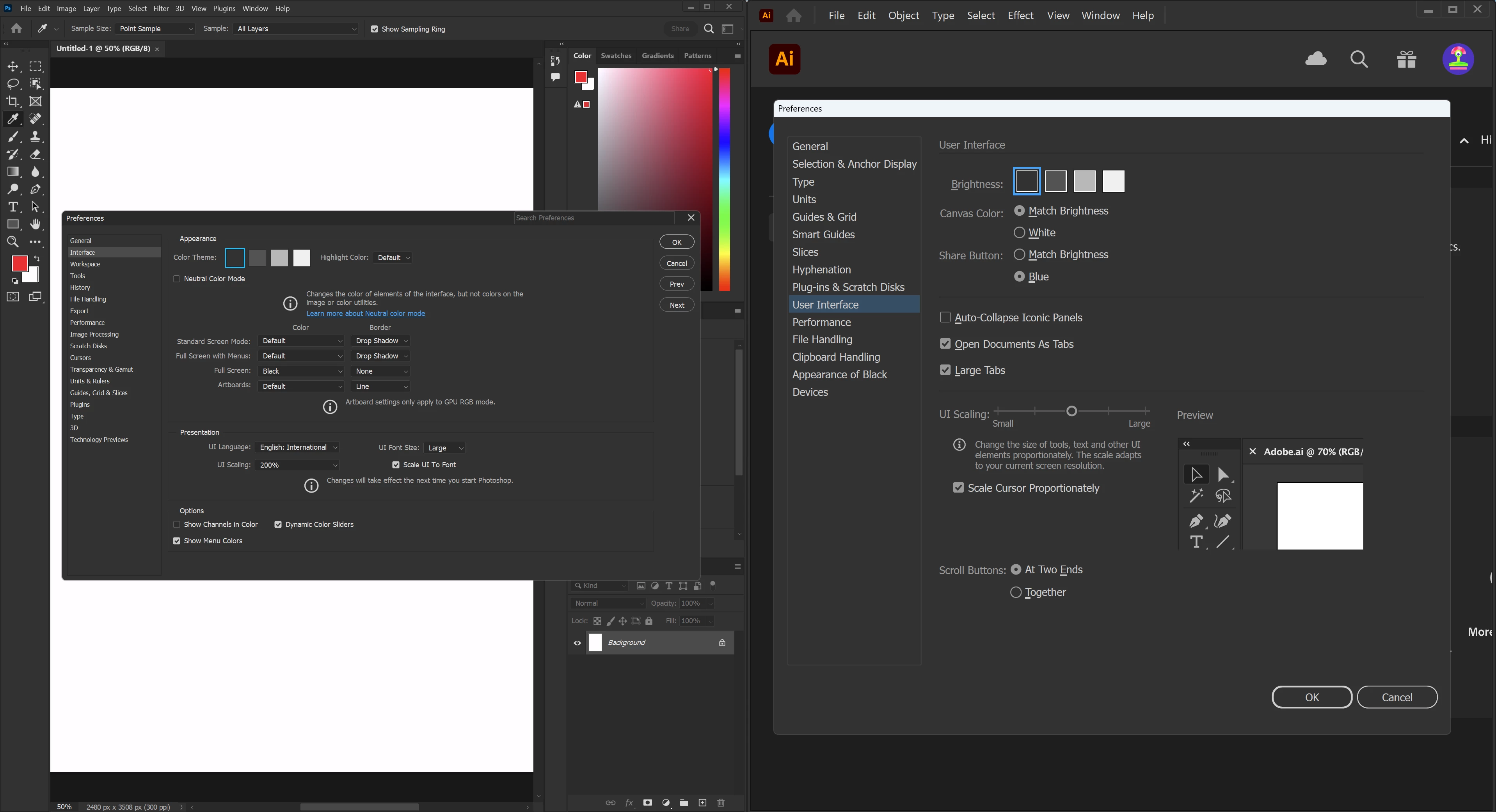
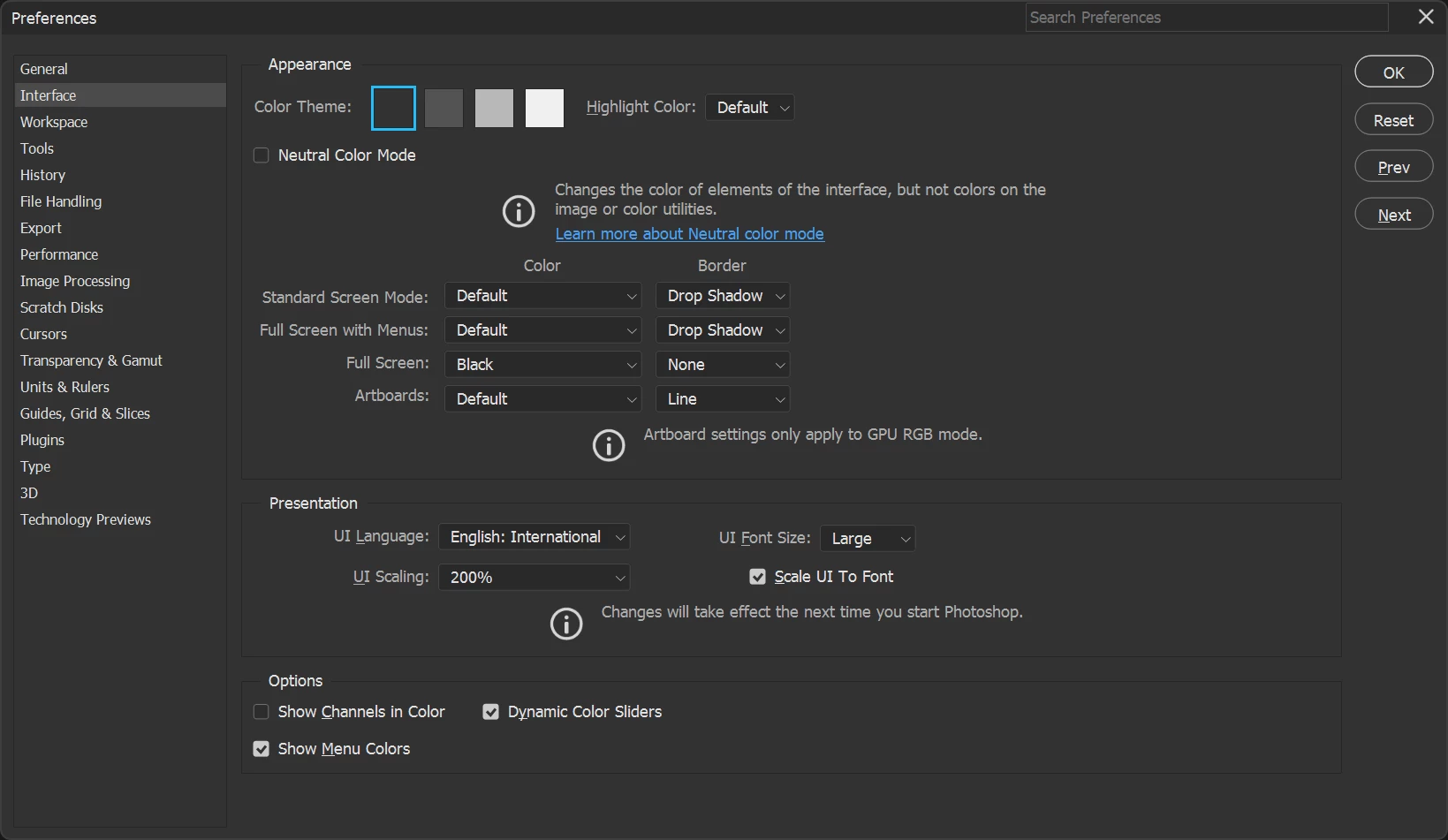
Hi my Photoshop version is 24.1.0. I have a problem of enlarging the UI size in Windows 11. I've tried to change the setting as below, but it doesn't work. Why don't adobe do Photoshop UI scaling system as illustrator or indesign? They are much easier.
This topic has been closed for replies.

2 replies

Bojan Živković11378569
Community Expert
Community Expert
December 29, 2022

Change settings Display Settings > Scale and layout > Scale. Photoshop will pick settings from there.

RoylllAuthor
Participant
December 29, 2022

Hi Bojan,


Thanks for your reply. Do you mean by windows setting? I already changed it to 150% and it looks more comfortable for my eyes on my 4k screen. But you can see the second screenshot, under the same windows setting I just couldn't find way to change Photoshop UI but illustator works well.

Bojan Živković11378569
Community Expert
Community Expert
December 29, 2022

Photoshop is different, unfortunatelly for some users.

mglush
Community Expert
Community Expert
December 29, 2022

Hi,

You might want to put this in as an idea so that people can vote on it. If the idea gets enough interest, it could be a possibility for future iterations of the program.

Michelle

RoylllAuthor
Participant
December 29, 2022

Good idea.