
Answered
How to clean up background
I just would like to leave paper texture on and background should be transparent.How to get this done. there are so many paper edges in this texture

I just would like to leave paper texture on and background should be transparent.How to get this done. there are so many paper edges in this texture
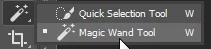
Select the Magic Wand tool.
In the Options bar, remove the check mark from Contiguous.

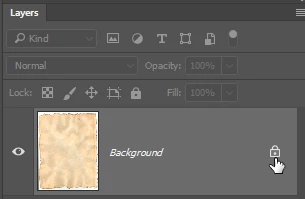
If your paper texture is a Background layer, click the padlock icon to remove the padlock..
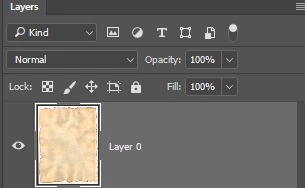
Click the Magic Wand anywhere in the white area that surrounds the paper texture.
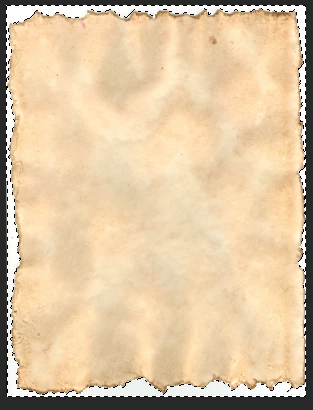
You can either hit the Delete key (Windows) / Backspace key (Mac) to delete the selected pixels.
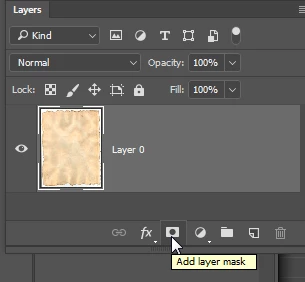
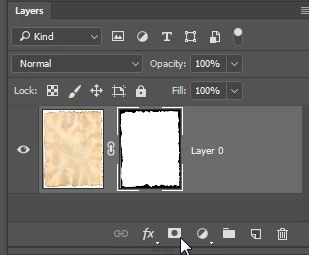
Alternatively (and ore flexible), you could Select > Inverse and click the Layer Mask icon at the bottom of the Layers panel to create a mask.
Already have an account? Login
Enter your E-mail address. We'll send you an e-mail with instructions to reset your password.
 AdChoices