
Question
How to clean up/refine the automatic background removal
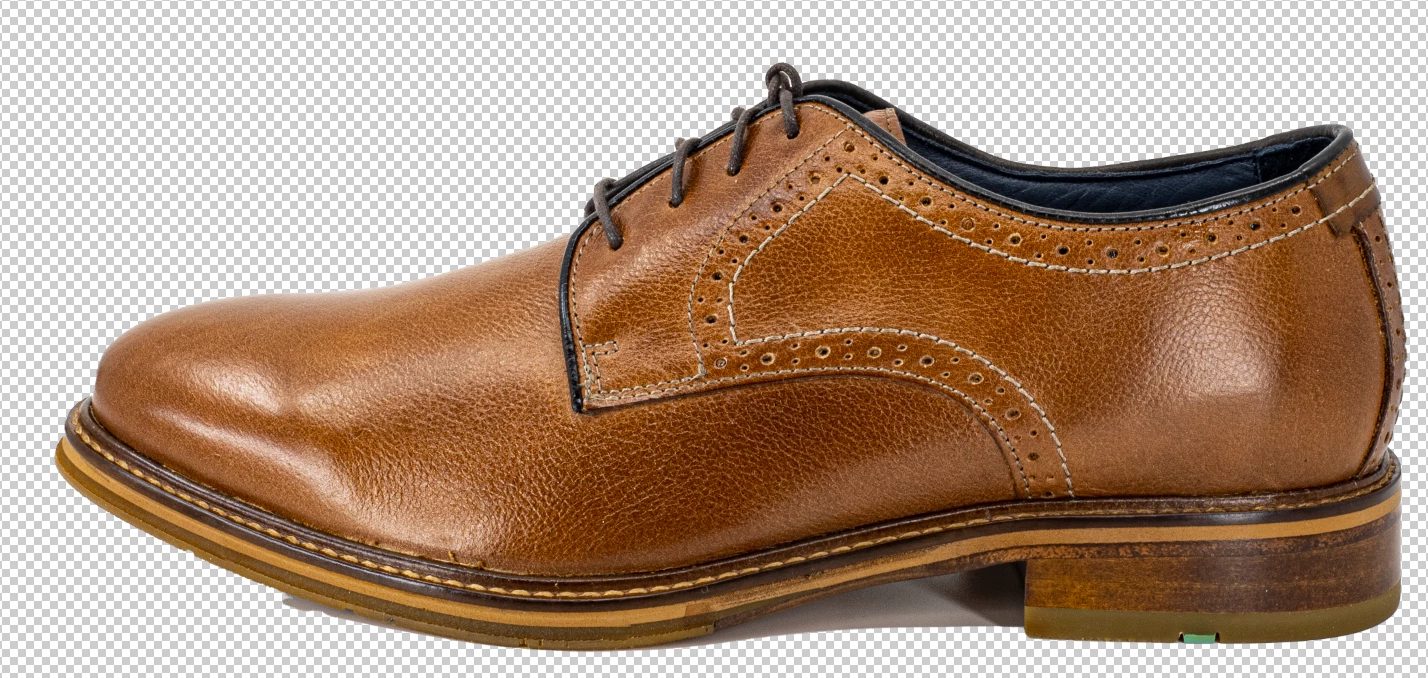
I have some product photos on white backgrounds; I need to change them to transparent backgrounds. The Photoshop Remove Background quick action gets things off to a very good start. But, as you can see in this photo, there are still some parts of shadows that need to be cleaned up. What is the quickest way to do this?
 AdChoices