Participant
August 11, 2023
Answered

How to create a blur/smudge artistic effect to image PSD?

  • August 11, 2023
  • 3 replies
  • 1073 views

Hello, I'm wondering where to begin in creating an effect similar to the images below for a floral photograph. I understand that these images may have been originally shot like this, but is there a way to replicate the effect using Photoshop for a regular image? Thank you!

This topic has been closed for replies.
Correct answer c.pfaffenbichler


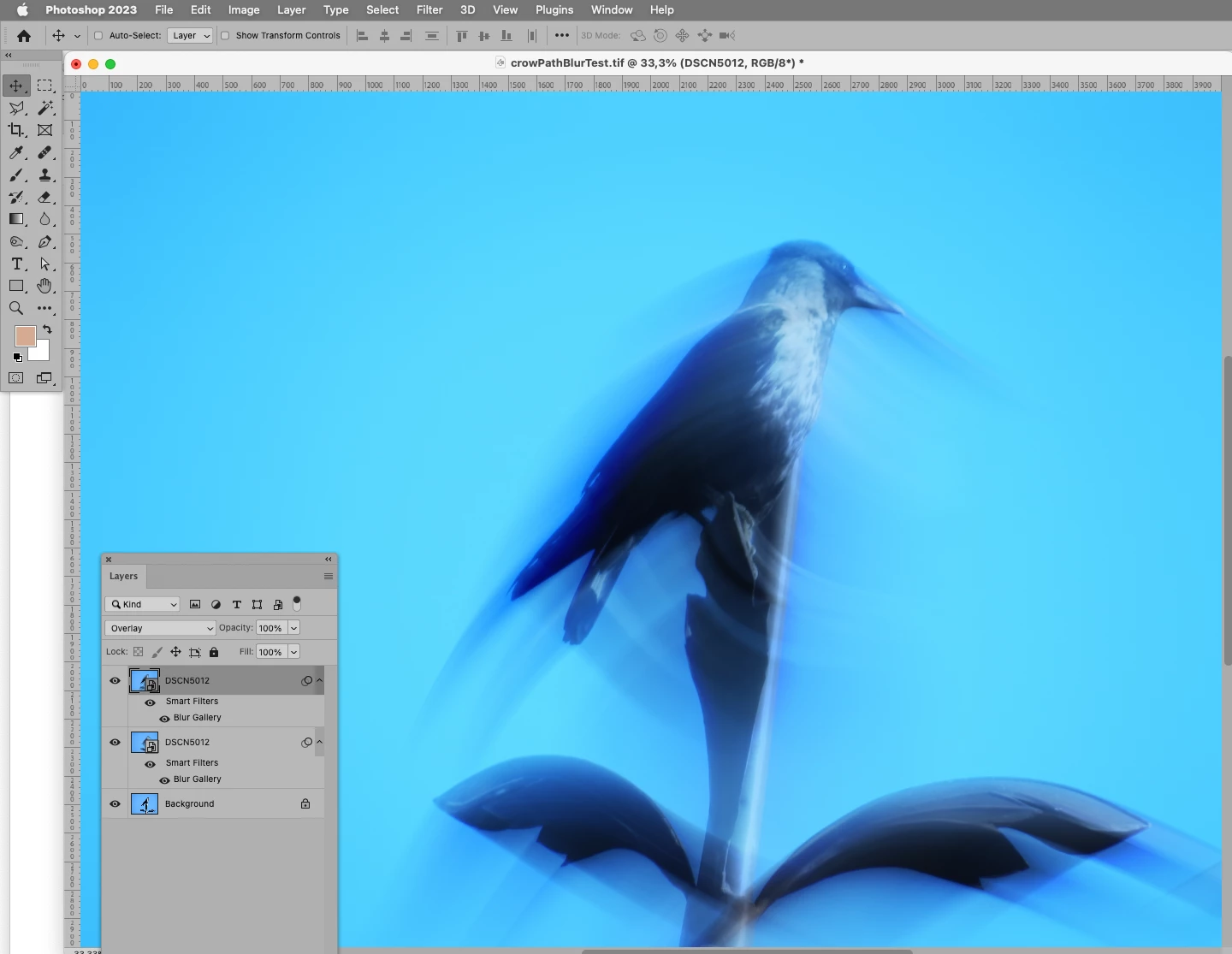
Edit: Combining multiple Filter applications with Layer Masks/Blend Modes/… would also be an option. 
3 replies

c.pfaffenbichler
Community Expert
c.pfaffenbichlerCommunity ExpertCorrect answer
Community Expert
August 11, 2023


Edit: Combining multiple Filter applications with Layer Masks/Blend Modes/… would also be an option. 

c.pfaffenbichler
Community Expert
Community Expert
August 11, 2023

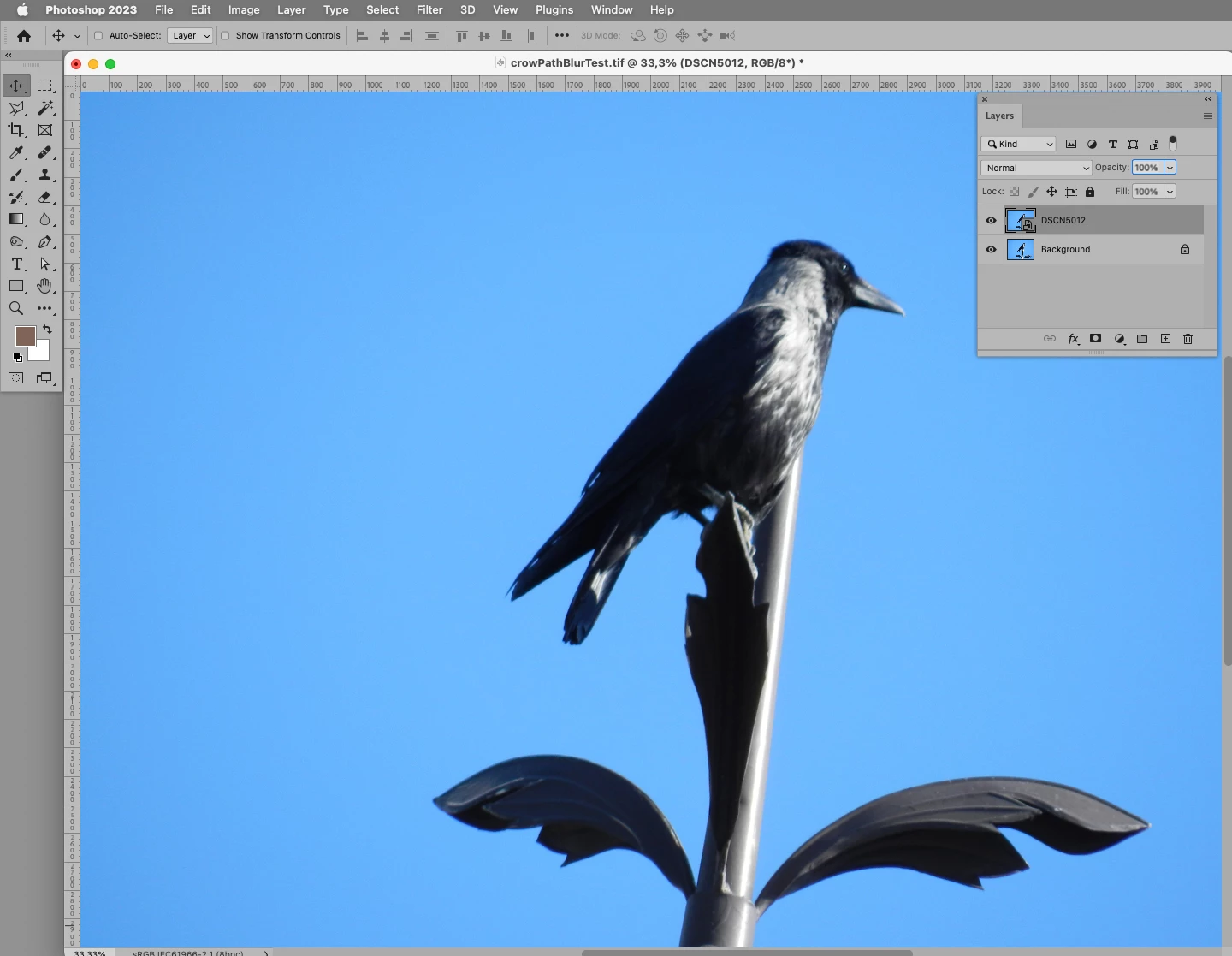
And use Smart Filters. 

That way you can edit and re-edit them as necessary. 


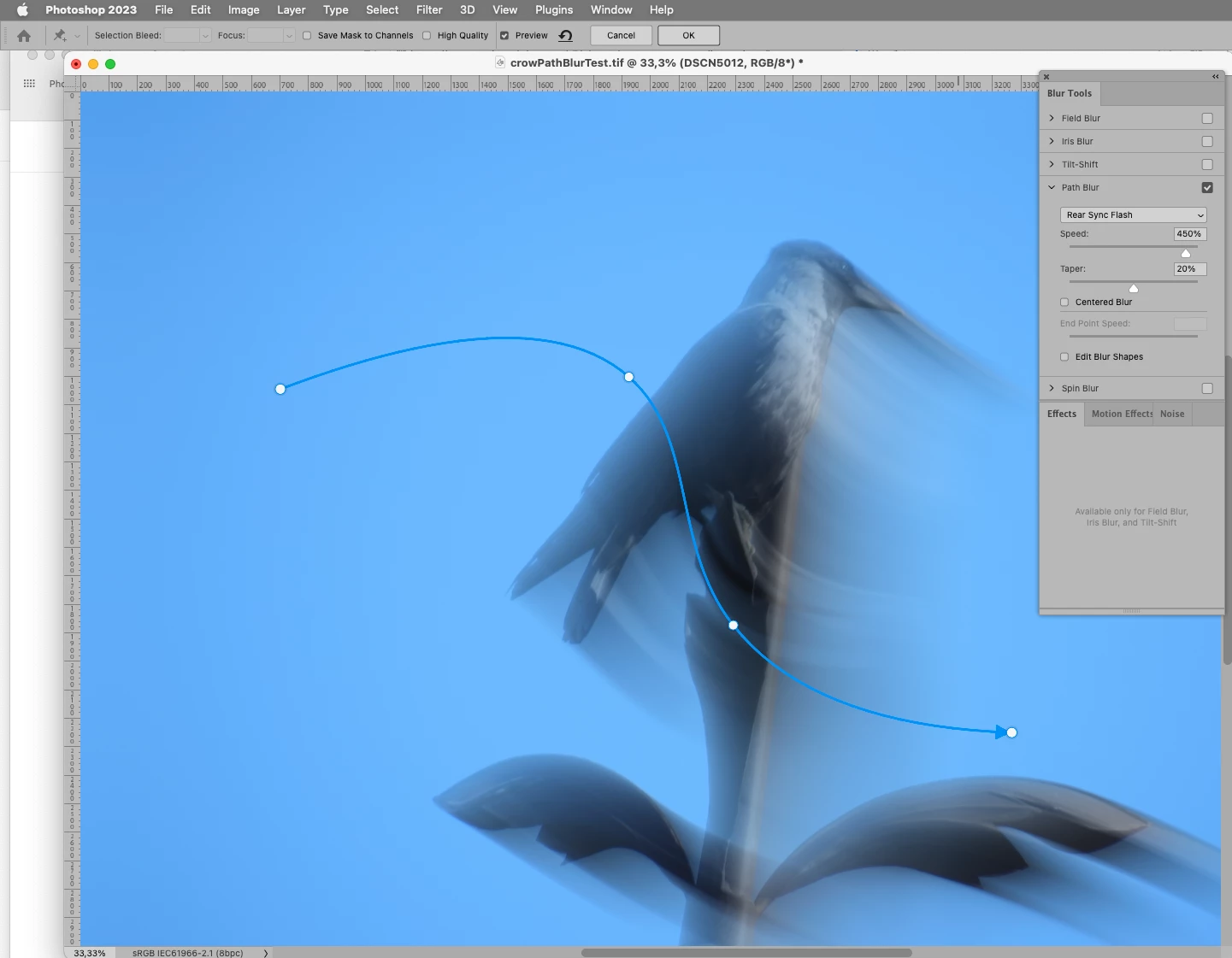
For the effect in the middle image I suspect that Filter > Blur Gallery > Path Blur might prove useful, if not perfect. 

Leslie Moak Murray
Community Expert
Community Expert
August 11, 2023

First of all, save an unedited copy of the image. Then experiment with the Blur Filters: Filter>Blur> then select from the dropdown menu. In the images you show, I'd say maybe try Motion Blur and some others.