
Participating Frequently
November 6, 2021
Question

How to create a slope in a circle with elements around it ?

  • November 6, 2021
  • 2 replies
  • 934 views

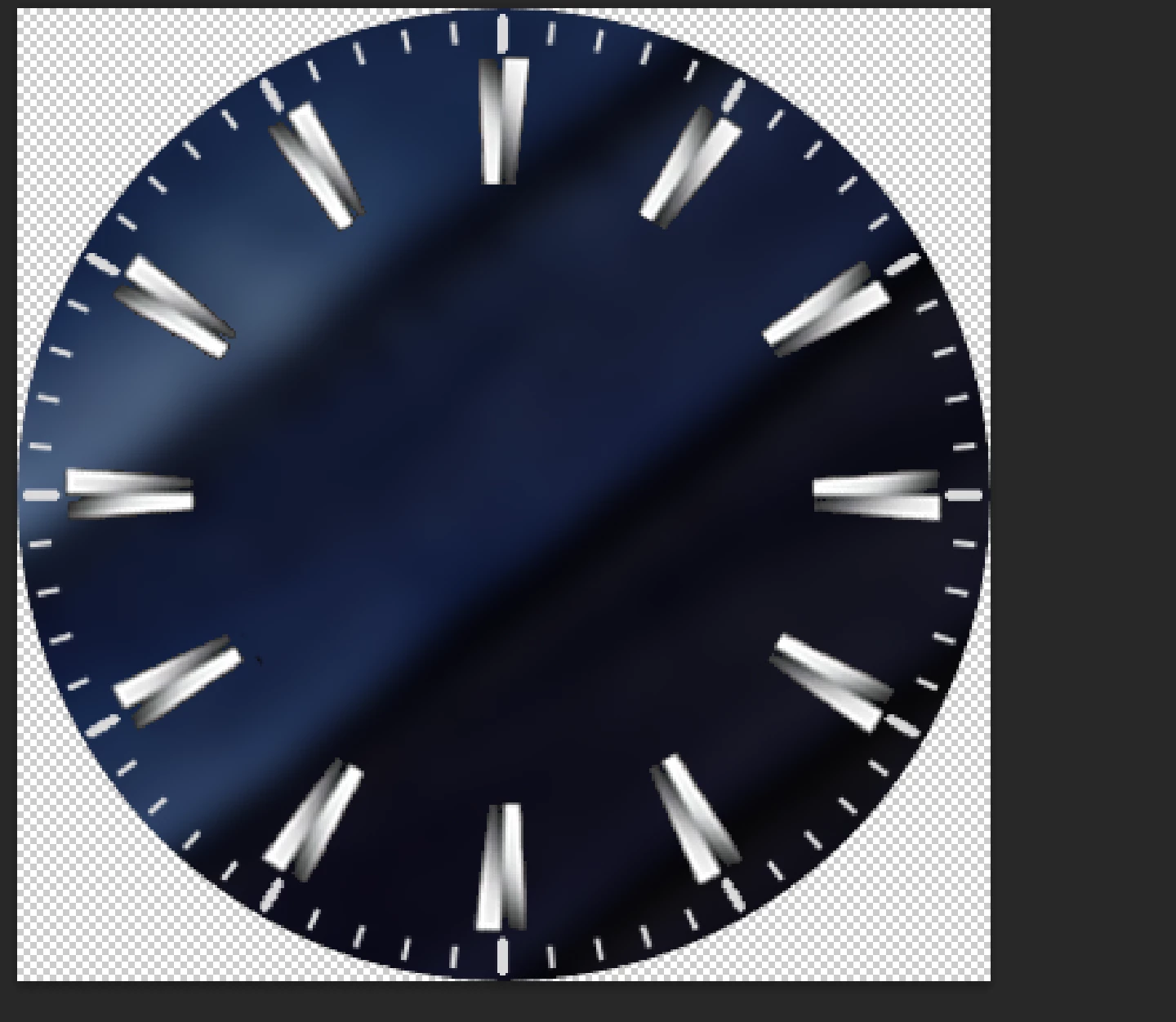
Hi, guys hope you doing well I have a question I want to achive results as below but I am not sure how to create this 3d type slope on circle as shown in the actual watch. I have created the image but IDK how to create this slope if someone knows how to do so please help me!

This is what I have created but I am not able to create slope I tried shadow and other stuff but I am not able to extract same results.
This topic has been closed for replies.

2 replies

davescm
Community Expert
Community Expert
November 6, 2021

Hi

I would probably model that in a 3D application , however you can illustrate it in Photoshop 2D using a combination of  gradients, as I have done here over your screenshot.

One radial gradient arount the rim. Then on the middle disk I used two angle gradients one to get the left shape and one the right.


Dave

Participating Frequently
November 6, 2021

But, I wanted slope around the corners not a rim tho. Like those white lines going down toward the main watch face see these white lines going towards the main circle thats what i want to achieve! 

Inspiring
September 29, 2022

Na

No

Hi,

For those interested, I have a simple solution regarding the "sloped" 3D lines but it involves Illustrator and the object gradient morph (sorry Im not sure about the exact english name of the tool):


- Create a circle with dotted stroke and empty fill, in my exemple I used: stroke is 1px, dash = 1px and space = 10px. You will need to create a proper watch division but the concept is still the same

- Duplicate this circle and resize it smaller, make sure your stroke has the same settings

- Use the gradient mesh tool and click those two circle while holding alt to get the gradient mesh options.

- In the option panel, choose the step based on distance with 1px


Now you can double click your new composed shape and move (or resize) one of the circle to emulate the correct slope.

Rgds,


lambiloon
Community Expert
Community Expert
November 6, 2021

Hi add circle in middle use gradient in proper way...regards

Ali Sajjad / Graphic Design Trainer / Freelancer / Adobe Certified Professional
Participating Frequently
November 6, 2021

I tried but no success! Can you help me to achieve it ?