Known Participant
July 2, 2025
Question

How to create realistic pencil and charcoal brushes?

  • July 2, 2025
  • 3 replies
  • 1700 views

Hi there.


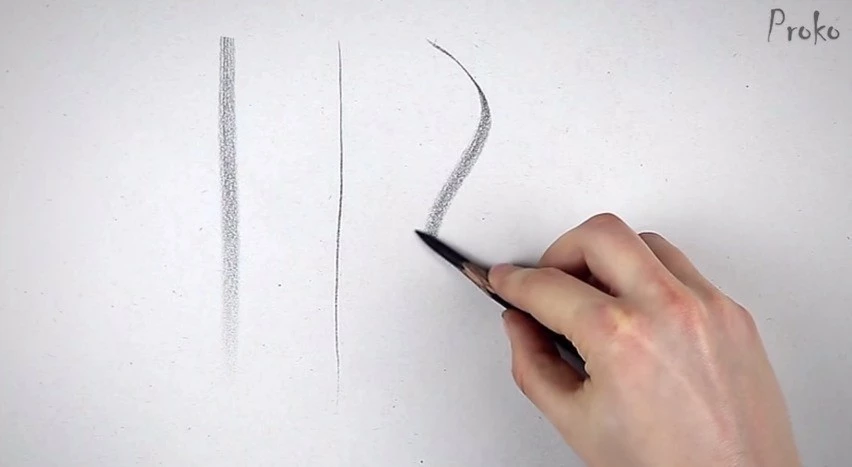
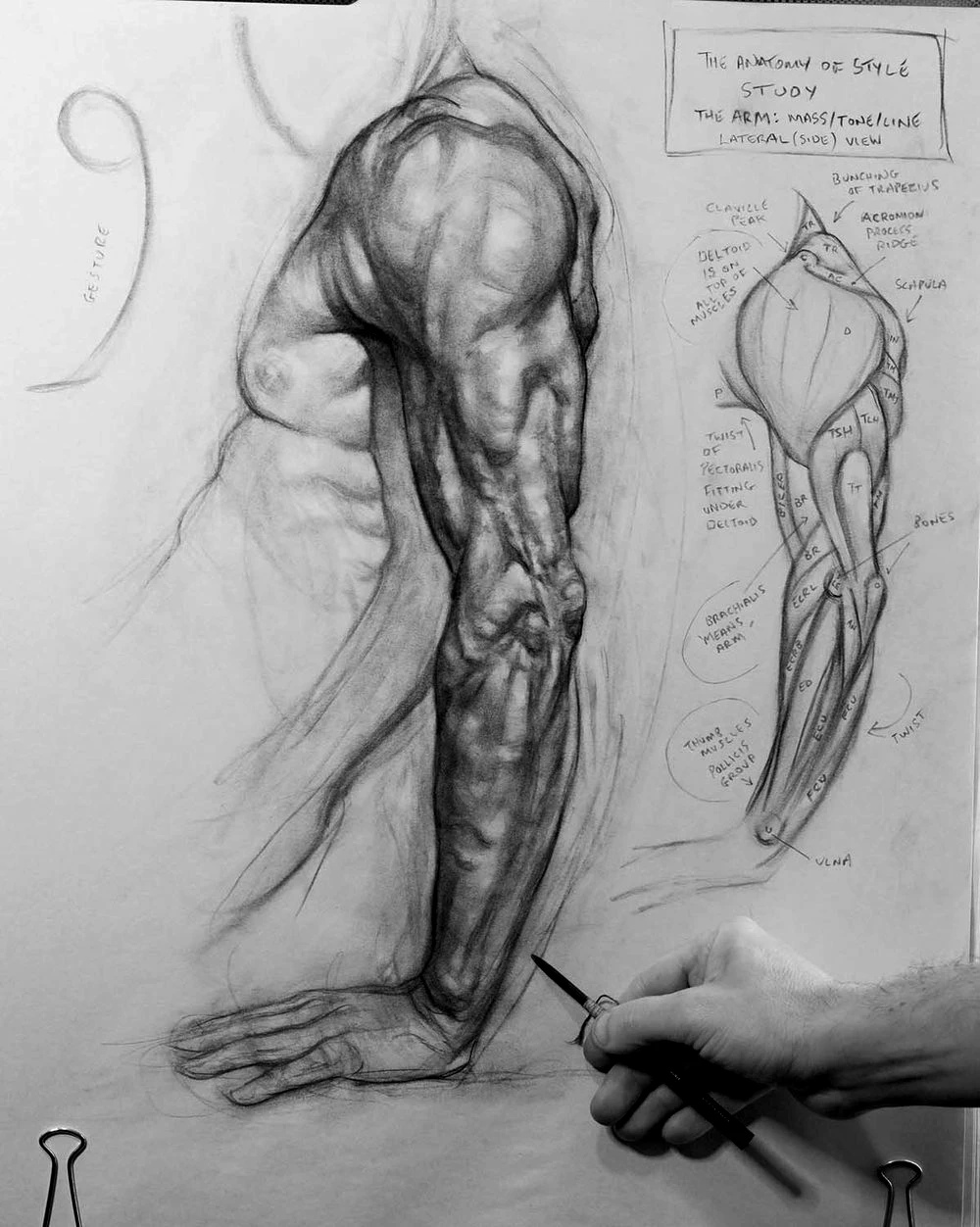
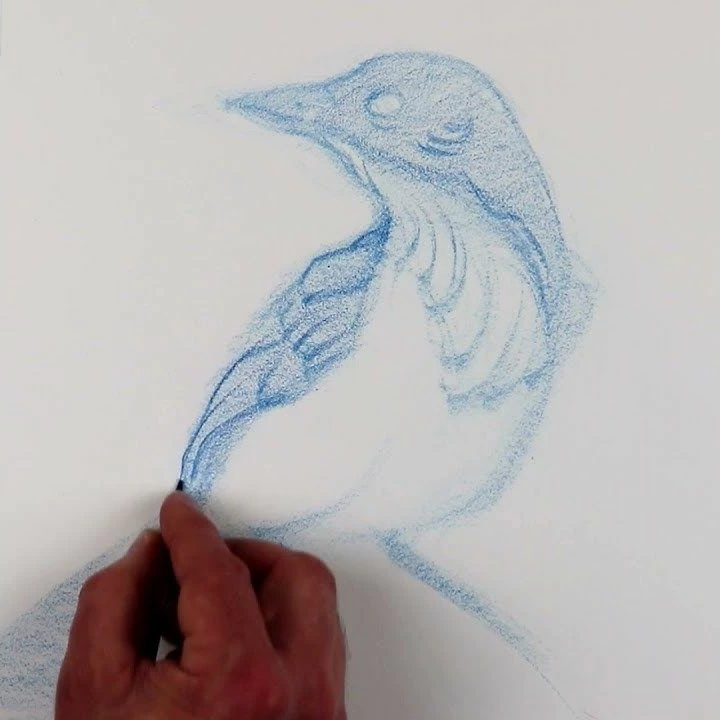
I’m new to using brushes with Photoshop, and have been researching brush creation. How can I create a brush that has a look and feel to realistic pencils and charcoal? What I am specifically trying to achieve is strong thin lines when the pen is held upright, and soft creamy wide shading ability when the pen is on its side. Shading should be able to build up smooth and softly. 


Example images from Brent Eviston, Proko, and Patrick Jones are attached. If anyone can please assist with the technicalities of setting this up, that would be greatly appreciated.


Thank you.


3 replies

Participant
November 3, 2025

Hi there, I hope you’re doing well!
I’ve been experimenting in Photoshop for a while, trying to capture that realistic graphite and charcoal feel. I know exactly what you mean — those fine, firm lines when the pencil is upright, and that smooth, creamy shading when it’s tilted.

After a lot of testing with brush dynamics and textures, I created a brush set designed specifically for that natural drawing experience. It includes graded graphite pencils (from 2H to 8B), charcoal brushes, and soft blending tools. You can check it out here:
creativemarket.com/erdidurmaz/291925595-E.D-Drawing-Box%E2%80%93Graphite-Set-for-PS

Semaphoric
Community Expert
Community Expert
July 2, 2025

Are you using a graphics tablet?

jonoiiiAuthor
Known Participant
July 2, 2025

Yes, a Wacom Cintiq Pro.

Trevor.Dennis
Community Expert
Community Expert
July 5, 2025

The effect of tilt can be lessened if you are using the dual brush function. Turning that off, setting the minimum diamater to 100% and tilt scale to 200% showed this difference in strokes between upright and tilted :


Photoshop is limited to 200% difference between upright and tilted (as set in tilt scale) but you can of course combine that with pressure by reducing minimim diamater to 0%. Left to right -  upright light pressure, upright hard pressure, tilted light pressure, tilted hard pressure:


If you need to use a dual brush, you may see less effect and you may also need adjust the size in the dual brush to work with the tilt.

It would of course be nice if we could go higher than 200% on tilt scale but we cannot at present.

Dave


@davescm, have you been able to reverse the tilt/no tilt behaviour?  I can only show full size with the pen vertical, and minimum with it tilted.  A pencil would use its tip when near vertical, and produce a larger softer stroke when tilted.  

creative explorer
Community Expert
Community Expert
July 2, 2025

@jonoiii Honestly, for the time being, I would download some free pencil brushes see what works, and then create some of the settings on your own. https://helpx.adobe.com/ca/photoshop/using/creating-modifying-brushes.html 

m
jonoiiiAuthor
Known Participant
July 2, 2025

Hi there. Thank you for your reply. I've tested many brushes so far and none really behave the way I'm looking for. The one brush that works out of box is the default Pencil in Fresco for iPad, but I don't believe I can extract it. This is why I would like to try building one from scratch.