Participant
July 25, 2025
Answered

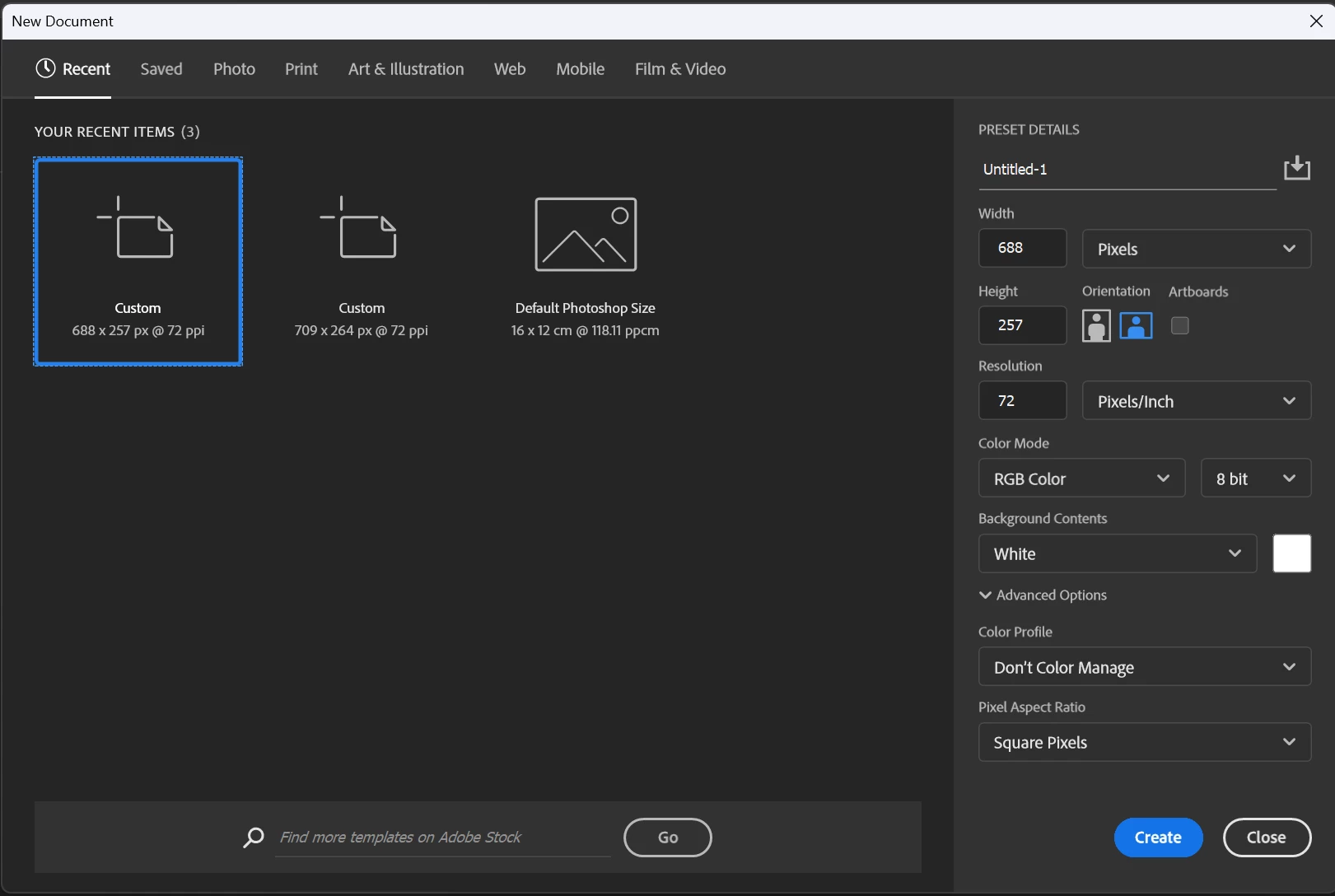
How to delete Recent Presets for a new document
  • July 25, 2025
  • 1 reply
  • 235 views


[Subject edited. Was "custom items".]



Correct answer Noel Orridge

Hi @Dominic_Wayman6461! Thank you for reaching out and welcome to the community! Unfortunately, you cannot delete a single custom preset from the "Recent" tab in Photoshop's "New Document" window. However, you can clear the entire list of recent document sizes by deleting a specific settings file.


  • Open the File Explorer and navigate to: C:\Users\YourUsername\AppData\Roaming\Adobe\Adobe Photoshop (Version)\Adobe Photoshop (Version) Settings\
  • Find and delete the file named: MRU New Doc Sizes.json (MRU stands for "Most Recently Used"), then relaunch Photoshop.


Let us know how it goes!

Cheers!

1 reply

Noel Orridge
Community Manager
Noel OrridgeCommunity ManagerCorrect answer
Community Manager
July 25, 2025

Hi @Dominic_Wayman6461! Thank you for reaching out and welcome to the community! Unfortunately, you cannot delete a single custom preset from the "Recent" tab in Photoshop's "New Document" window. However, you can clear the entire list of recent document sizes by deleting a specific settings file.


  • Open the File Explorer and navigate to: C:\Users\YourUsername\AppData\Roaming\Adobe\Adobe Photoshop (Version)\Adobe Photoshop (Version) Settings\
  • Find and delete the file named: MRU New Doc Sizes.json (MRU stands for "Most Recently Used"), then relaunch Photoshop.


Let us know how it goes!

Cheers!

Noel