
Participating Frequently
June 28, 2021
Answered

How to do this tearing effect

  • June 28, 2021
  • 3 replies
  • 606 views

Hello, could you tell me How to make the tearing effect in the USA flag (in the right and left flag sides) like in the image

This topic has been closed for replies.
Correct answer Trevor.Dennis

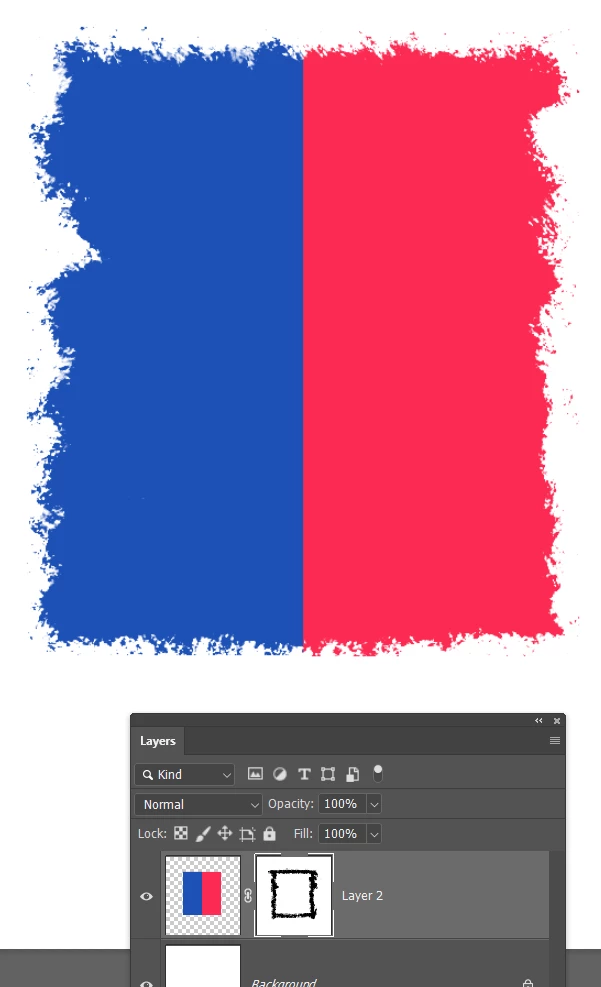
Add a layer mask to the flag layer.

Find a really rough textured brush. I used this one from Kyle's mega pack, but modified by adding 50% angle jitter in  Brush settings.
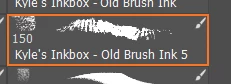
And brush around the dge with black
 

Similar but I increased Scatter jitter to 100% and Count to 3
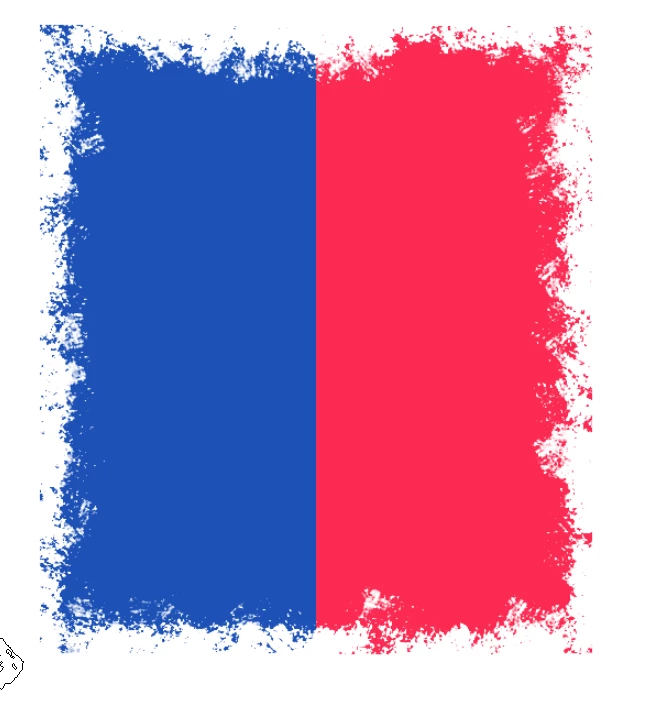
I am sure you get the idea.  Angle jitter keeps changing the brush shape and scatter moves it about giving you the ragged outline.


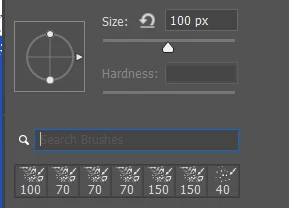
Make sure you have the search window turned on in the right click brush panel so you can use search words like rough, splatter, texture etc.  It only looks for presets in the main window, so Kyle's megapack makes a good source because it has hundreds of presets and they are all very good.


3 replies

Trevor.Dennis
Community Expert
Community Expert
June 28, 2021

Repeat post.

Trevor.Dennis
Community Expert
Trevor.DennisCommunity ExpertCorrect answer
Community Expert
June 28, 2021

Add a layer mask to the flag layer.

Find a really rough textured brush. I used this one from Kyle's mega pack, but modified by adding 50% angle jitter in  Brush settings.

And brush around the dge with black


Similar but I increased Scatter jitter to 100% and Count to 3

I am sure you get the idea.  Angle jitter keeps changing the brush shape and scatter moves it about giving you the ragged outline.


Make sure you have the search window turned on in the right click brush panel so you can use search words like rough, splatter, texture etc.  It only looks for presets in the main window, so Kyle's megapack makes a good source because it has hundreds of presets and they are all very good.


Participating Frequently
July 1, 2021

I understand and the effect is done thanks for your answer.

c.pfaffenbichler
Community Expert
Community Expert
June 28, 2021

I would recommend using a photograph or scan of actual brush strokes (I trust Stock Agencies offer a wide variety). 

Artificial brushes exist but they may look somewhat artificial (though you may be able to find better one than in this example). 

Participating Frequently
July 1, 2021

very useful thanks