
hedger
Known Participant
June 24, 2019
Question

How to dock undocked tabs without them resizing to full screen?

  • June 24, 2019
  • 3 replies
  • 1043 views

I am hoping that someone can answer this question as I am pulling my hair out.

Let's say I have two tabs open in PS. Both of the tabs are docked at the top of the PS screen. Now let's say that I click tab 1 and drag it out so that it is no longer docked. Now let's say I click on the document in tab 2 and make some changes or something. I then decide I want to move tab 1 back and re-dock it at the top. When I click on the undocked tab 1 the window automatically resizes to fit the ENTIRE SCREEN! How can I prevent this from happening? I just want to be able to dock any undocked tabs that I have without them opening up to full screen.
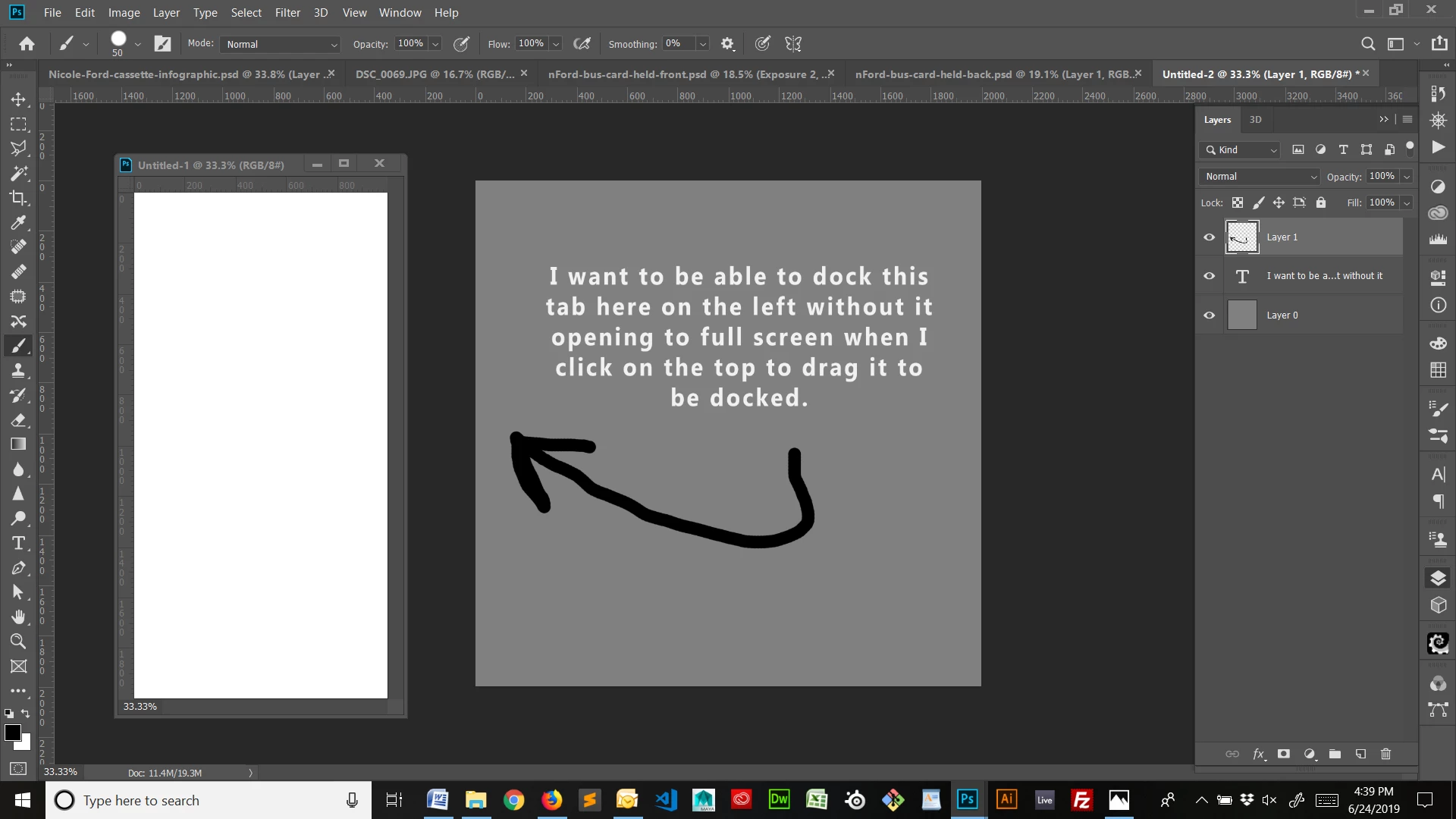
NO NO NO! Stop resizing to full screen when I try and dock you! Bad, bad window!!!
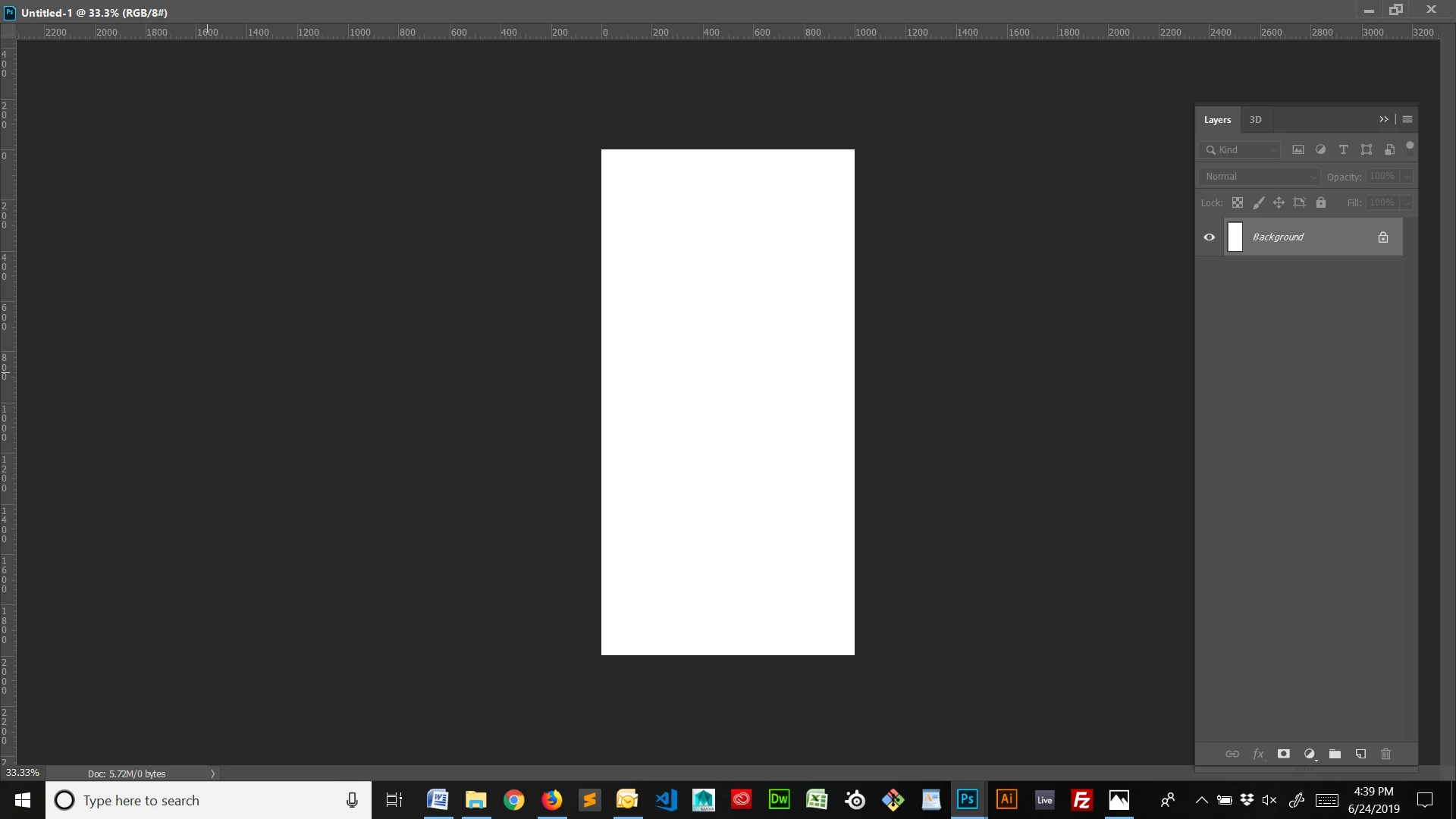
This is driving me insane! I do not remember which version of CC this starting happening on but it is annoying and I need to shut off this "feature."

Any help with this please?

This topic has been closed for replies.

3 replies

hedger
hedgerAuthor
Known Participant
July 4, 2019

I believe the post you are looking to respond to is... how shall I say this...not this one.

Sebastian Bleak
Community Expert
Community Expert
June 25, 2019

Would Window/ Arrange/ Consolidate all to tabs help? Or any of the arrange functions?

Jeff Arola
Community Expert
Community Expert
June 25, 2019

A similar issue that was caused by a third party photoshop extension.

PS CC 2015.1.2 Why do my images maximize with single click on title bar?

hedger
hedgerAuthor
Known Participant
June 26, 2019

Thanks for the link Jeff. I checked the information on there and it seemed some people were able to delete a file called "tw0001.dat" and it fixed it. However, I found and deleted that file but it didn't work. I still have the issue.

Sebastian, the arrange options will not fix this either.

I'm hoping someone else has found a fix for this as it is incredibly annoying. It's not the first time that I have asked for help in trying to fix it but so far no one has been able to find a solution and it seems Adobe doesn't care to fix it or at the very least place it as an option or preference that can be changed.

Have either of you attempted to replicate the issue by following the steps I listed out in my first post? If so, what was the outcome?

Jeff Arola
Community Expert
Community Expert
June 26, 2019

In photoshop go to Edit>Preferences>Plug-Ins, uncheck Load Extension Panels, then restart photoshop and see if the issue is corrected.