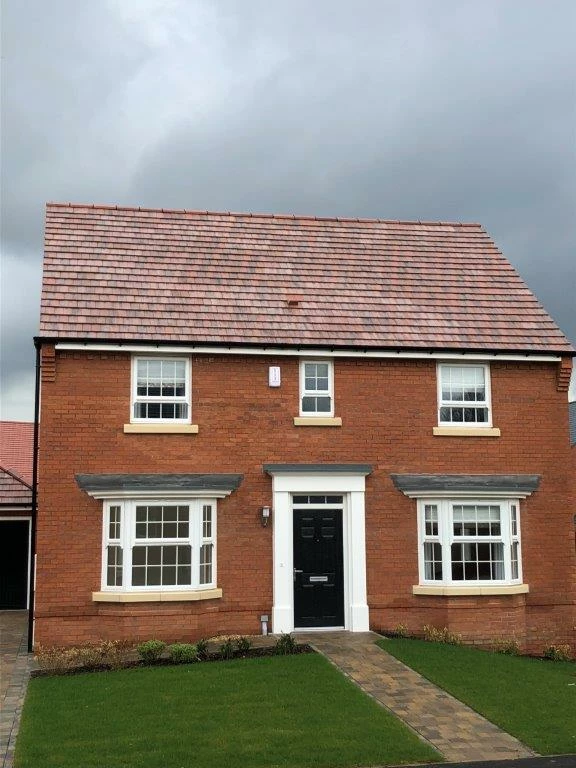
• Make a copy of the image/layer,
• convert it to a Smart Object (Layer > Smart Objectx > Convert to Smart Object),
• change the Blend Mode to »Linear Light« (and reduce Opacity if necessary),
• desaturate it (with Hue/Saturation for exaqmple),
• apply Filter > Other > High Pass,
• add a Layer beneath that and Clipping Mask the SO to this Layer,
• paint on that Layer.
The higher the Radius of the High Pass the more larger structures will be evident, the smaller the Radius the less.
You may additionally want to apply a Layer Mask to the painting Layer to avoid accidentally overshooting the roof.


 AdChoices