
sundaymorning
Participating Frequently
October 3, 2018
Answered

how to get brushes to make smoooth line

  • October 3, 2018
  • 5 replies
  • 679 views

Hey,

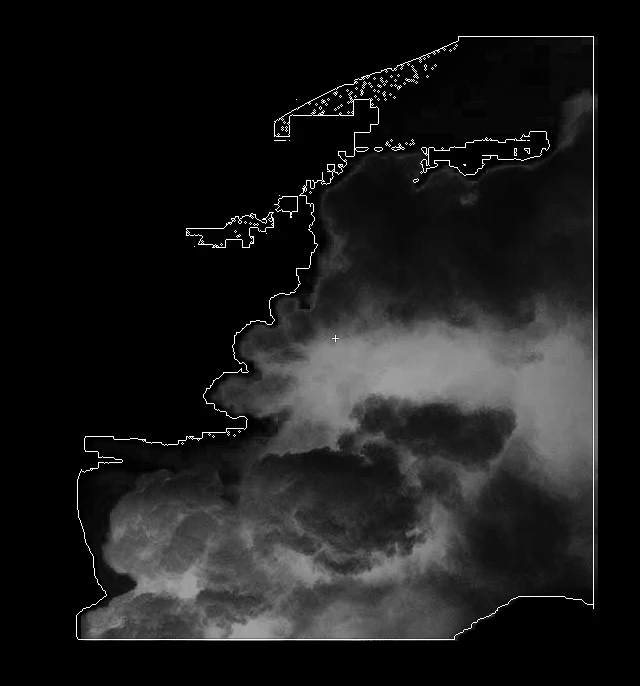
I downloaded some free fog brushes..and I was trying to use them but they are square shaped so it makes squares, not smooth soft fog , like I was hoping.

Beginner here so..which setting do I need to change or how to use these to make smooth soft fog! Thank you!!!!!
This topic has been closed for replies.
Correct answer Trevor.Dennis

A square edged fog brush, would be design for single stamping on the canvas.  It is not intended to be stroked across the canvas.  You need a different preset if that's what you intend.

5 replies

Trevor.Dennis
Community Expert
Trevor.DennisCommunity ExpertCorrect answer
Community Expert
October 3, 2018

A square edged fog brush, would be design for single stamping on the canvas.  It is not intended to be stroked across the canvas.  You need a different preset if that's what you intend.

davescm
Community Expert
Community Expert
October 3, 2018

Does the brush give you a brush hardness option?

Dave

Muqqarib Hassan
Inspiring
October 3, 2018

Or Select the brush tool and click on Brush panel icon i showed it in screenshot and click on smoothing.

Muqqarib Hassan
Inspiring
October 3, 2018

Hi,

There you can download free fog smooth brushes.

https://www.brusheezy.com/free/fog

sundaymorning
Participating Frequently
October 3, 2018

awesome! thank you for this!! <3

Muqqarib Hassan
Inspiring
October 3, 2018

Hi, Check this video.

It will help you how to get smooth brush and how to use it.

Brush Stroke Smoothing and Paint Symmetry in Photoshop CC - YouTube