
Known Participant
November 17, 2020
Question

how to get rid of move tool

  • November 17, 2020
  • 1 reply
  • 1949 views

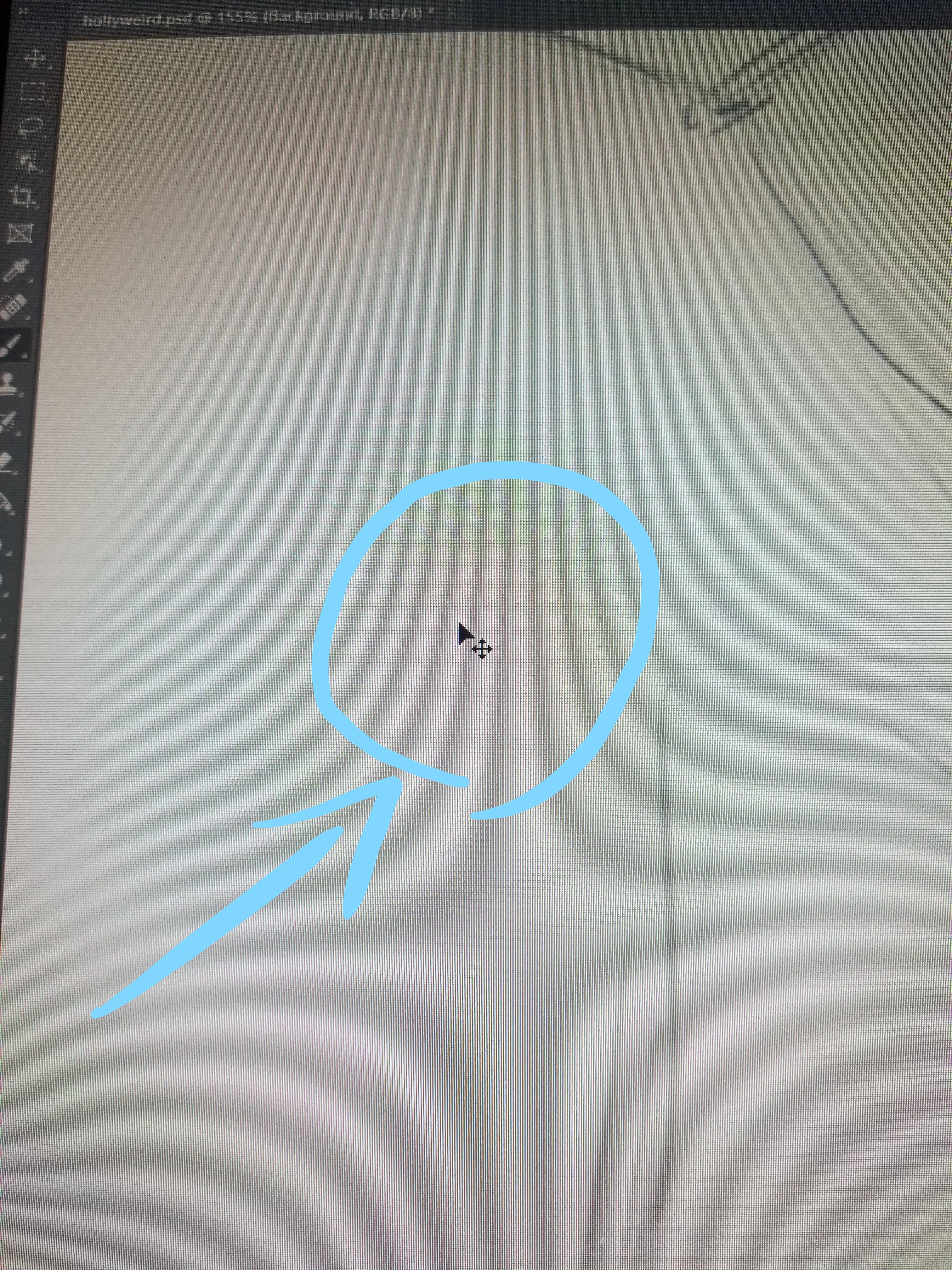
How do you disable this tool. it's not the move tool thats in the left list of tools. i even tried removing it in the toolbar menu and it gives me the letter "v" as the move tool, but that's a different tool. It pops up whenever i hit "ctrl". as an artist i use the crtl hot key to undo "crtl z". but for some reason this tool always pop up if i hit "crtl" accidently. Is there anyway to remove or disable it? i've included a screenshot to show you the tool
This topic has been closed for replies.

1 reply

jane-e
Community Expert
Community Expert
November 17, 2020

Control by itself is the shortcut for the Move tool and is hardwired, whether or not the Move tool is hidden. It is the shortcut for "AutoSelect" and existed before AutoSelect actually did. When you release, though, it should return to the tool you were using.


~ Jane

Known Participant
November 17, 2020

ah ok, got it. i just wish i could delete the option for crtl altogether when i accidently hit it. but i understand

jane-e
Community Expert
Community Expert
November 17, 2020

Ctrl (Cmd on Mac) is almost the same in Illustrator and InDesign, so it's pretty entrenched.


~ Jane