Answered
How to gradient of an irregular shape
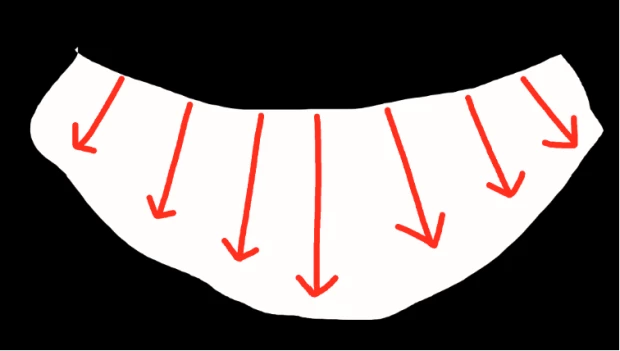
Is there a way to apply gradation naturally from top to bottom when i have such an irregularly curved figure?
Using Photoshop CC

Is there a way to apply gradation naturally from top to bottom when i have such an irregularly curved figure?
Using Photoshop CC
You can use Edit > Transform > Warp and in the Options bar (Window > Options) set Warp to Arc Lower or Arc (and set the Bend to -50).
Depending on how you created the gradient, you may need to make it a Smart Object first by either right-clicking on the layer in the Layers panel to the right of the layer name and select Convert to Smart Object or by selecting the layer and going to Layer > Smart Objects > Convert to Smart Object).
Already have an account? Login
Enter your E-mail address. We'll send you an e-mail with instructions to reset your password.
 AdChoices