
Answered
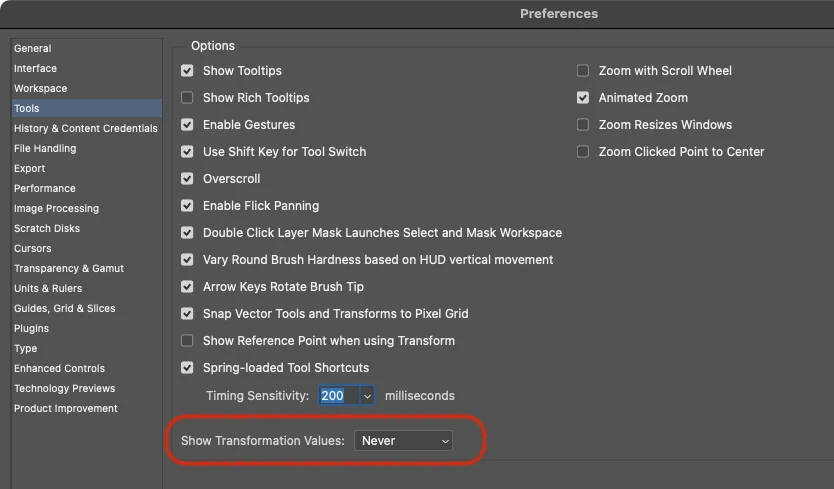
How to hide the little gray window that shows the current scale of object that i'm transforming?
Whenever im trying to transform any object, no matter if free transform, deform, warp, resize etc, once i grab any point to drag and transform, this little gray windows pops up, showing current size of what im transforming and very often it gets in my way of view, especially when im transforming a small piece of the object, so i cant really see much. Any way to hide it?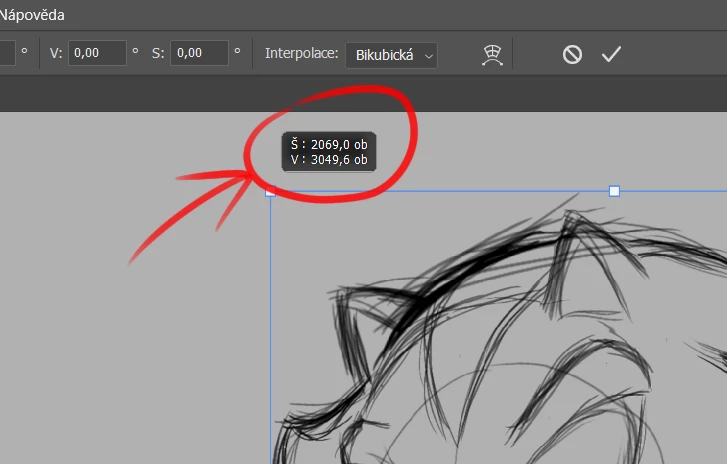
 AdChoices