

Answered
How to invoke Content Aware Fill in an Action?
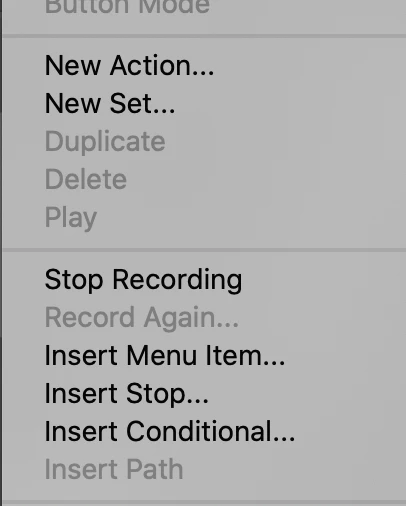
For some reason I cannot record the Edit Menu Item "Content Aware Fill" into an action. I am following what I think is the proper way to do it: when the action is being recorded, I click on the upper right corner menu of the Action panel, and then I click on Insert Menu Item... (see below)
I then go to the Edit menu and click on Content Aware Fill..., and the Information window looks like this:
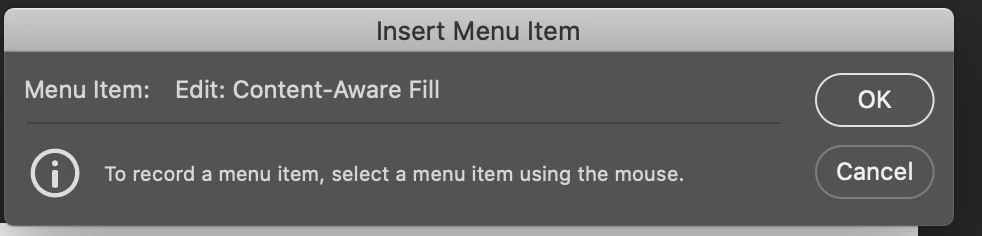
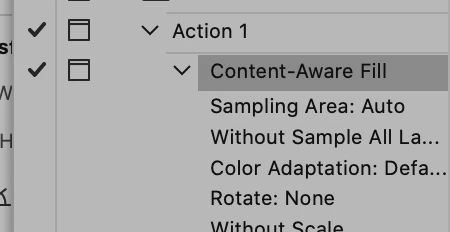
However, when I click on OK, this window goes away but the step does not get recorded into the Action. Other Edit Menu items, such as Fill, work fine (they do get recorded). Why is this happening, and is there a way around it?
Photoshop 21.1.2
MacOS Catalina 10.15.4
iMac (Retina 5K, 27-inch, 2017)
Memory 32 GB
 AdChoices