

How to make a drawing solid-black with crisp edges?
I need to make some simple ink drawings usable for putting on tee-shirts. As in, they need to be solid black (with the color being able to be easily swapped) and with crisp/clear edges that don't have any blur. Basically I'm looking to make a raster image work a little like a vector image (crisp edges and easy to swap the colors). The raster images I'm using are scanned in at a high resolution (600dpi).
I'm used to making tee shirt designs using Illustrator, but as of right now I only have access to Photoshop.
All of my designs are simple one-color designs, and are meant to be white against a black background. I would also like the option to make them black against a white background, which is why I would like to make the drawings easily color-swappable. Once again, I'm used to doing all of this in vector, so the switch to Photoshop has been kind of an adjustment for me 😅
Here is an example of one of the scanned drawings that I am trying to do this with:
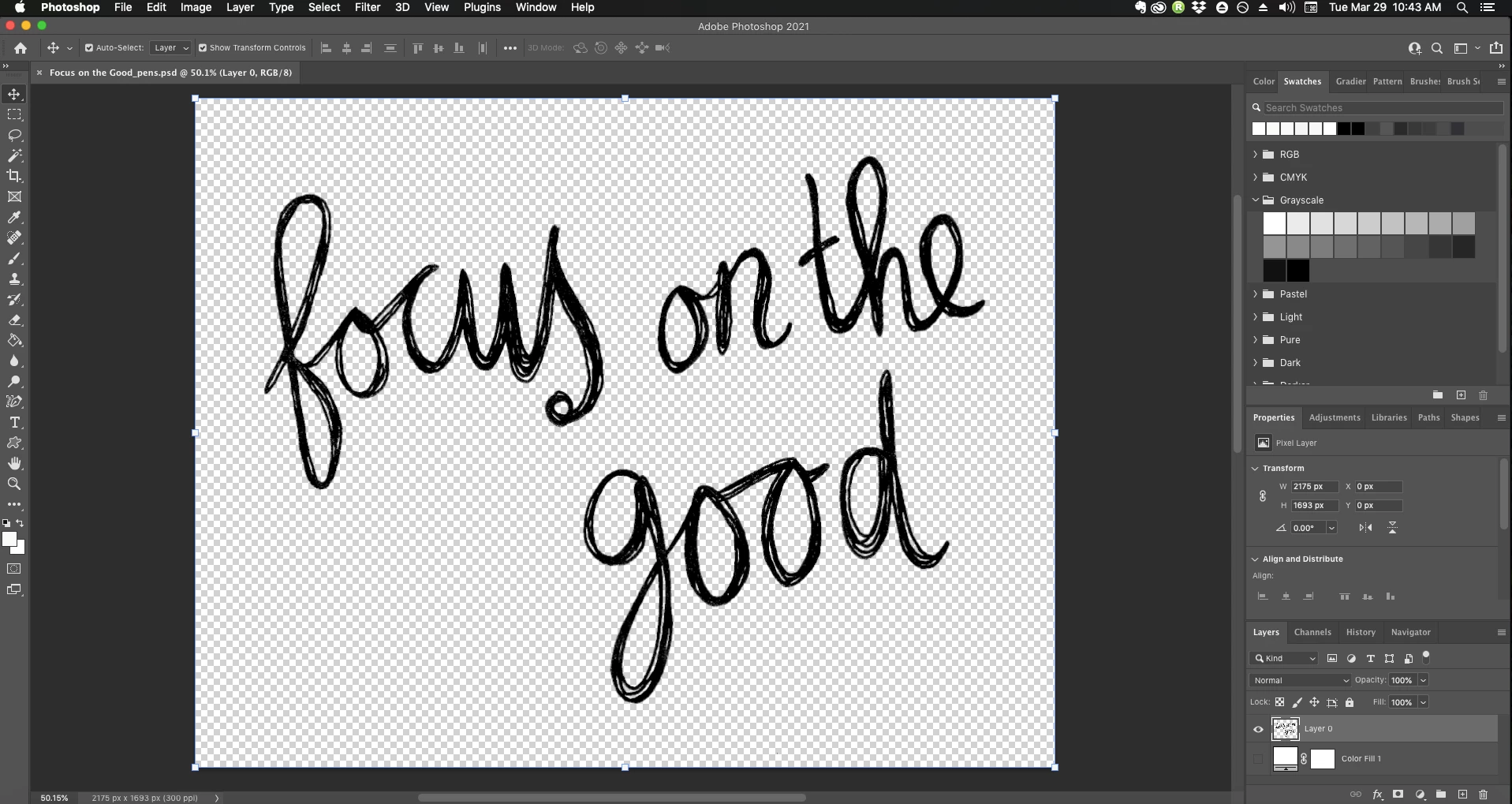
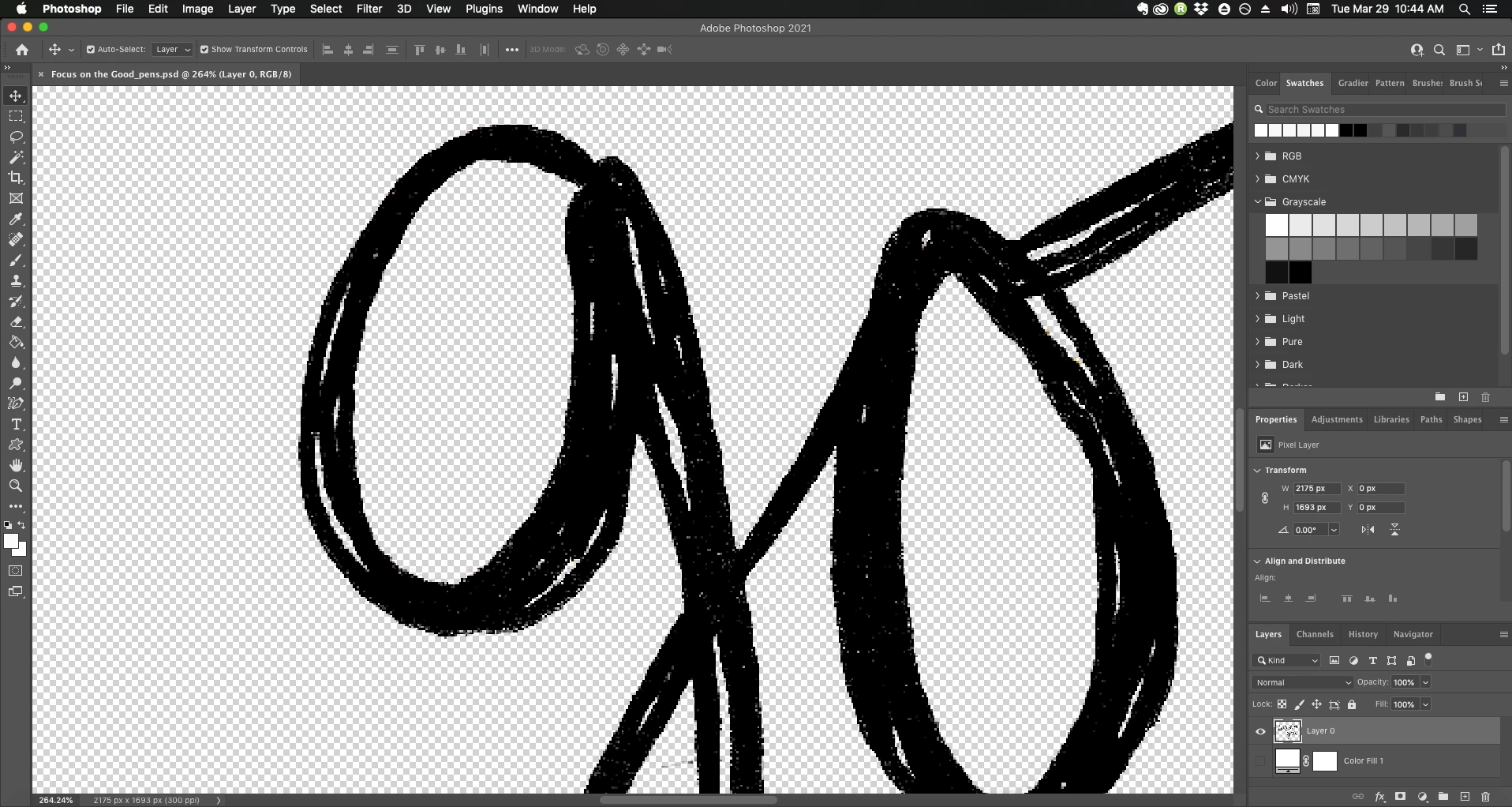
Other than using Contrast/Levels to make the drawing as black as I can and knocking out the white background using Select Color Range, what else can I do? I've tried Bitmapping the drawing at a 50% threshhold but that just gives it slightly jagged edges. And tracing vector paths over this with the Pen tool would take FOREVER, lol. Is there another process that I am overlooking?
I am using Photoshop 2021 on MacOS Mojave. Thanks! 🙂
 AdChoices