Participant
January 19, 2021
Question

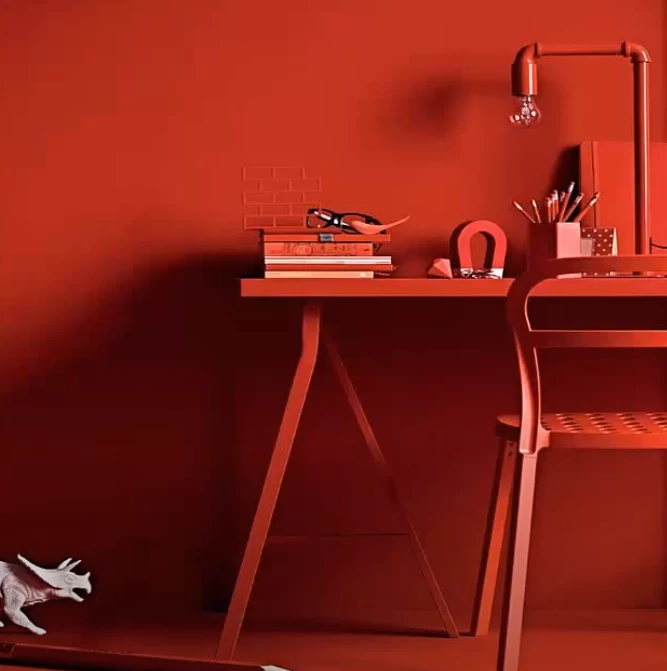
how to make a room have the same color (Monochromatic)

  • January 19, 2021
  • 3 replies
  • 344 views

Is there's a way I can do this in photoshop? 

basically how to make a room have the same color using Monochromatic.
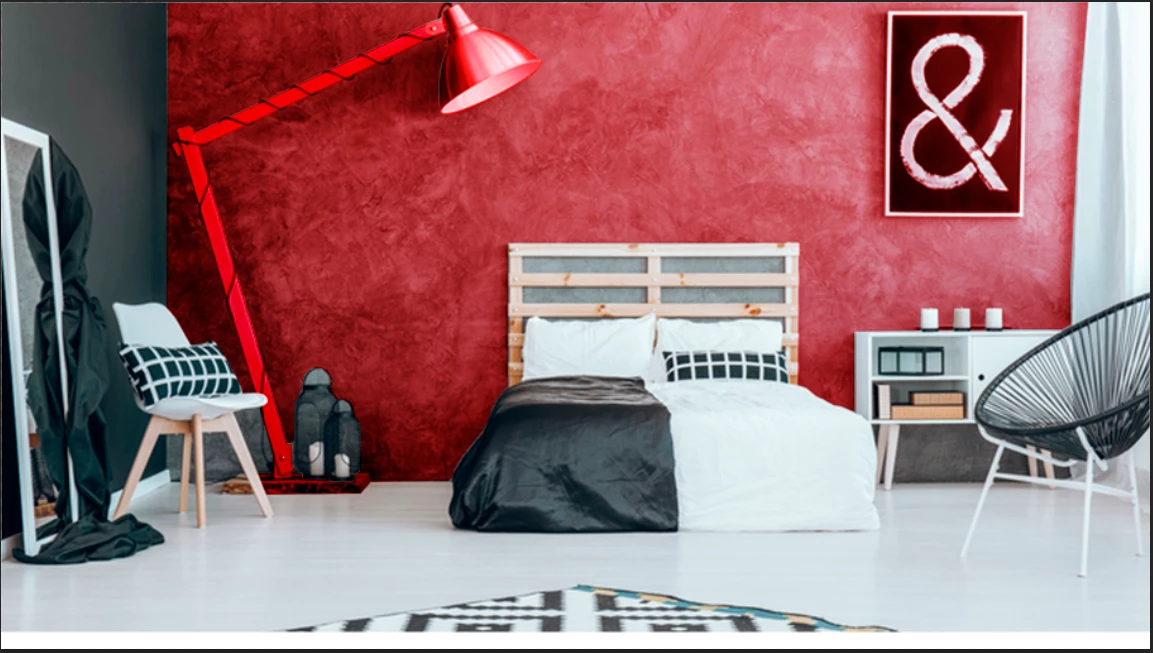
I try using curves but it doesn't look realistic. 
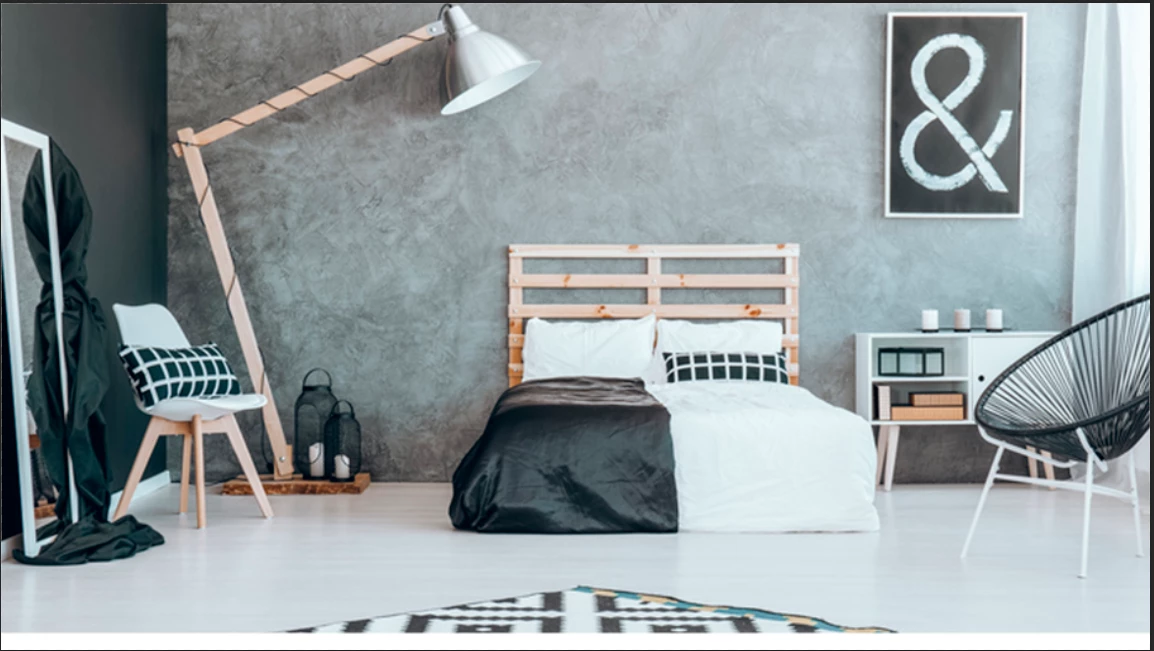
ORIGINAL IMAGE
 

This topic has been closed for replies.

3 replies

Mylenium
Legend
January 19, 2021

You need to create individual masks for the different regions and use them on colored solids or adjutments such as Tint or Gradient Map and then play around with opacities and blending modes. there is no simple pushbutton answer here if it really needs to look good which is kind of the point - to convey the illusion of everything being uniform, the objects would still have different reds in the real world. It's all about perception, not actual color.


Mylenium

Grant H
Community Expert
Community Expert
January 19, 2021

Hi, careful attention needs to be made on how new mask the image, secondly create a solid colour layer set to multiply (red in this case), above that clip an adjustment layer to it (curves) and adjust for the dark and highlights. Go back to your solid colour layer, and adjust the blend if parameters, you will need to split the clip of the darks and highlights for the layer underneath.

/G

c.pfaffenbichler
Community Expert
Community Expert
January 19, 2021

Have you tried Hue/Saturation Layers? 

It may need some fairly precise Layer Masks, though. 


Or a Solid Color Layer set to Blend Mode Color?
